
Async insights.
No meeting required.
Guides, tips, and stories on async communication, screen recording, and getting your time back.
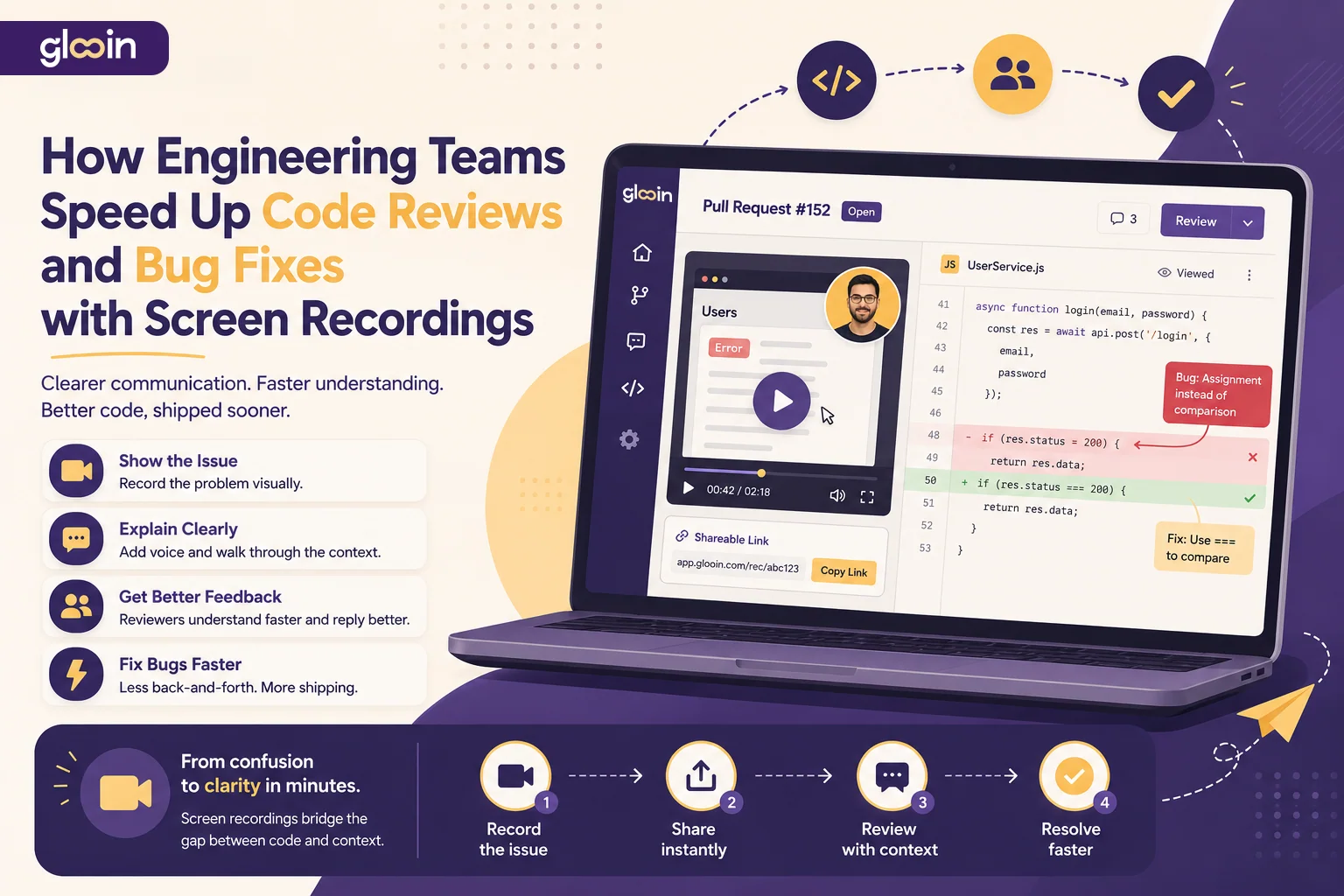
How Screen Recordings Help Engineering Teams Review Code Faster
How async screen recordings speed up pull request reviews, bug reports, pair programming across time zones and onboarding for engineering teams.Read the storyMost read
See allNo. 1Screen Recordings for Bug Reporting: The 2026 Guide for Engineering & QA TeamsNo. 2AI + Screen Recording: How AI Is Changing the Way Teams CommunicateNo. 3From 10-Minute Meetings to 1-Minute Videos: The Async Transformation with GlooinNo. 4How to Screen Record on a Dell Laptop in 2026 (With Audio)
Latest stories
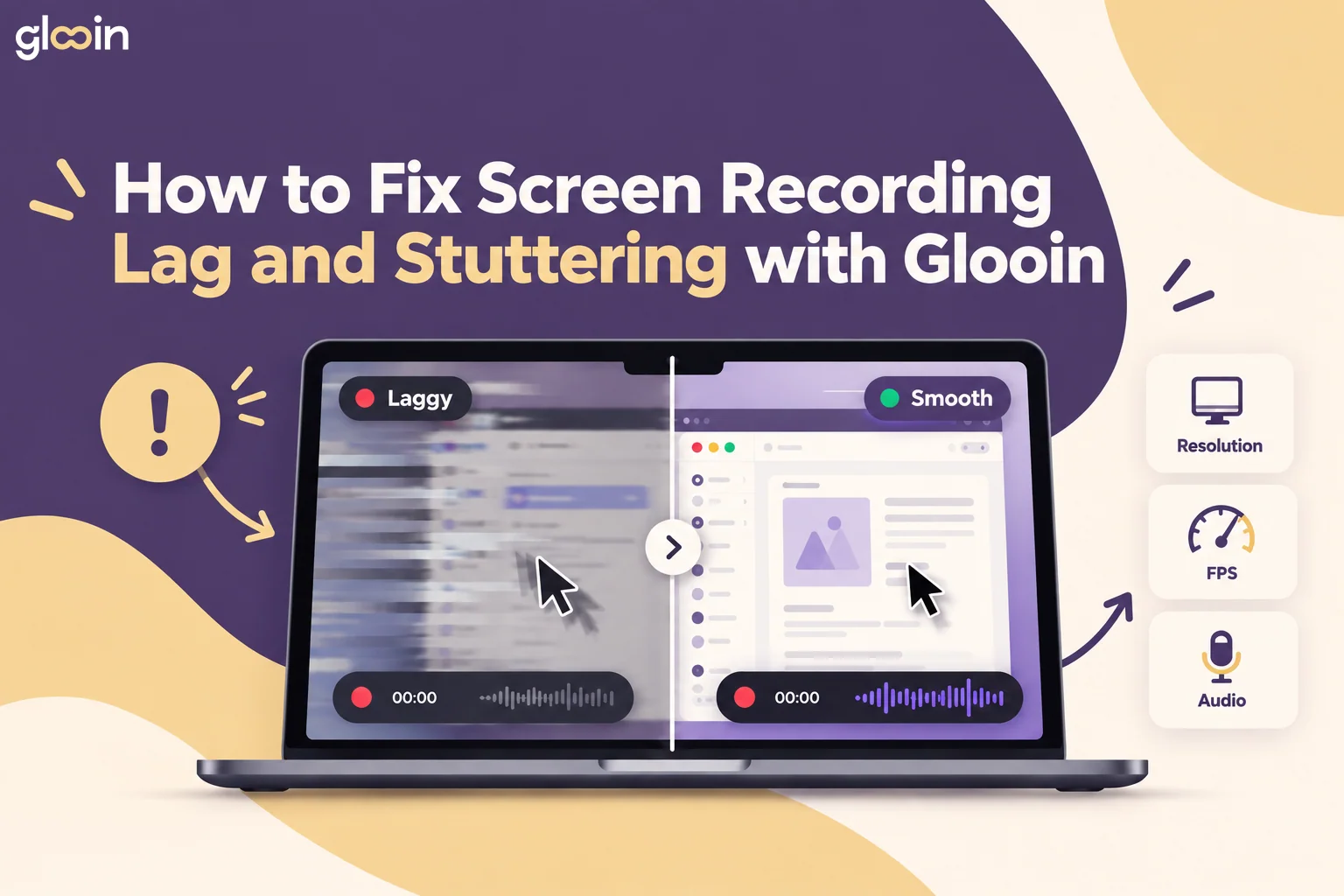
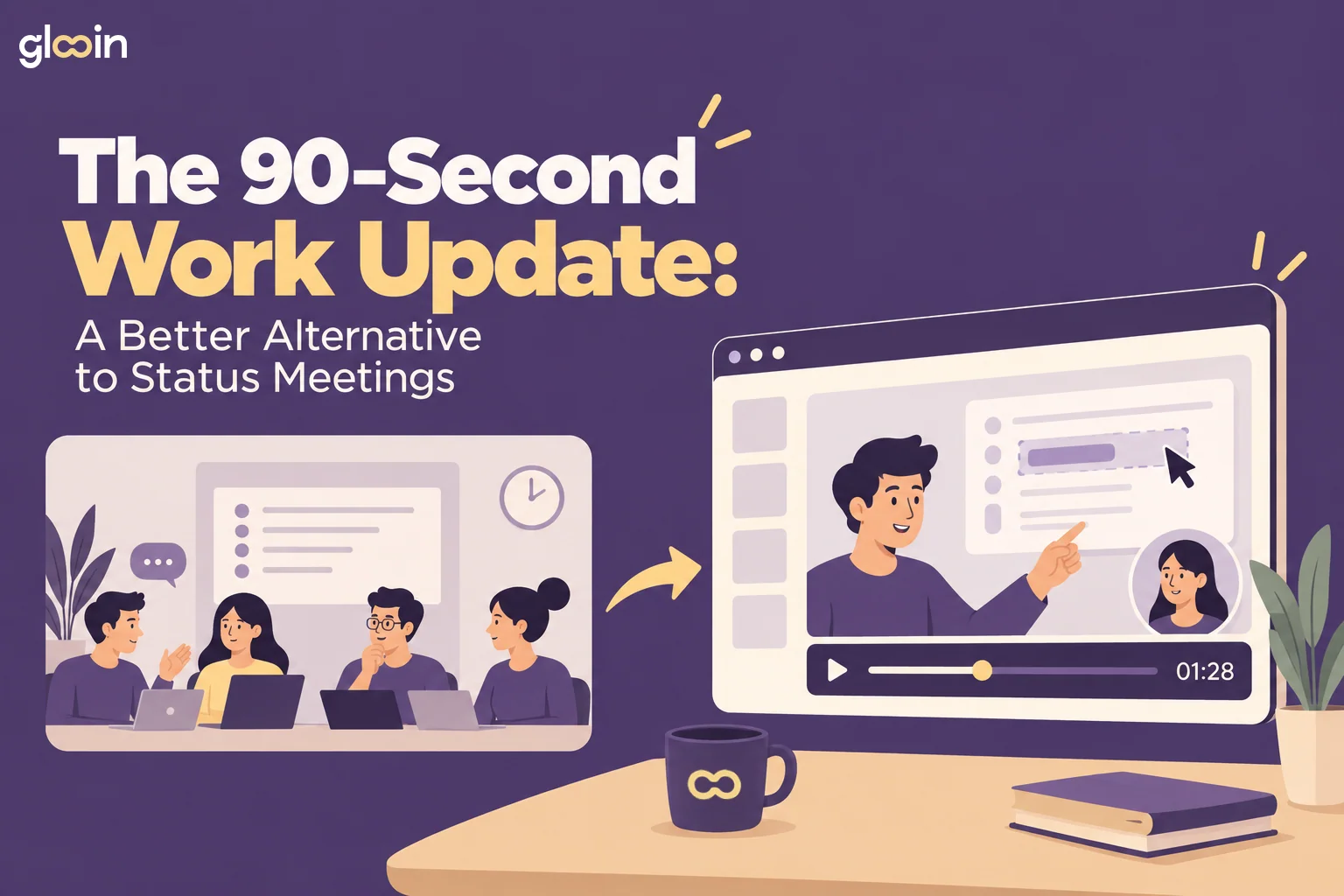
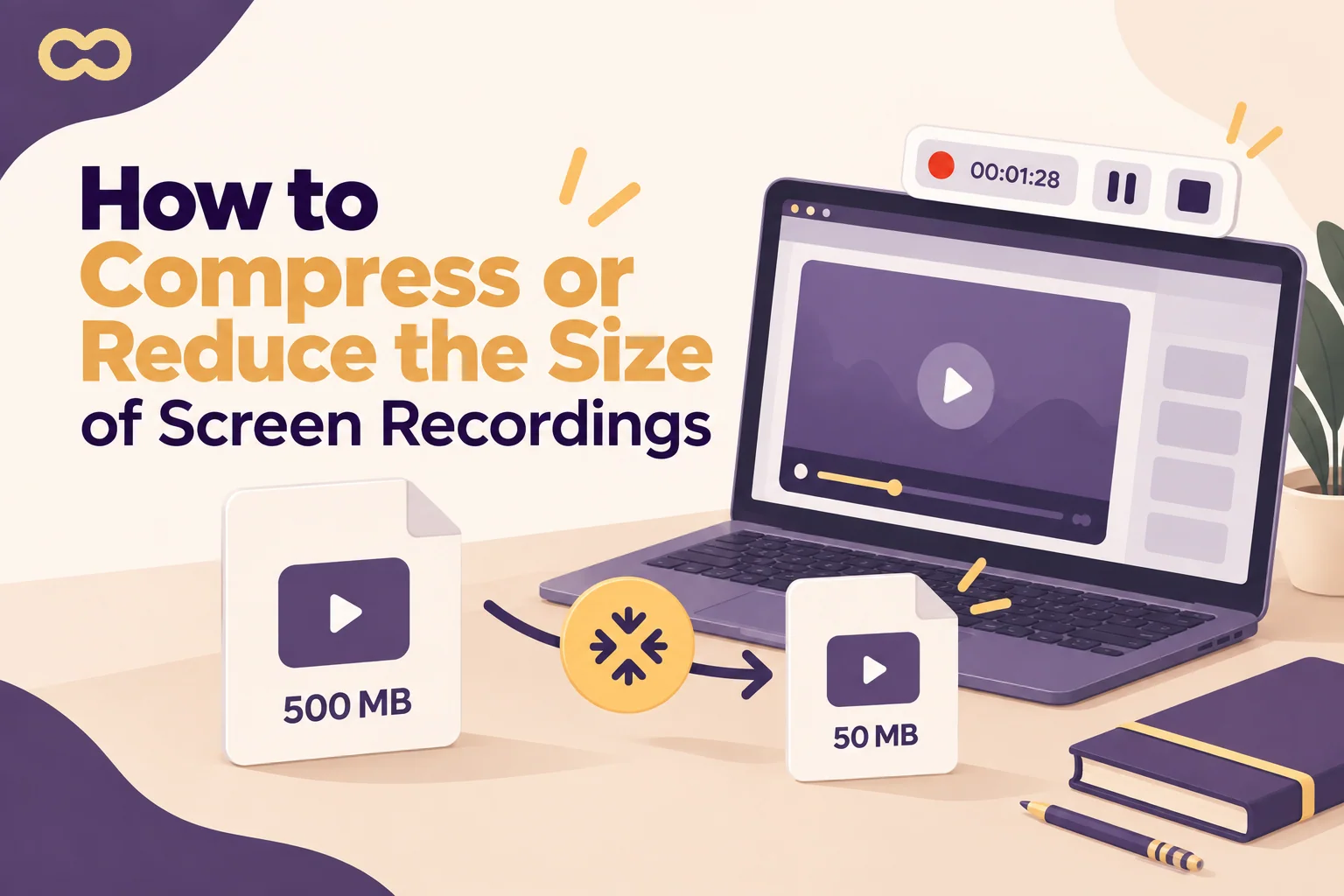
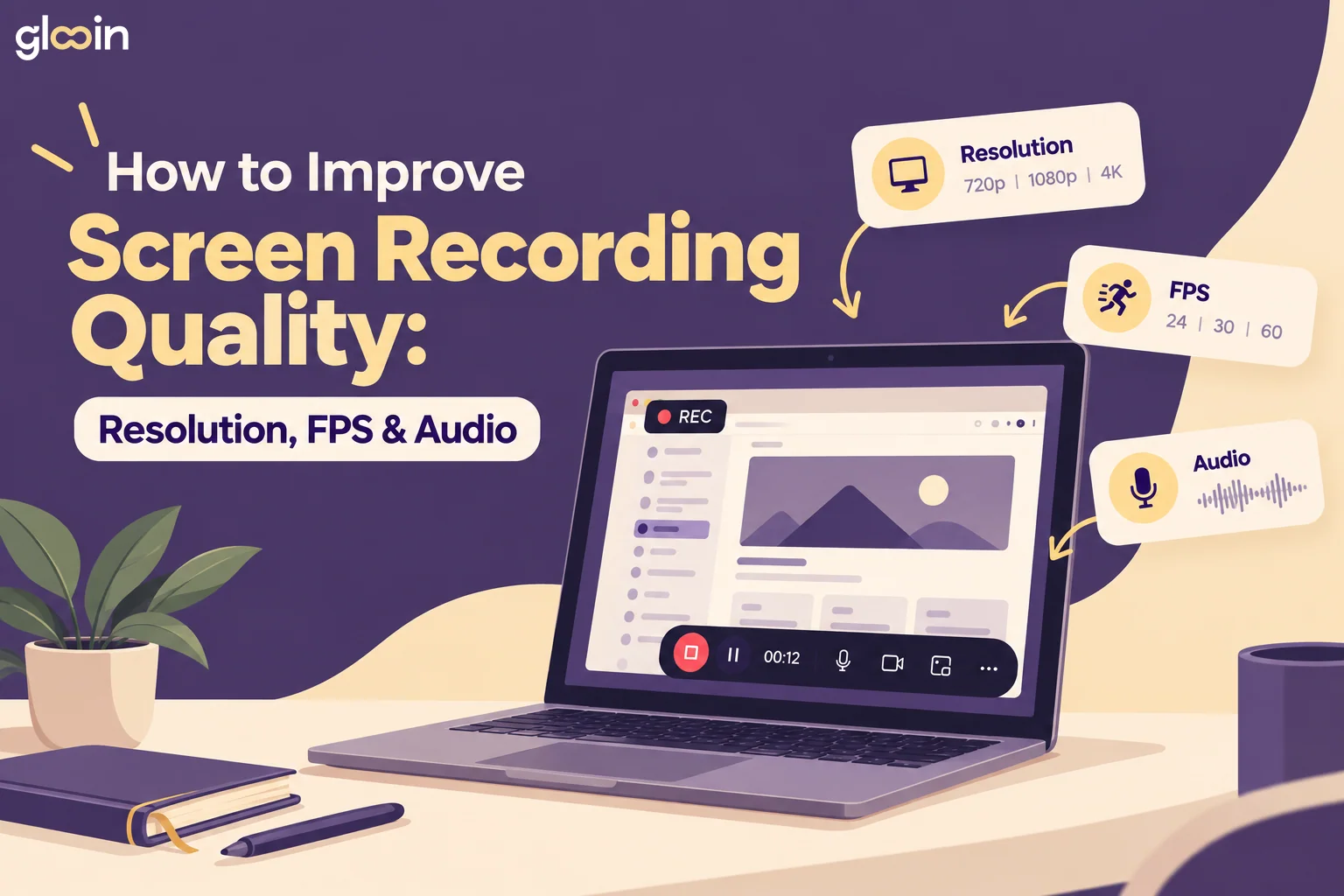
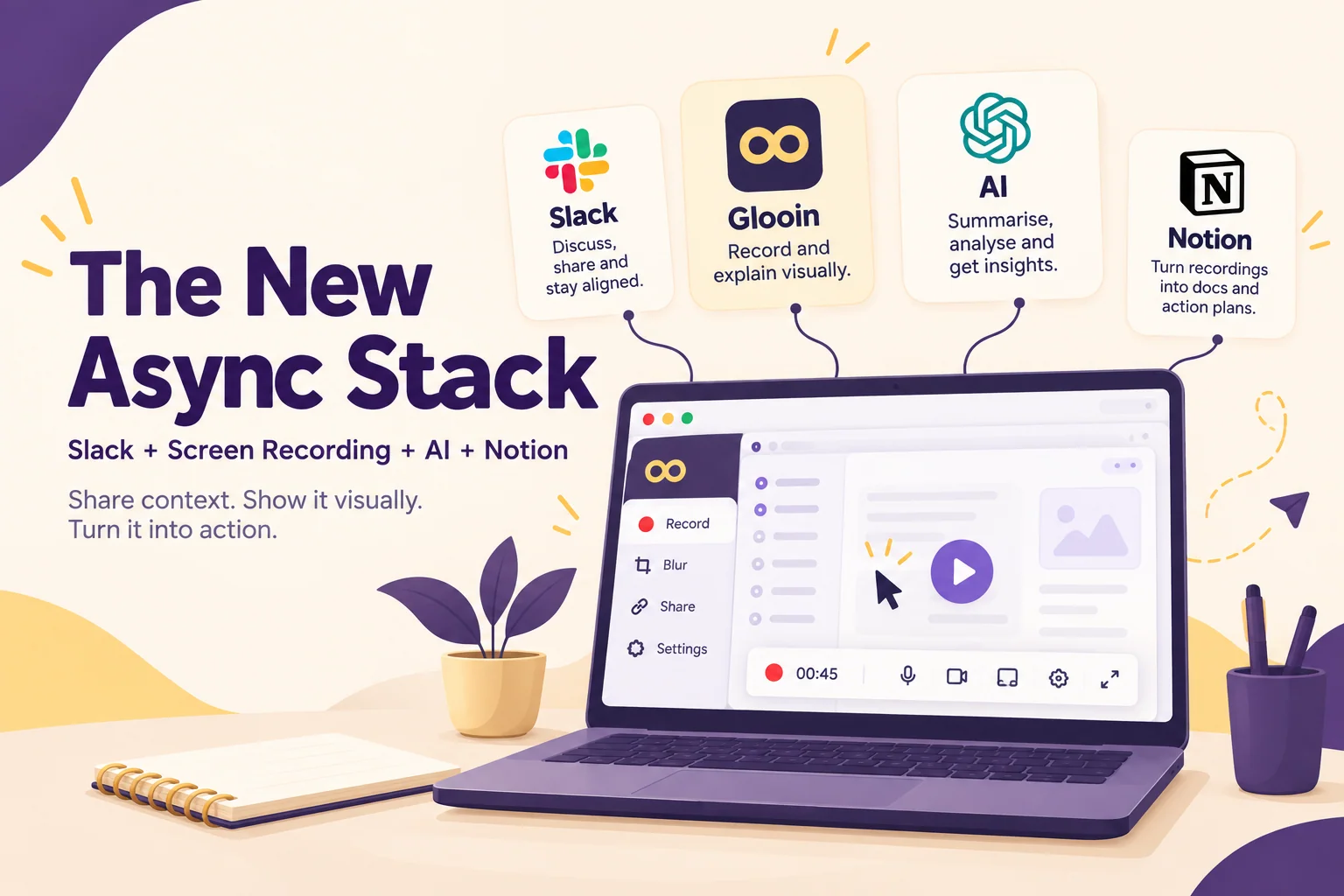
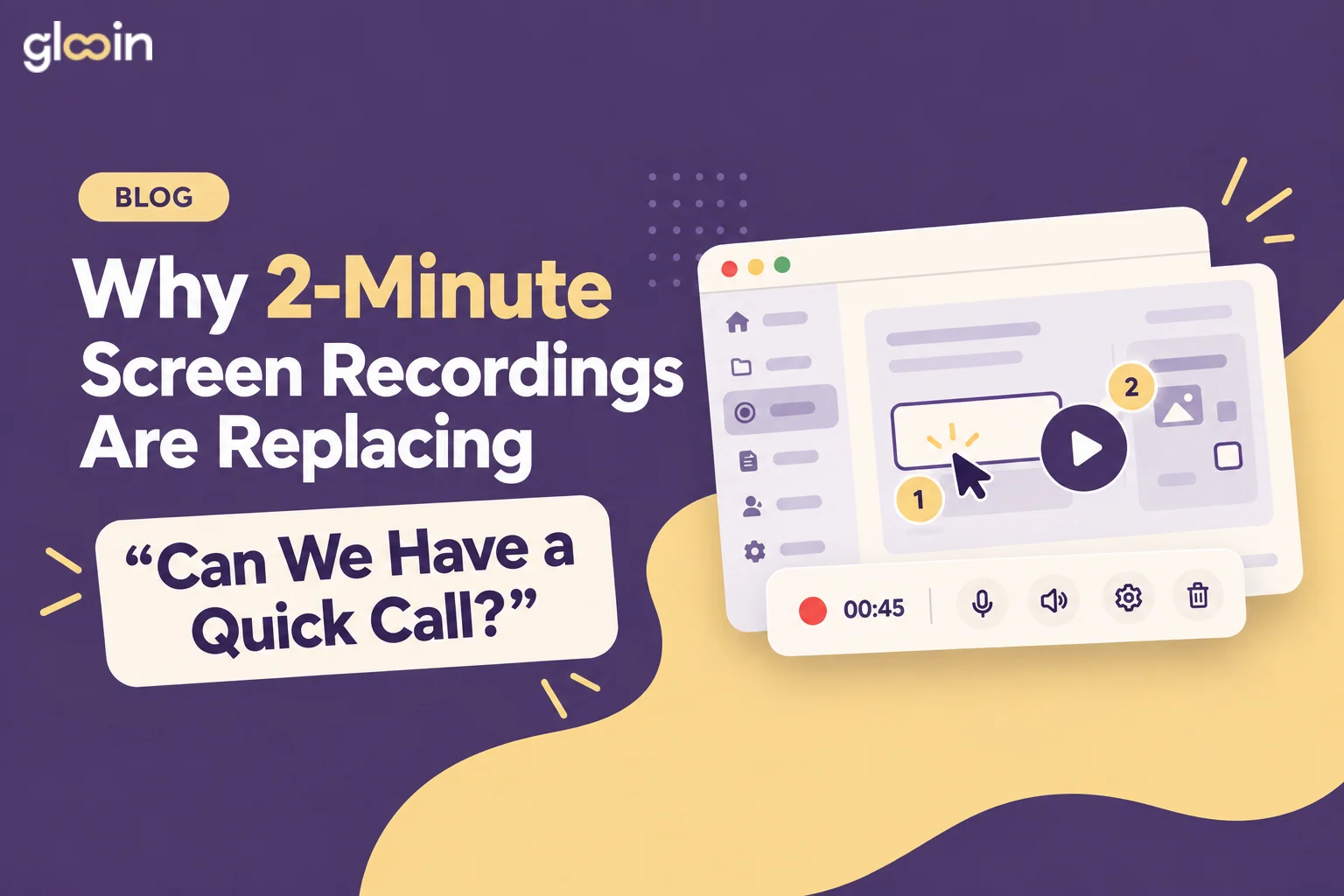
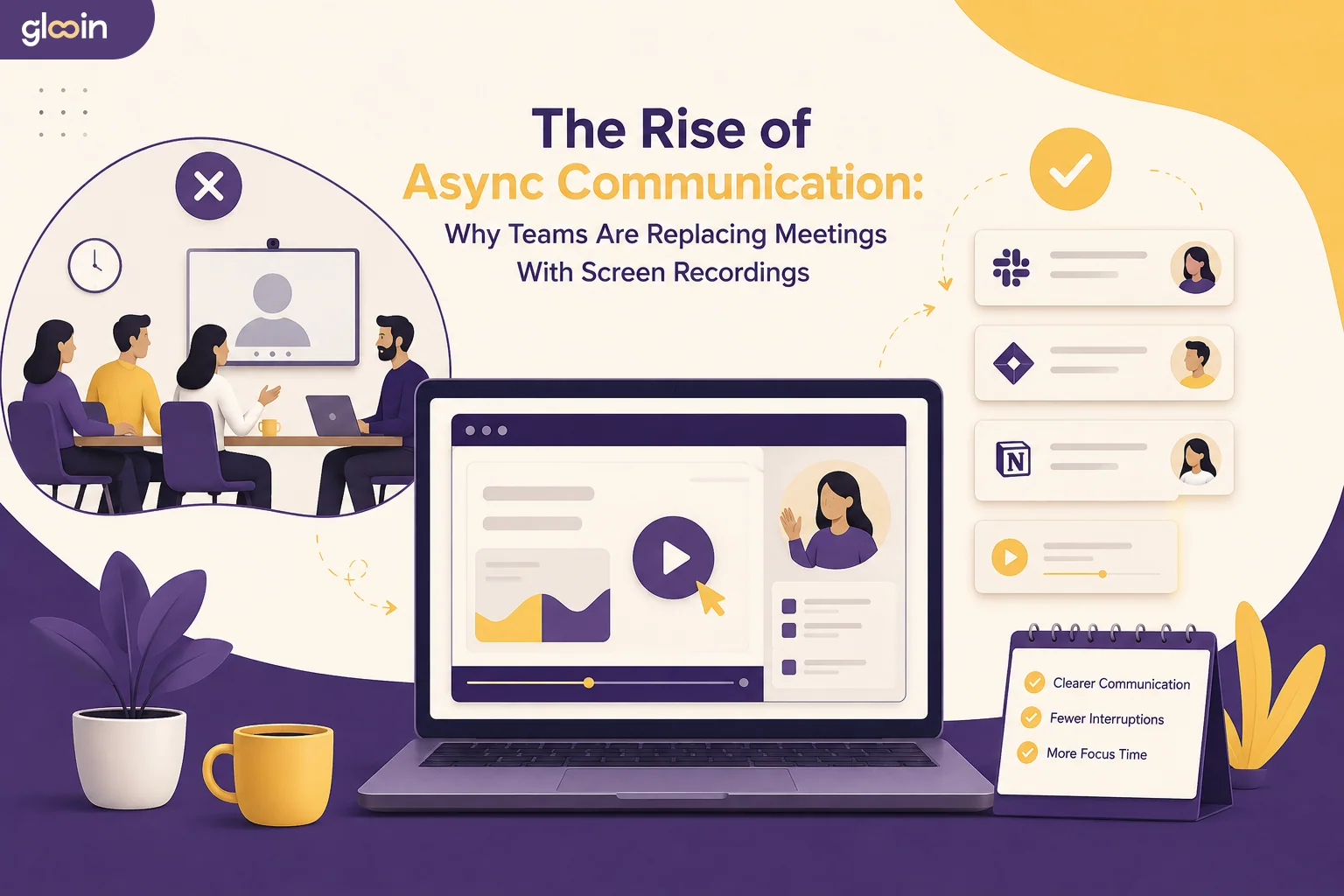
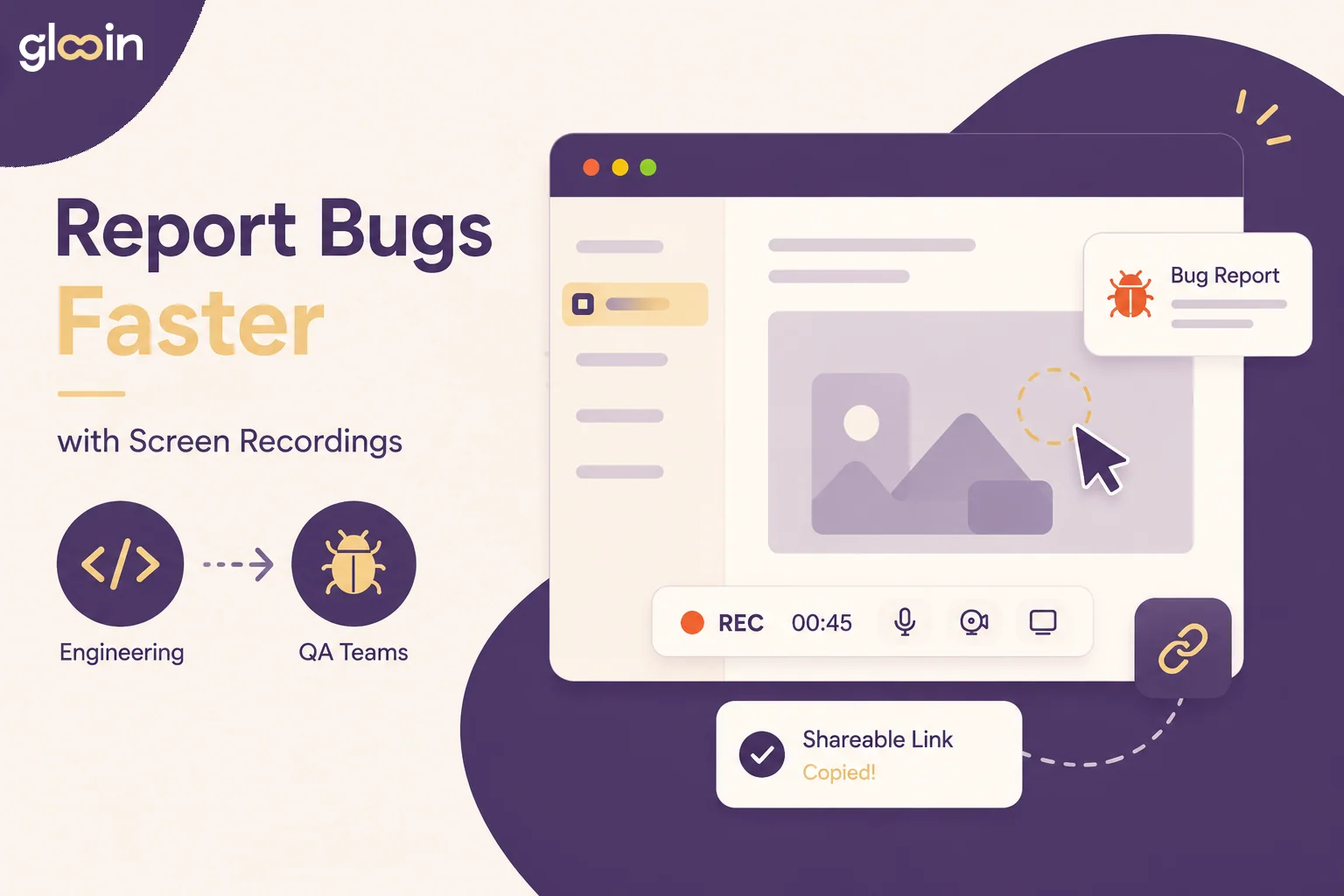
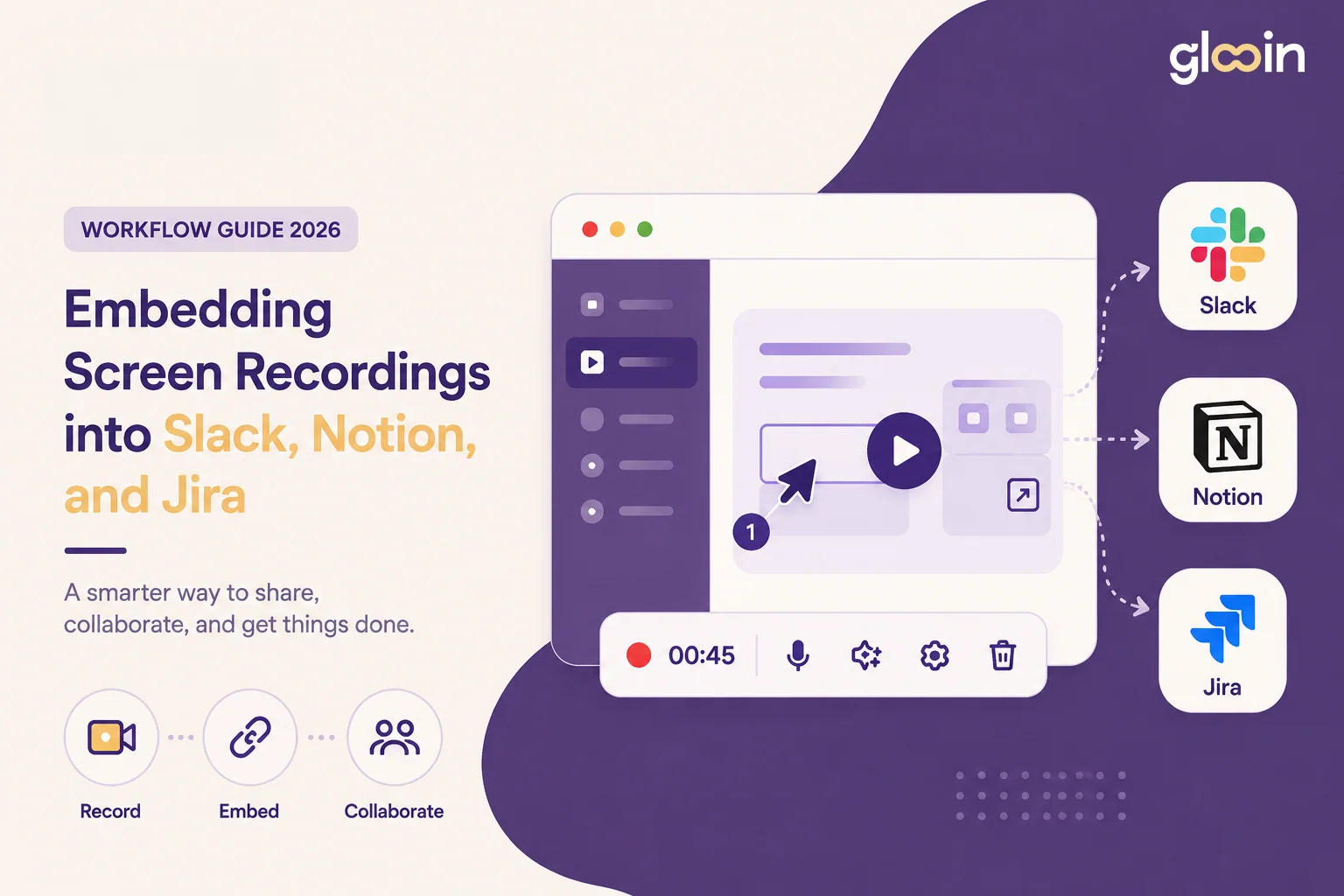
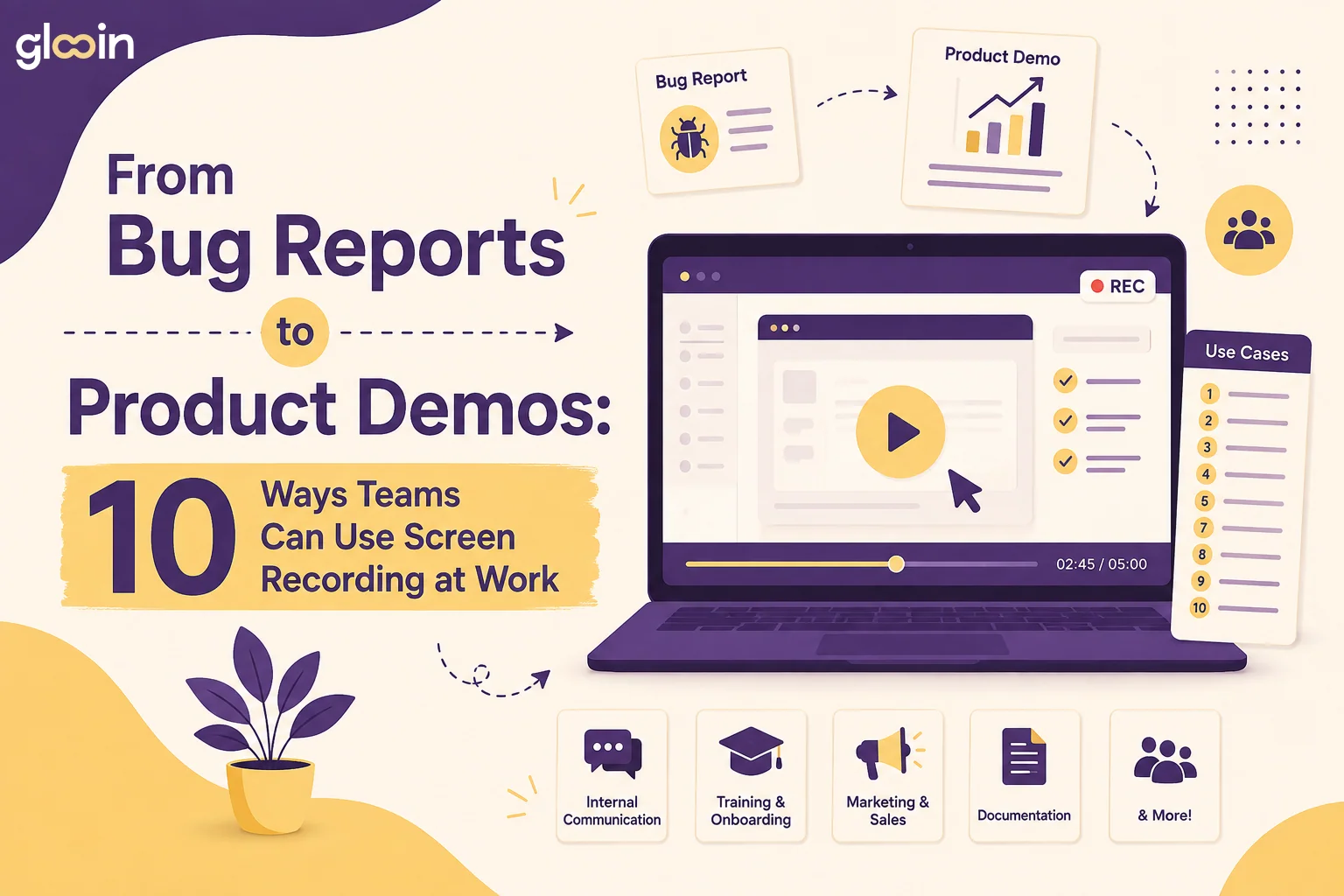
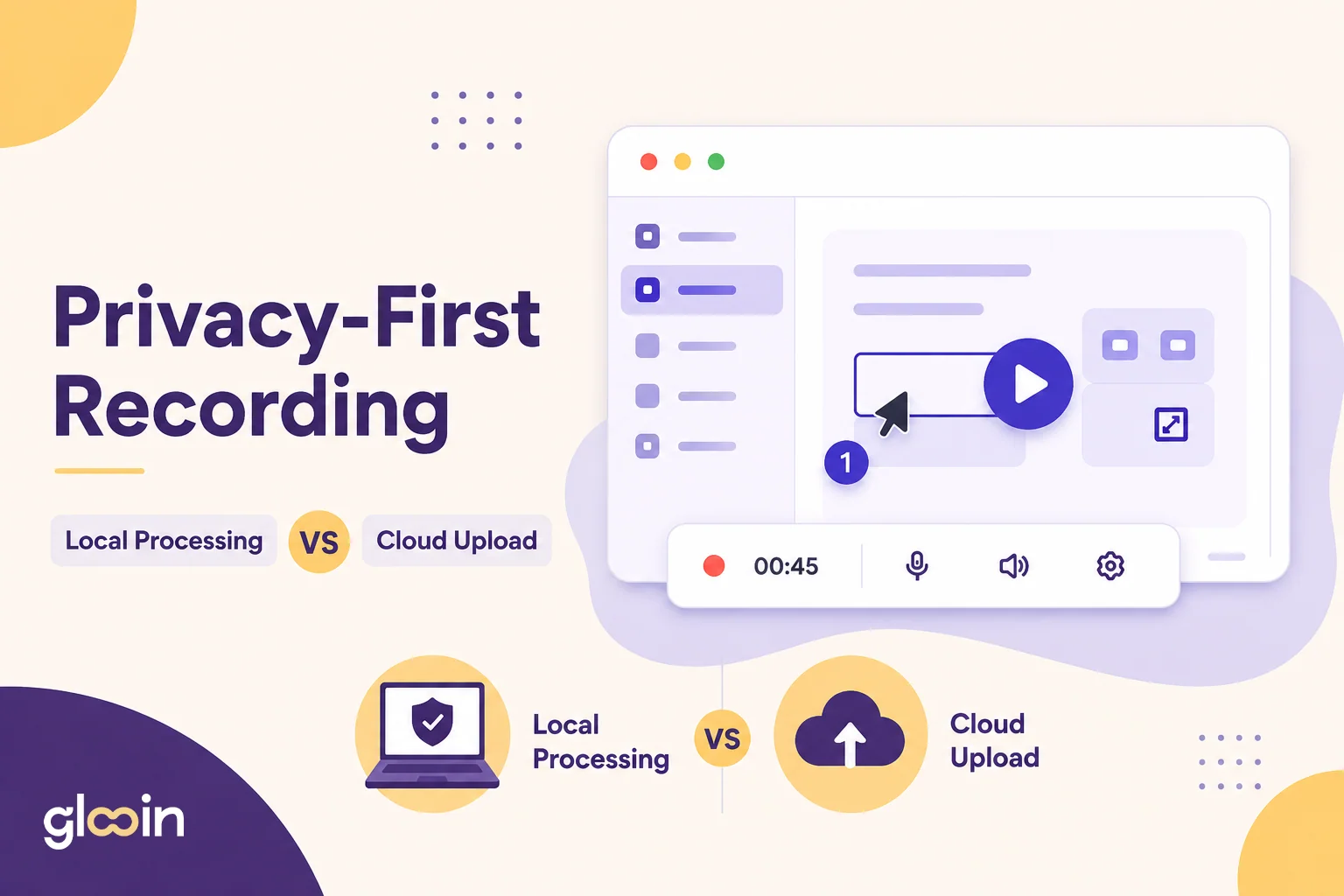
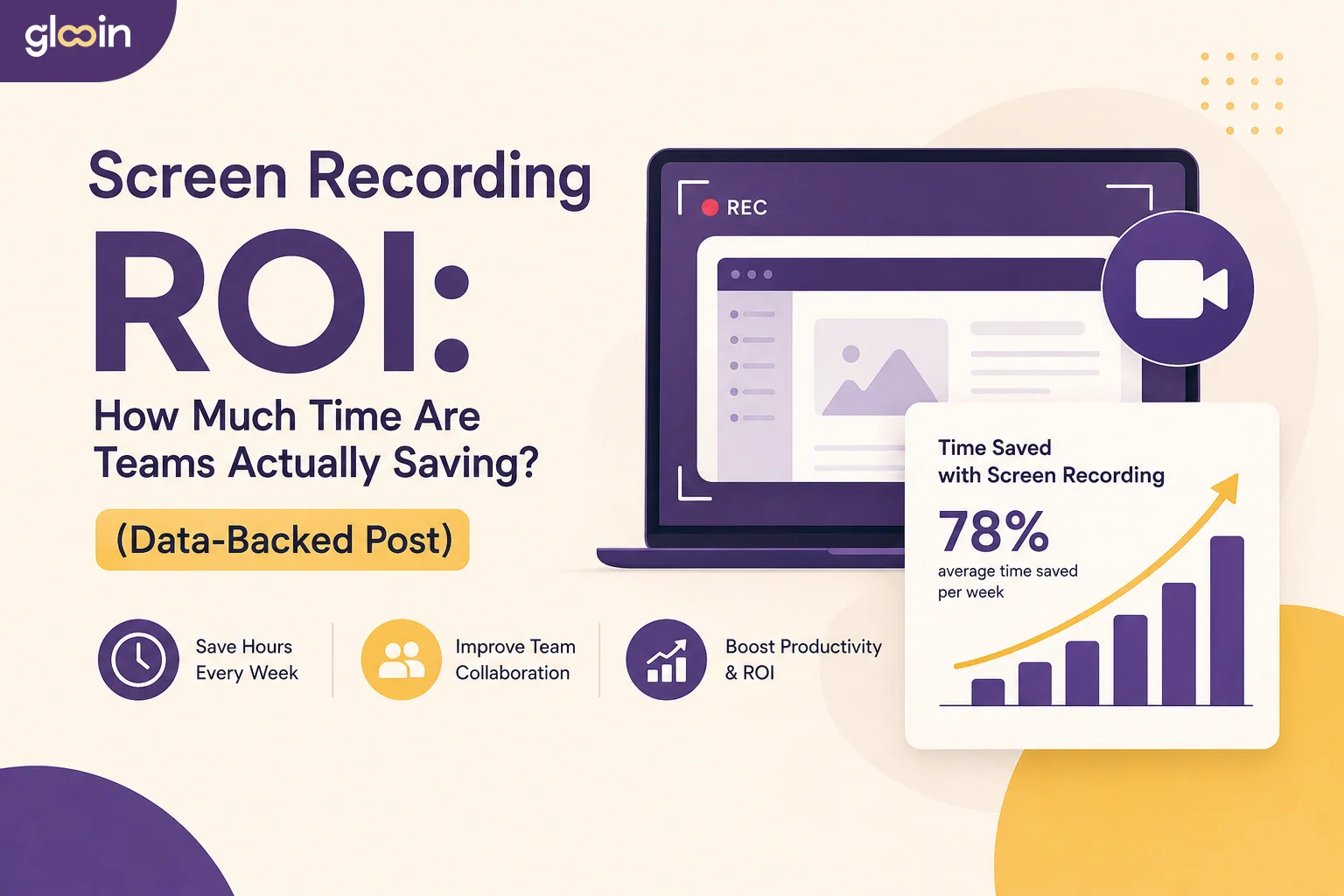
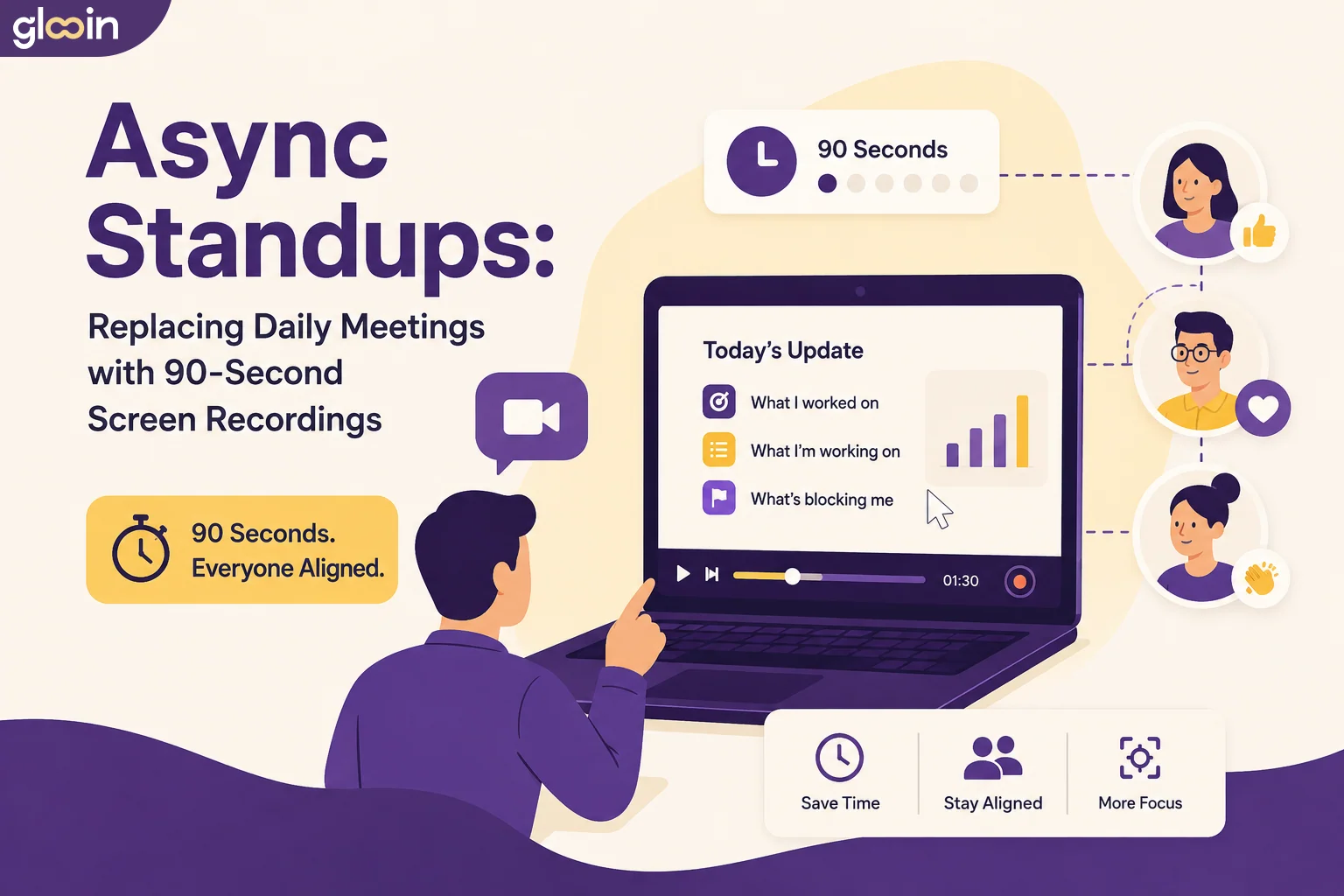
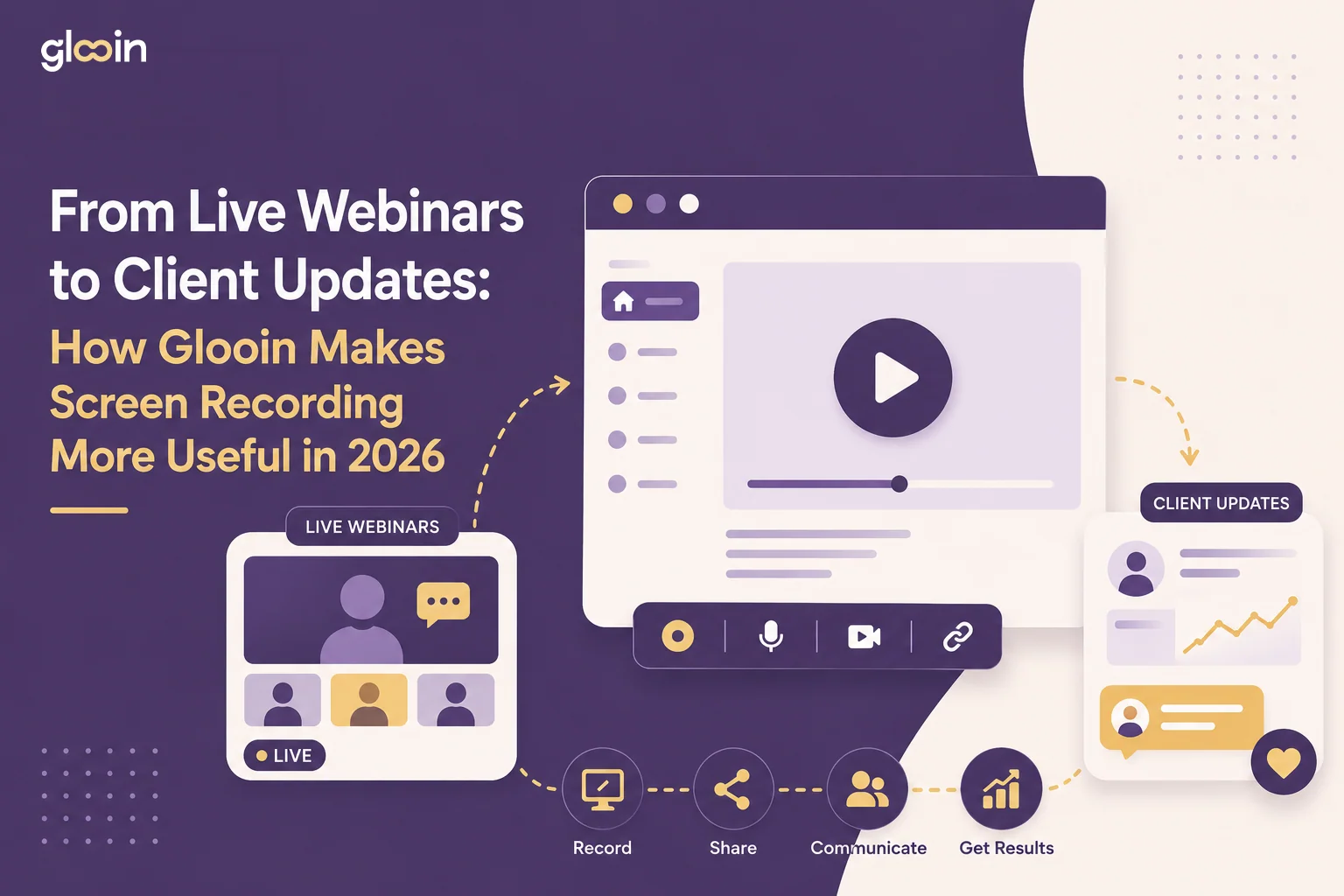
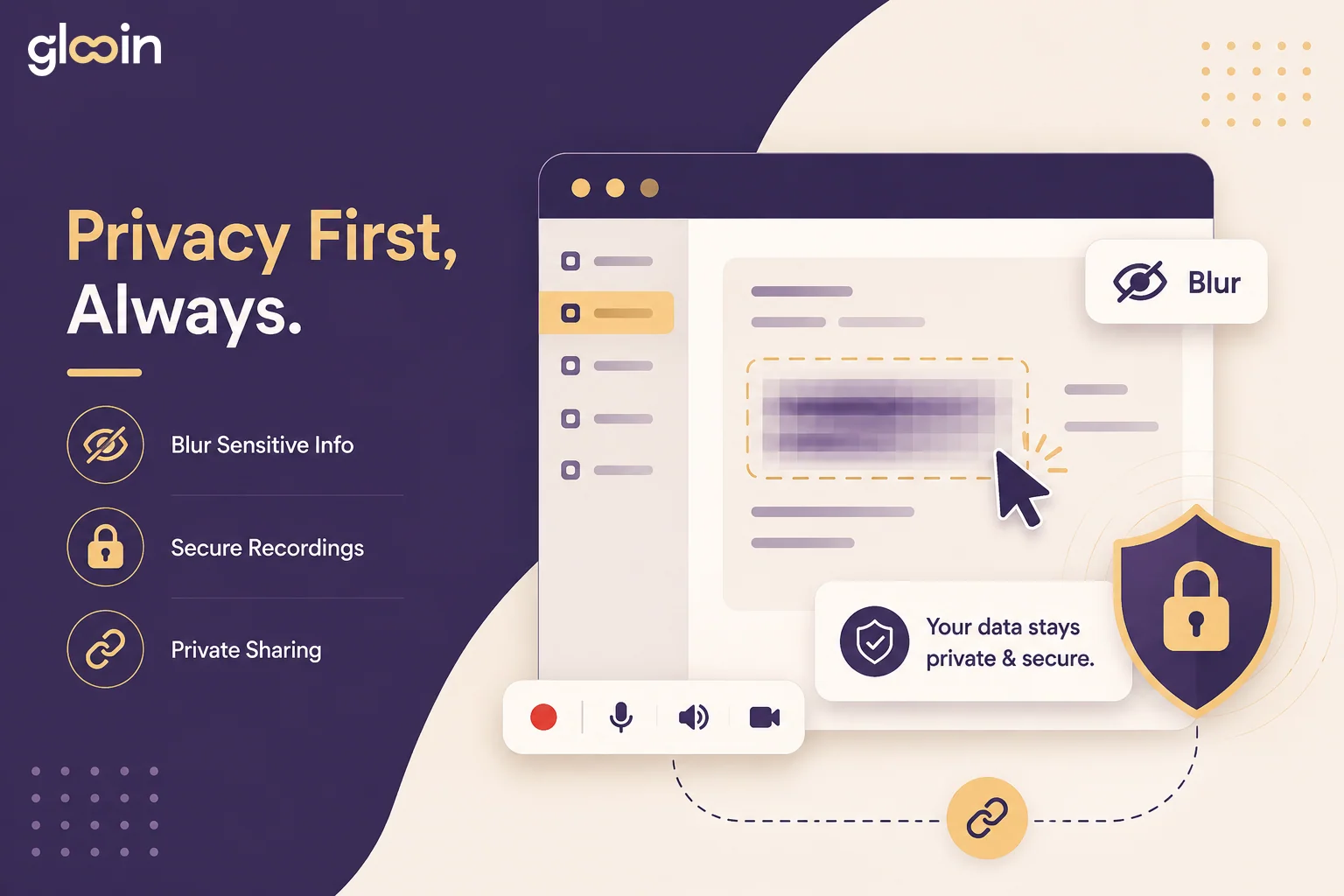
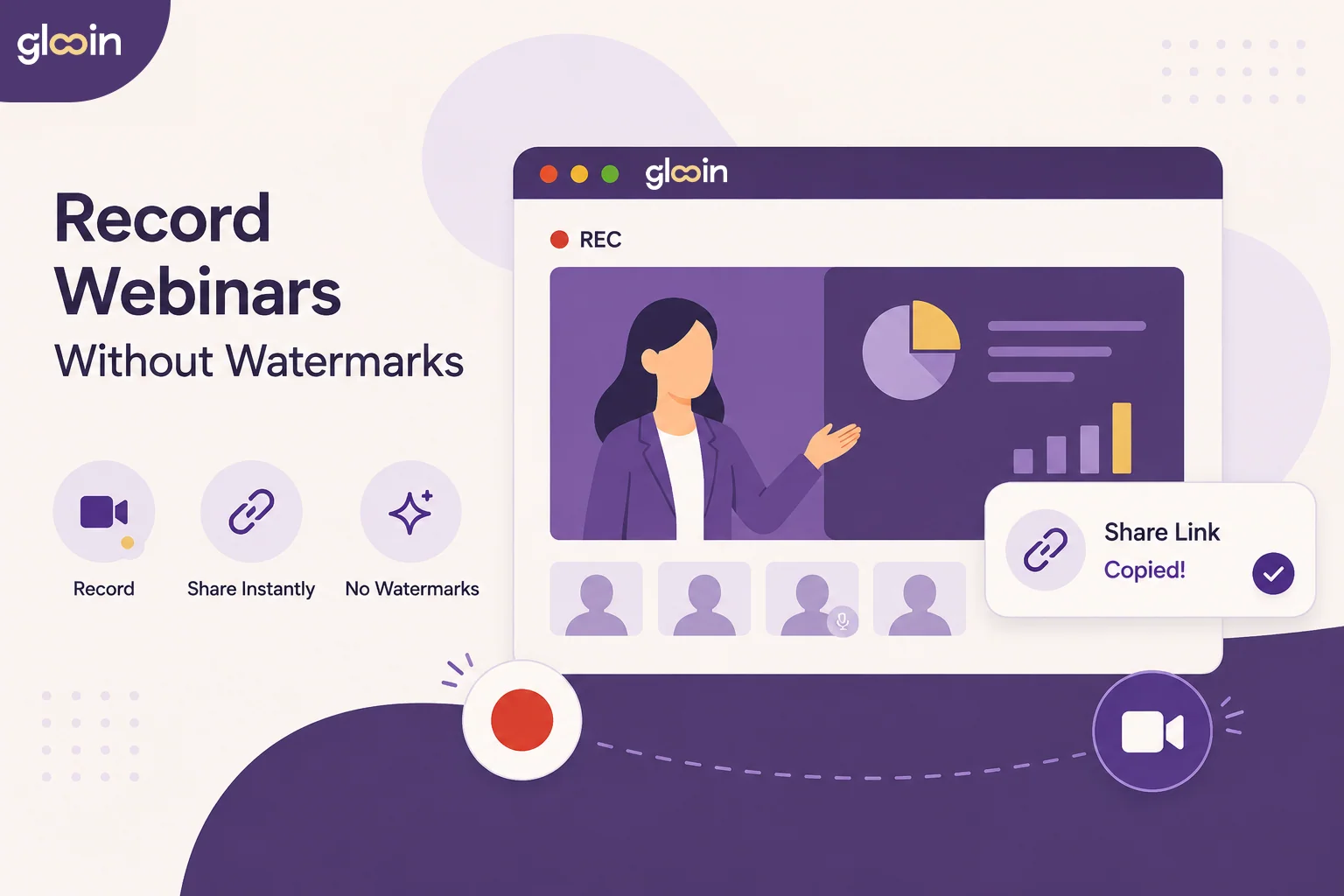
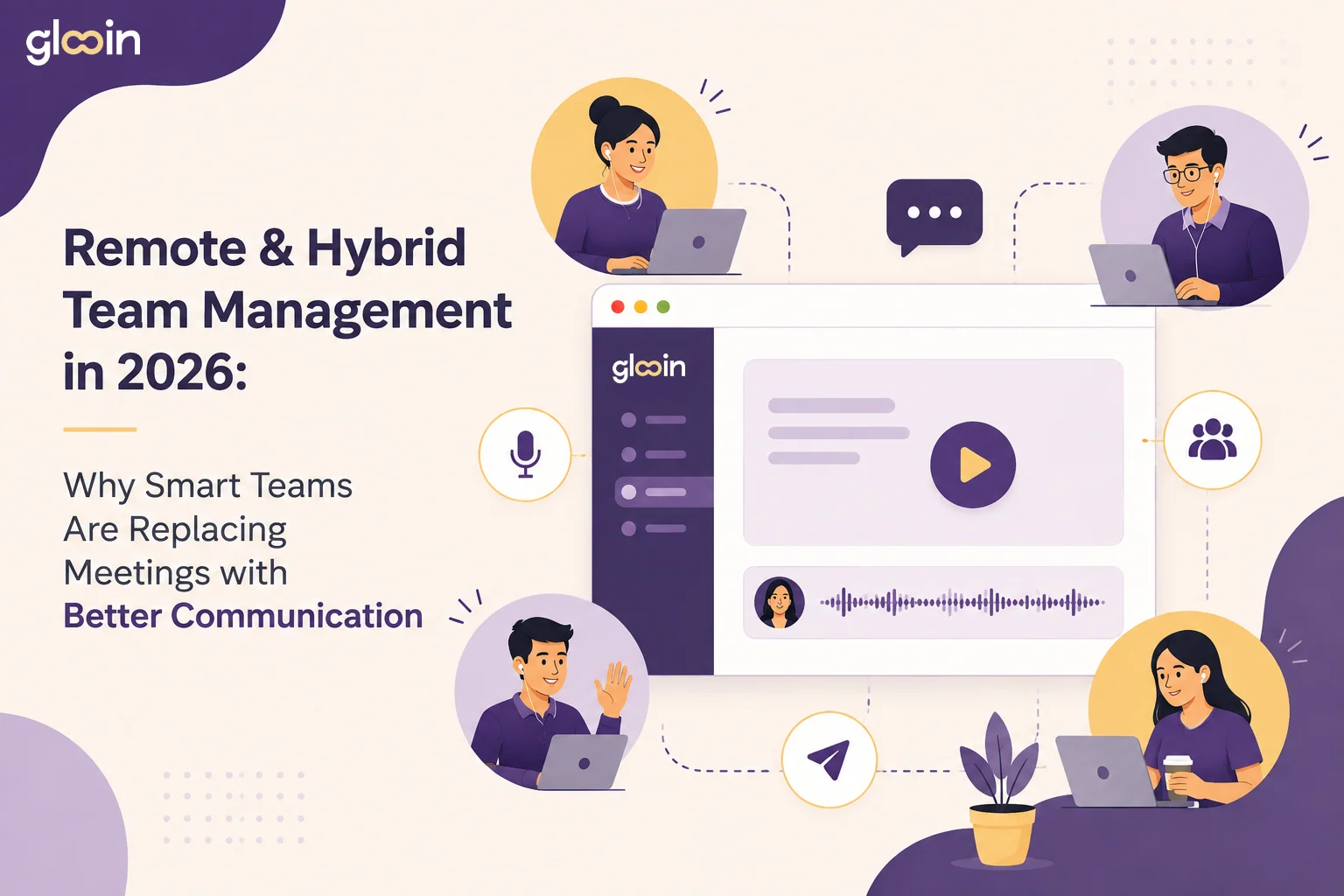
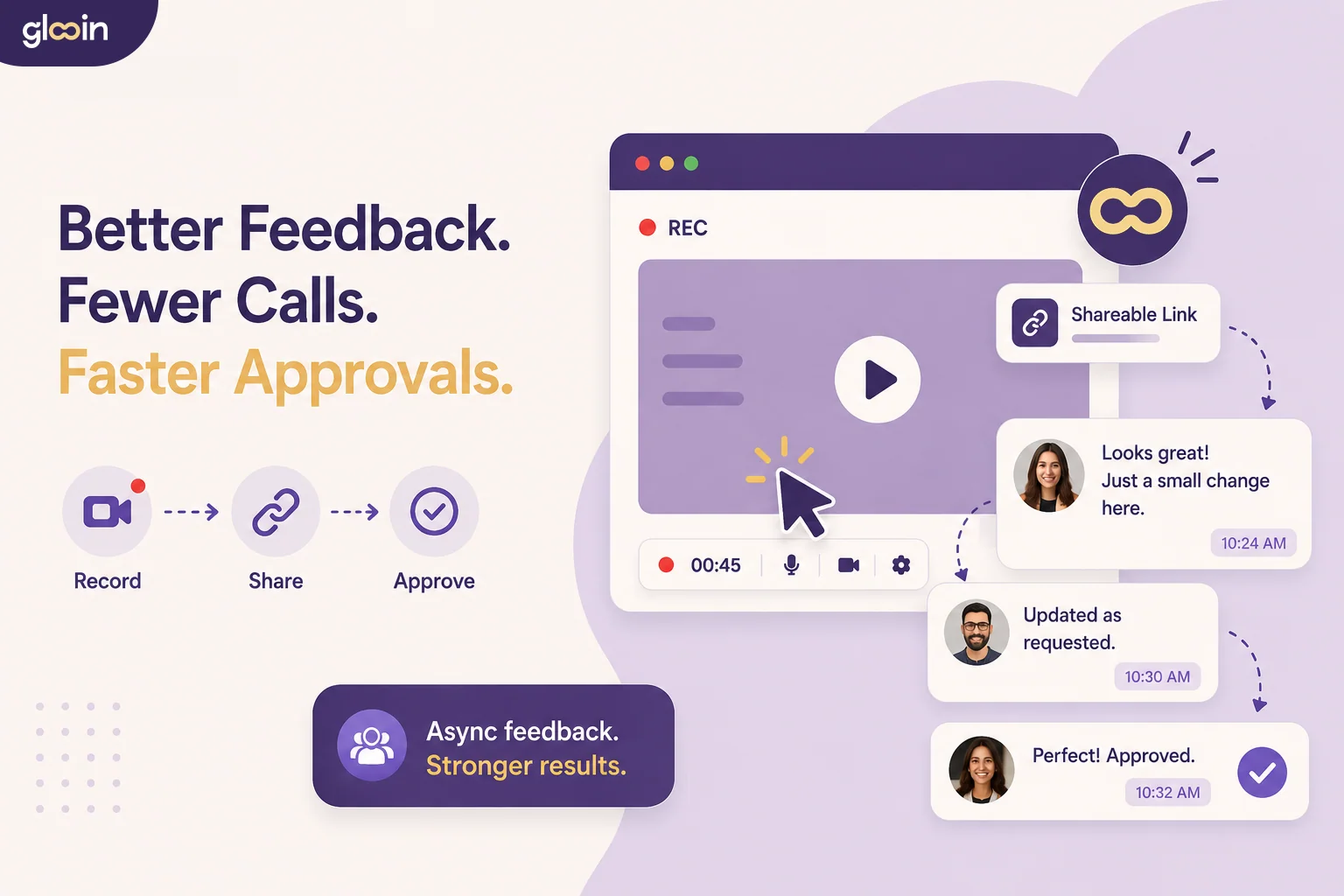
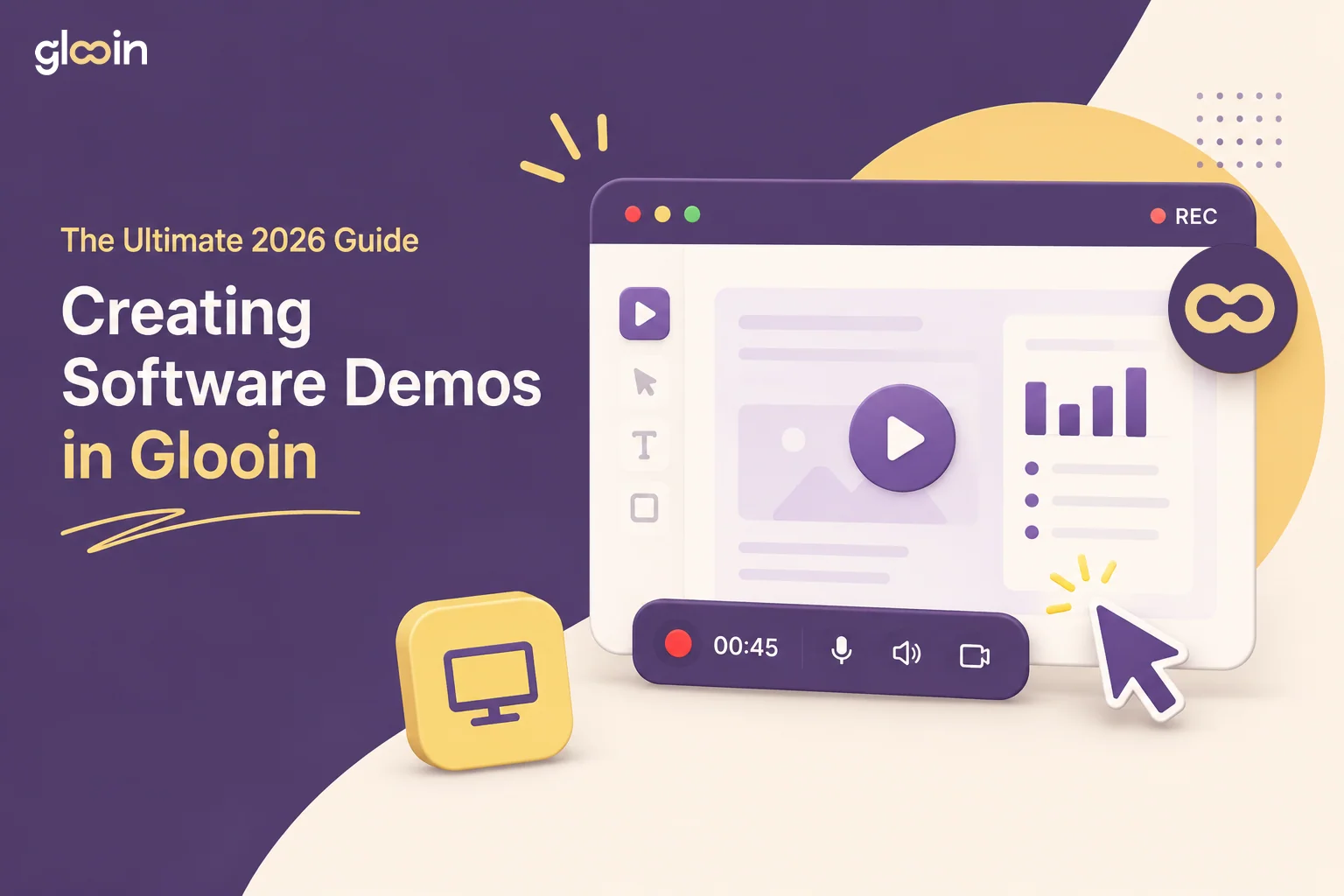
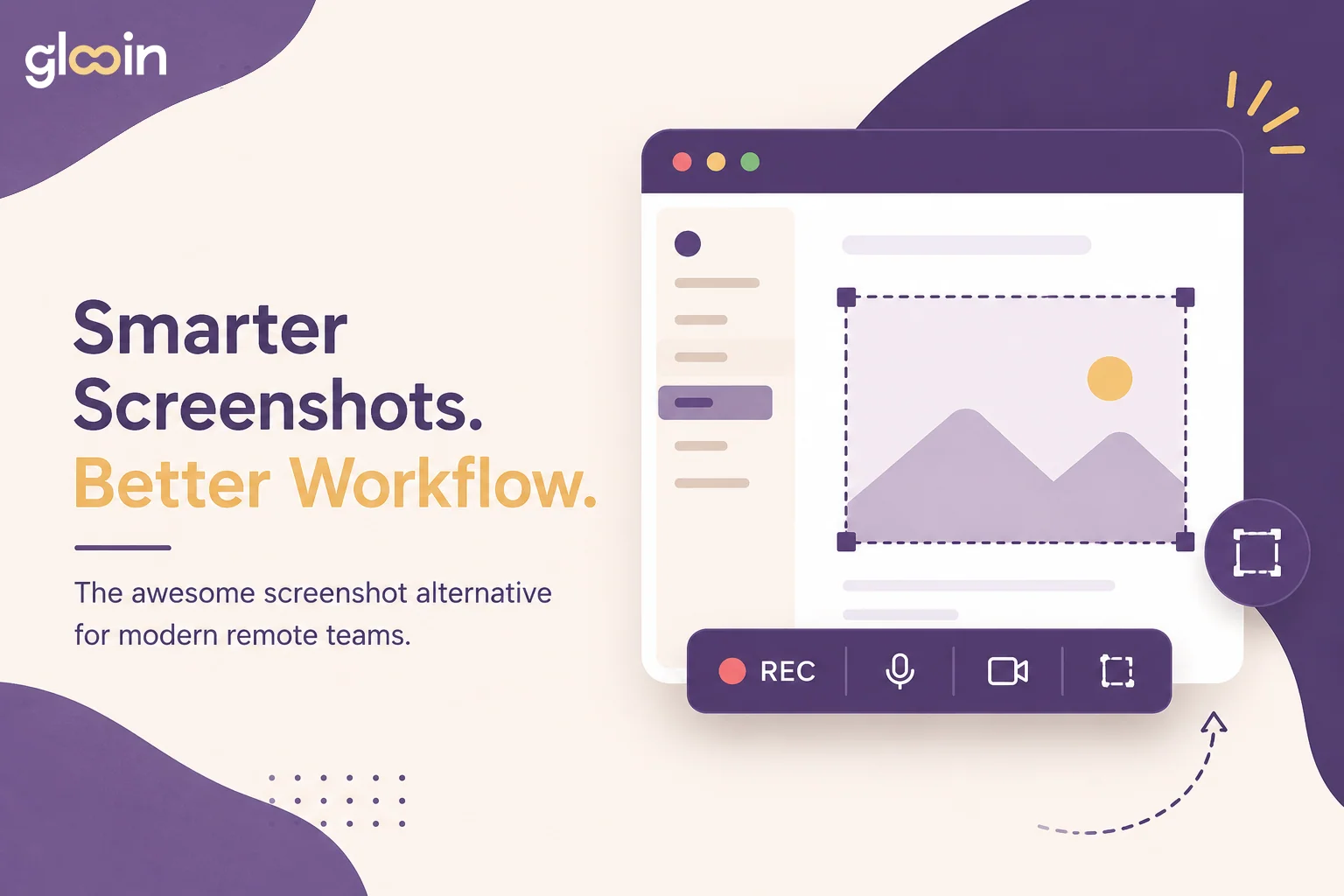
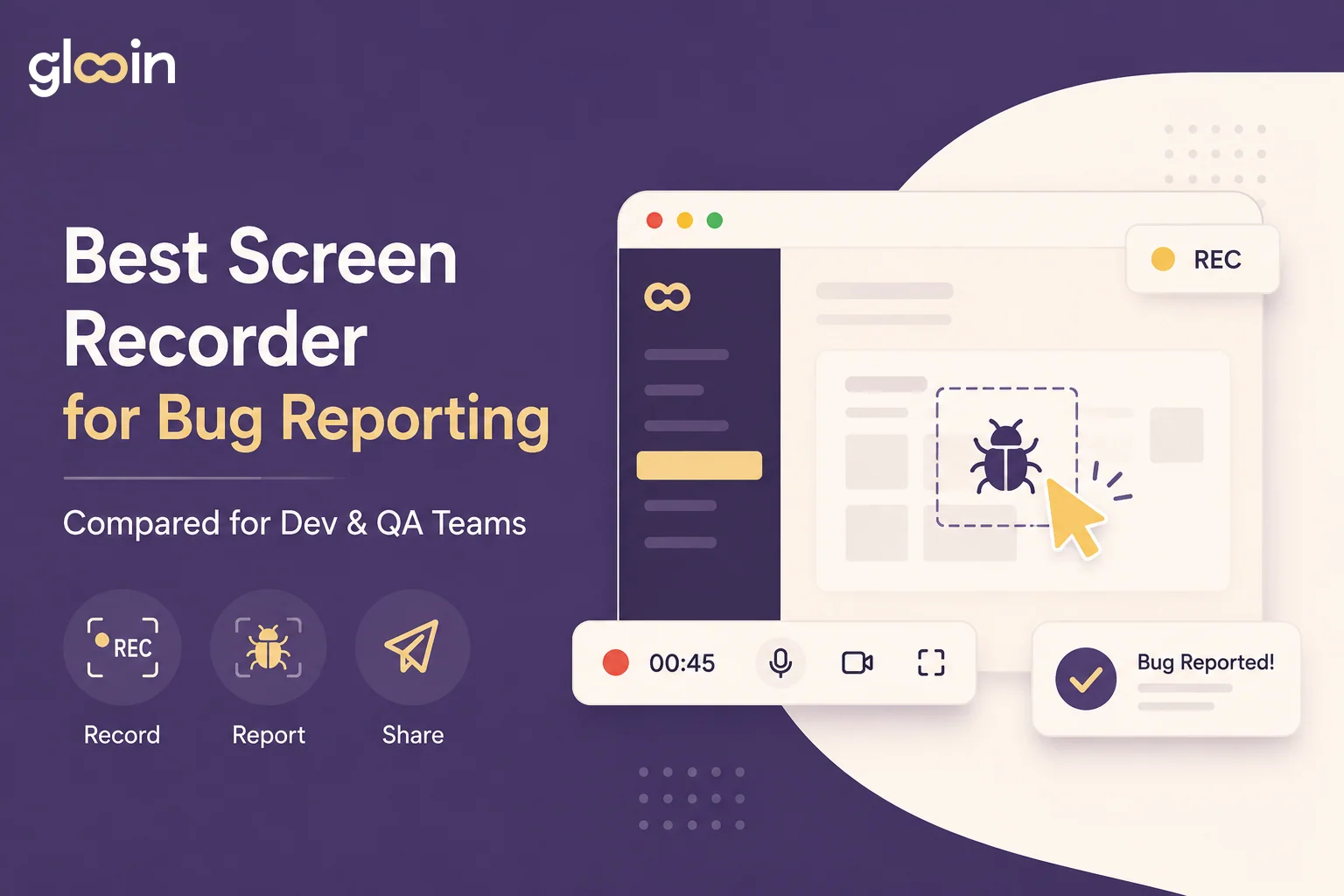
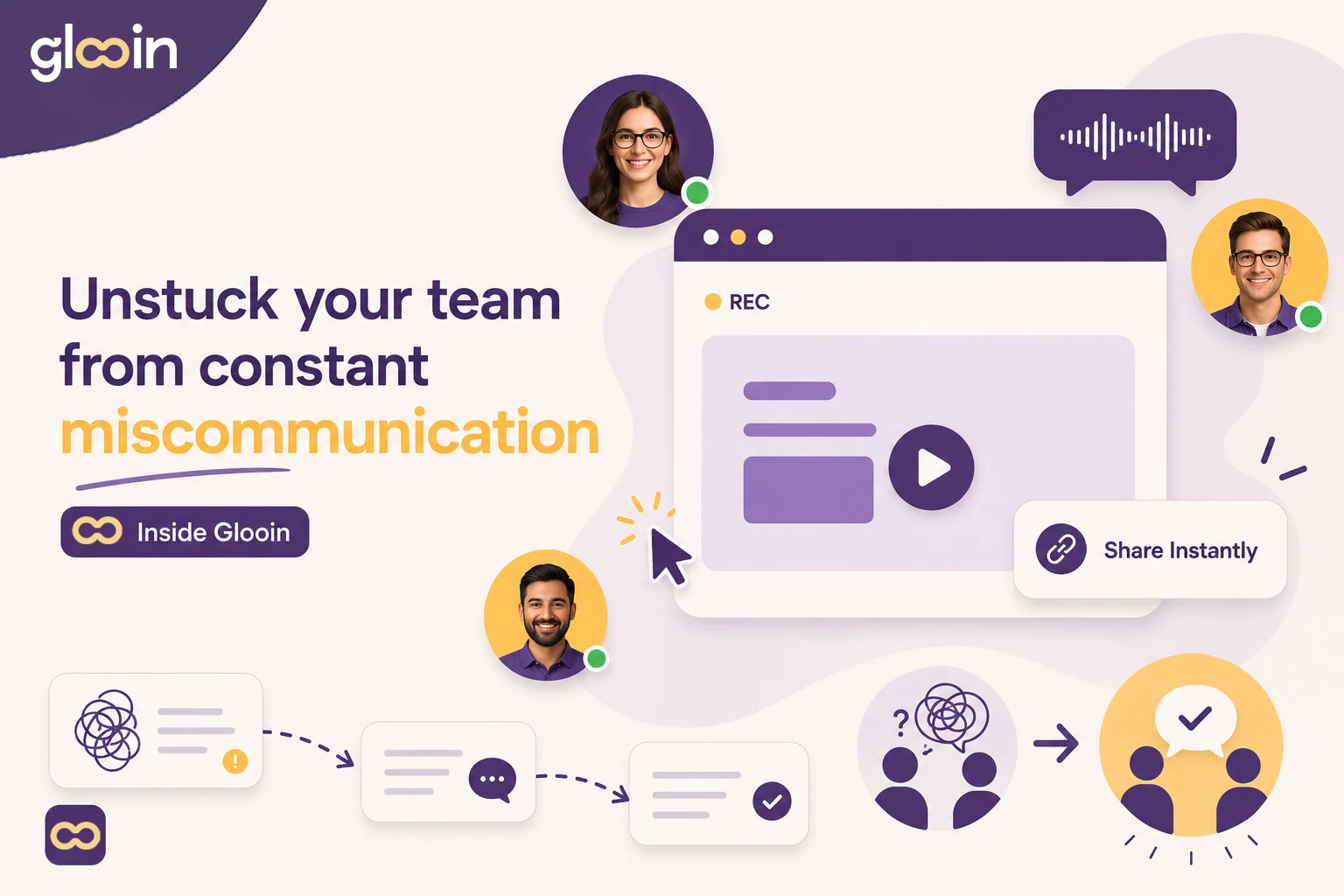
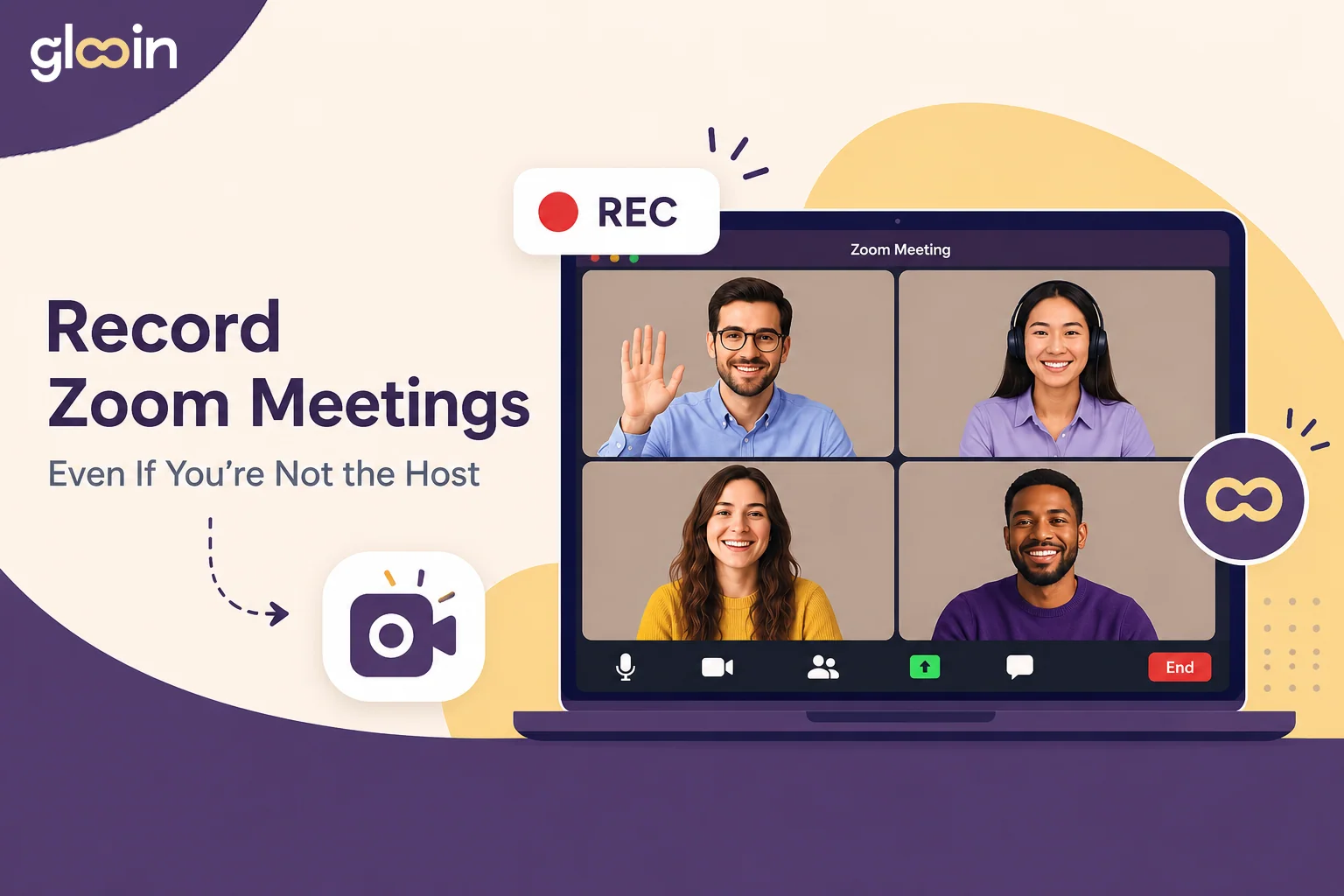
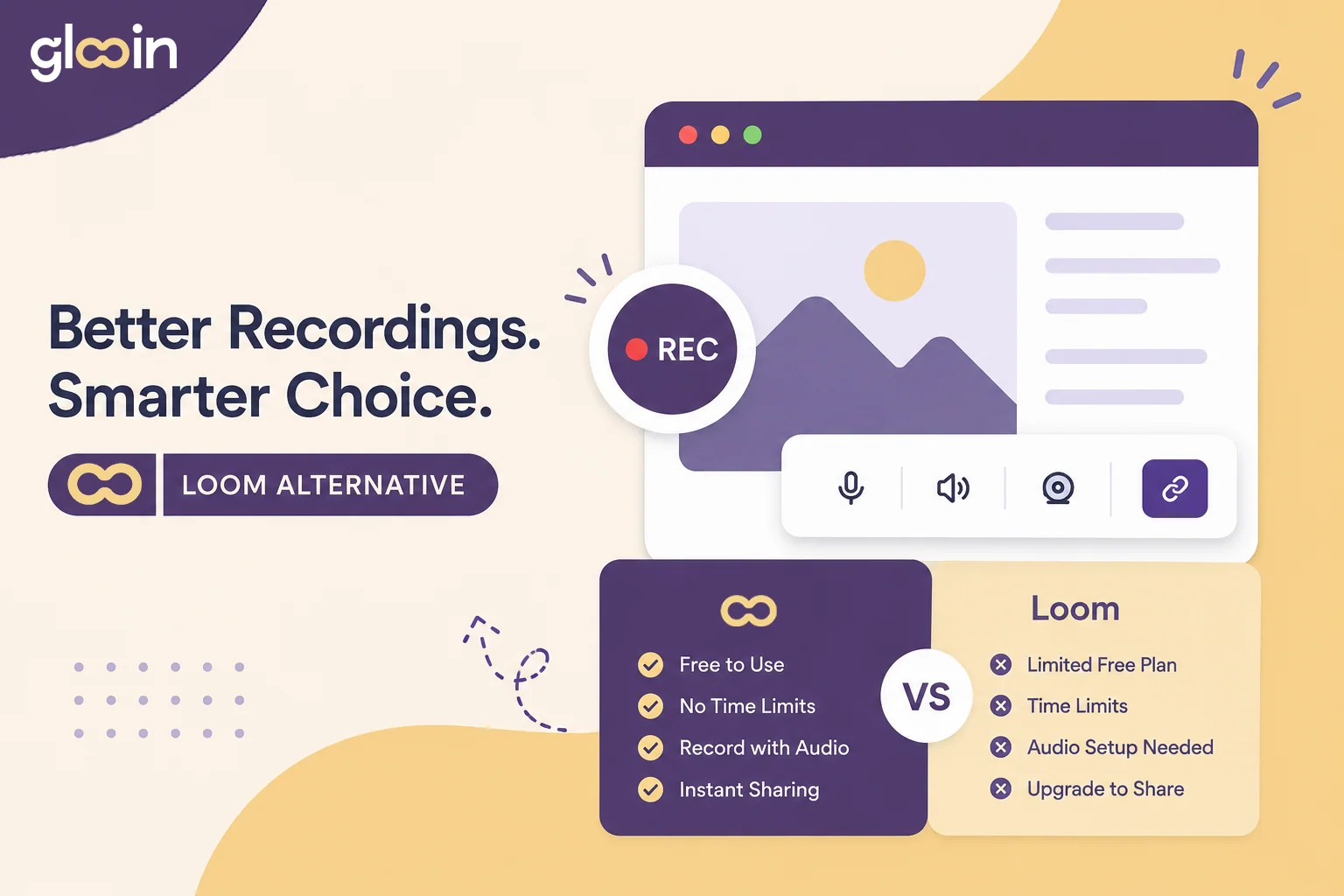
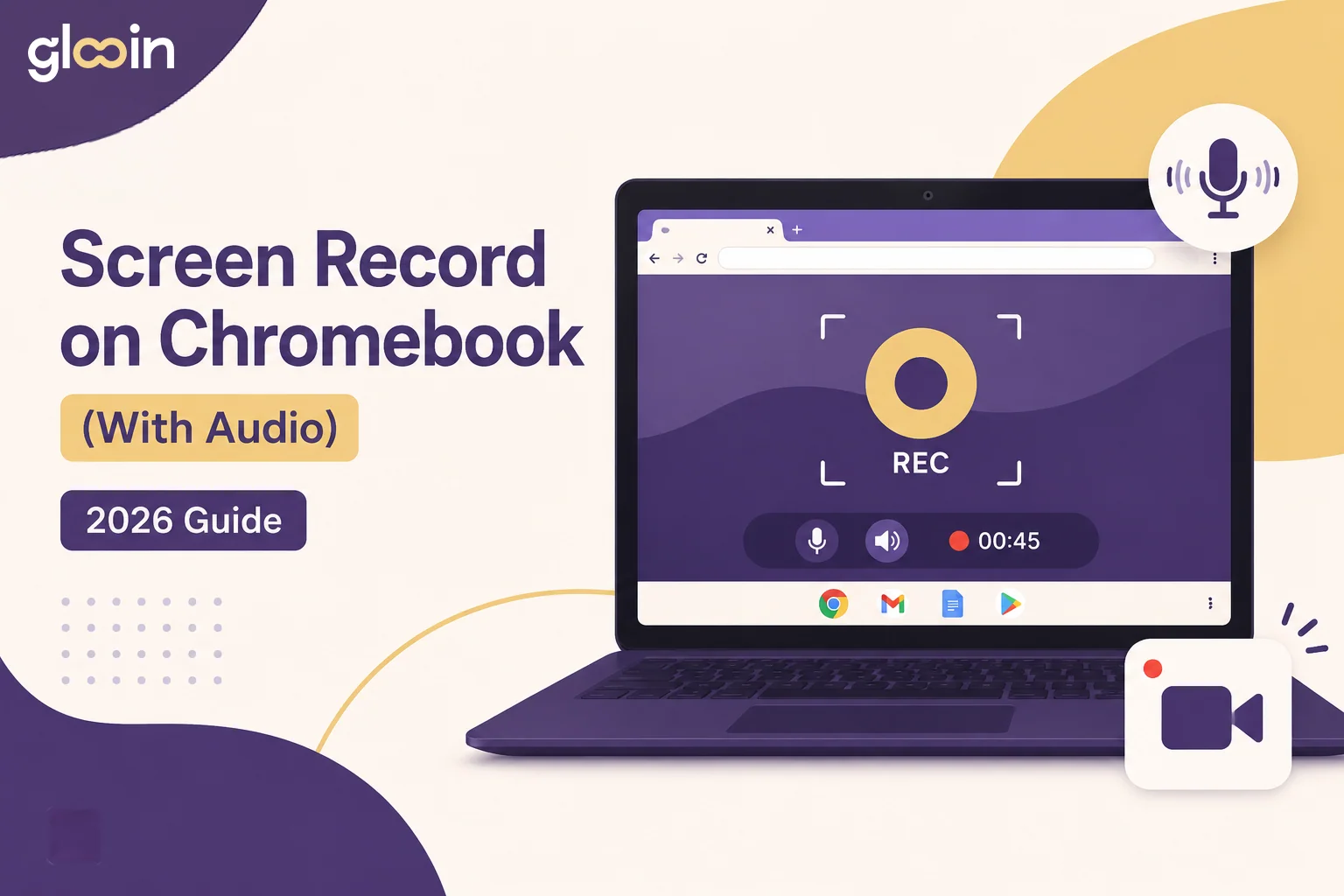
64 articlesCreate Stunning Video Presentations with Glooin: The Ultimate 2026 GuideHow to Fix Screen Recording Lag and Stuttering with GlooinScreen recording lag and stuttering can make videos difficult to watch. Learn how to fix common recording issues by optimizing Chrome, reducing system load, adjusting recording settings, and using Glooin for smoother screen recording, quick sharing, bug reports, tutorials, product demos, and async team communication.The Future of Workplace Communication: Text, Meetings or Video?Workplace communication is evolving beyond traditional emails and meetings. Discover how text, meetings, and video each fit into modern workflows, and how tools like Glooin help teams communicate more clearly through simple screen recordings, async updates, demos, feedback, and tutorials.How to Record Google Meet, Zoom & Teams Calls Without a Bot or Watermark (Free, with Glooin)Learn how to record Google Meet, Zoom, and Microsoft Teams calls without a recording bot or distracting watermark. Discover how Glooin makes screen and audio recording simple, fast, and easy to share for meetings, demos, training, and team communication.The 90-Second Work Update: A Better Alternative to Status MeetingsDiscover how 90-second screen recordings can replace unnecessary status meetings. With Glooin, teams can quickly share progress, explain tasks, show blockers, and communicate updates without scheduling another call. Learn how short, visual updates can make remote and async teamwork simpler, faster, and more productive.How to Compress or Reduce the Size of Screen Recordings (Without Losing Quality)Learn how to compress and reduce the size of screen recordings without sacrificing too much quality. This guide covers practical ways to lower resolution, adjust frame rates and bitrate, trim unnecessary footage, choose the right format, and make screen recordings easier to upload and share. It also explains how Glooin simplifies screen recording and sharing through quick, link-based workflows.How to Improve Screen Recording Quality: Resolution, FPS & AudioLearn how to improve screen recording quality with the right resolution, FPS, and audio settings. This guide explains practical ways to create clearer, smoother, and more professional recordings with Glooin for tutorials, product demos, bug reports, design feedback, and async team updates.Best Loom Alternatives in 2026: Which One Fits Your Workflow?Looking for a Loom alternative in 2026? Explore the best screen-recording tools for different workflows, including Glooin, Tella, Vidyard, Zight, Descript, and OBS Studio. Compare their key features and discover why Glooin is a simple choice for everyday screen recording, async communication, bug reports, tutorials, product demos, and team updates.The New Async Stack: Slack + Screen Recording + AI + NotionDiscover the new async workflow with Slack, Glooin, AI, and Notion. Learn how screen recording can replace unnecessary meetings, simplify team communication, capture visual feedback, and turn everyday conversations into organized, reusable knowledge.Why 2-Minute Screen Recordings Are Replacing “Can We Have a Quick Call?”Quick calls often turn into long meetings. A 2-minute screen recording can explain the same idea faster, more clearly, and without interrupting anyone’s workflow. Learn how teams are using short screen recordings for feedback, updates, demos, bug reports, and async communication and how tools like Glooin make it easy to record, share, and get things done without another meeting.The Rise of Async Communication: Why Teams Are Replacing Meetings With Screen RecordingsDiscover how async communication is helping modern teams reduce unnecessary meetings and communicate more efficiently. Learn how Glooin’s screen recordings make it easier to share updates, explain ideas, report bugs, and collaborate anytime, anywhere.AI + Screen Recording: How AI Is Changing the Way Teams CommunicateAI and screen recording are changing how teams communicate, collaborate, and share knowledge. Discover how combining visual communication with AI.Screen Recordings for Bug Reporting: The 2026 Guide for Engineering & QA TeamsDiscover how engineering and QA teams use screen recordings for bug reporting to reproduce issues faster, reduce back-and-forth communication and maximise throughput.Embedding Screen Recordings into Slack, Notion, and Jira: A 2026 Workflow GuideGlooin lets you record once and share anywhere Slack, Jira, Notion, and more. Simplify team communication, explain ideas visually, and save time with one reusable screen recording.From Bug Reports to Product Demos: 10 Ways Teams Can Use Screen Recording at WorkDiscover 10 practical ways teams can use screen recording at work from reporting bugs and creating product demos to onboarding employees, supporting customers, sharing updates, and reducing unnecessary meetings. See how Glooin makes workplace communication faster, clearer, and more visual.Privacy-First Recording: Local Processing vs Cloud Upload What Teams Should KnowScreen recording makes team communication faster, but privacy matters when recordings contain sensitive information. Learn the difference between local and cloud recording, what security factors teams should consider, and how privacy-first recording practices can help protect important data.Screen Recording ROI: How Much Time Are Teams Actually Saving?Discover how screen recording can help teams reduce unnecessary meetings, simplify communication, and save valuable work hours. Learn how tools like Glooin can improve productivity and deliver measurable ROI through faster, asynchronous communication.Async Standups: Replacing Daily Meetings with 90-Second Screen RecordingsReplace daily standup meetings with quick 90-second screen recordings. Learn how async standups help remote and hybrid teams share updates, explain blockers, and stay aligned without unnecessary meetings.AI Screen Recording in 2026: Auto-Editing, Filler-Word Removal & AI Voiceovers ExplainedDiscover how AI screen recording is transforming video creation in 2026 with automatic editing, filler-word removal, captions, and AI voiceovers. Learn how Glooin makes it faster and easier to turn screen recordings into polished, professional videos.Is Screen Recording Safe for Business? A Guide for IT and Security TeamsDiscover what IT and compliance teams should consider before rolling out screen recording across an organization from data privacy and storage to access controls, sensitive information, sharing, and compliance. Learn how Glooin can support secure, efficient workplace communication.Marketing Teams Are Repurposing Screen Recordings Into High-Performing Social & Demo Clips Here's Why Glooin Makes It EasyMarketing teams are increasingly turning a single screen recording into multiple high-performing content assets, including social media clips, product demos, tutorials, onboarding videos, and sales presentations. This guide explores why content repurposing is essential for modern marketing, shares industry statistics on video marketing, and explains how Glooin helps teams record, share, and reuse screen recordings faster. Learn practical ways to maximize every recording, reduce production time, and create more engaging content without increasing your workload.Glooin vs the Competition: Finding the Right Screen Recorder for 2026Compare Glooin with Vidyard, CleanShot X, Zoom Clips, and Scribe to find the right screen recording tool for 2026. Explore key features, use cases, and differences, and see how Glooin makes screen recording and sharing simple for teams, freelancers, developers, and creators.Freelancer & Agency-Client Communication: How Glooin Makes Feedback, Updates, and Approvals FasterDiscover how Glooin helps freelancers and agencies simplify client communication with visual project updates, faster feedback, clearer approvals, and asynchronous screen recordings. Reduce unnecessary meetings, explain work visually, and keep clients informed with quick, shareable recordings.From Live Webinars to Client Updates: How Glooin Makes Screen Recording More Useful in 2026Discover how screen recording can turn webinars, training sessions, and client communication into reusable, on-demand resources. Learn how freelancers, agencies, educators, and teams can use Glooin to record visual explanations, share updates asynchronously, reduce unnecessary meetings, and create professional no-watermark recordings that keep delivering value long after the live session ends.Privacy & Security in Screen Recordings: How to Protect Sensitive Information Without Slowing Down Your WorkflowProtect sensitive information while creating professional screen recordings. This guide explores why privacy and secure data handling matter, how blurred recordings help meet compliance standards like GDPR, HIPAA, SOC 2, ISO 27001, and PCI DSS, and the best practices for sharing videos safely. Learn how Glooin helps teams create secure, no watermark free recordings, protect confidential data, and collaborate more efficiently with browser-based screen recording.Record Webinars Like a Pro: No Watermarks, High Quality (2026)Learn how to record webinars and live sessions without watermarks in this complete 2026 guide. Discover why webinar recordings are essential for businesses, educators, and remote teams, the common challenges of free recording tools, and the features to look for in a reliable webinar recorder. Explore practical use cases, expert recording tips, and how Glooin helps you create no watermark free recordings with browser-based recording, instant sharing, cloud storage, and privacy-focused features for professional-quality videos.Remote & Hybrid Team Management in 2026: Why Smart Teams Are Replacing Meetings with Better CommunicationManaging remote and hybrid teams in 2026 requires more than video meetings it requires better communication. This guide explores how Glooin helps teams reduce unnecessary meetings, improve onboarding, streamline feedback, and keep everyone aligned with quick screen recordings and shareable video updates. Learn why modern organizations are replacing repetitive calls with visual communication to boost productivity and collaboration.Marketing & Content Creation Using Screen Recordings: Why Glooin Is Becoming Every Marketer's Secret Weapon in 2026Discover how screen recordings are transforming marketing and content creation in 2026. Learn how Glooin helps marketers, creators, and businesses quickly create product demos, social media clips, tutorials, customer onboarding videos, and video ads all from a browser. See why screen-recorded content drives higher engagement, improves conversions, and enables teams to produce more content in less time with instant sharing and a streamlined workflow.Instant Shareable Links: How They Work and Why They Beat File AttachmentsInstant shareable links make video communication faster and easier by eliminating large attachments, manual uploads, downloads, and version confusion. Discover how Glooin lets you record your screen, generate a secure link instantly, and share videos directly with clients and teams for smoother, faster collaboration.From Endless Calls to Instant Approvals: How Glooin Transforms Client FeedbackStop wasting hours on endless client calls and scattered feedback. Discover how freelancers and agencies can streamline approvals with asynchronous screen recordings using Glooin. Learn how replacing live meetings with shareable video walkthroughs leads to faster approvals, clearer communication, fewer revisions, and more productive client collaborations. The article also explores the benefits of async workflows, real-world use cases, and practical ways to save time while delivering projects more efficiently.How HR Teams Can Onboard New Employees Without Endless Orientation SessionsTransform your employee onboarding process with a scalable, video-first approach. This guide explains how HR teams can replace repetitive orientation calls with professional onboarding videos using Glooin's no-watermark screen recorder. Learn why asynchronous onboarding improves consistency, saves HR time, boosts employee productivity, and supports remote and hybrid teams. You'll also discover best practices, ROI insights, and practical tips for building an effective employee onboarding system with modern HR training videos.Why Meeting Overload Is Costing Businesses More Than They RealizeMeeting overload is costing businesses thousands of productive hours every year, leading to reduced focus, employee burnout, and slower project delivery. This article explores the latest data on how excessive meetings impact workplace productivity in 2026 and why more organizations are embracing asynchronous communication. Learn how Glooin helps teams replace unnecessary meetings with quick screen recordings, instant sharing, and no watermark free recordings, making collaboration faster, more efficient, and less disruptive.How a Webcam Bubble Makes Screen Recordings More EngagingA webcam bubble can significantly improve the quality and engagement of your screen recordings by adding a personal touch and helping viewers connect with your message. This guide covers best practices for positioning your webcam, improving video quality, maintaining eye contact, and creating more effective tutorials, demos, and onboarding videos. Learn how Glooin makes it easy to record your screen with a webcam bubble, share videos instantly, and create no watermark free recordings for professional communication.Share Investor and Stakeholder Updates Without the Meeting OverheadLearn how founders can keep investors and stakeholders informed without the hassle of scheduling frequent meetings. This guide explains why asynchronous video updates are becoming the preferred way to share business metrics, product progress, fundraising milestones, and strategic updates. Discover how Glooin helps startups record professional screen updates, instantly share them with investors, and build stronger relationships through consistent, transparent communication.Loom's Free Plan Just Got Smaller - Why Teams Are Switching to GlooinLoom's free plan now limits users to 25 videos and 5-minute screen recordings, making it harder for growing teams to rely on asynchronous video communication. This article explores why businesses are looking for alternatives and how Glooin helps teams create professional, watermark-free screen recordings, share updates faster, reduce unnecessary meetings, and streamline collaboration. It also highlights practical use cases, productivity tips, and resources from the Glooin Blog to help modern teams communicate more effectively.Turn Missed Meetings Into New Opportunities with GlooinMissed meetings don't have to become lost opportunities. Discover how Glooin helps sales teams re-engage no-show prospects with personalized video follow-ups that build trust, increase response rates, and encourage more meeting bookings. Learn simple strategies to recover warm leads before they go cold and keep your sales pipeline moving.How Glooin Is Transforming B2B Video Communication in 2026Discover why asynchronous video messaging is transforming business communication in 2026 and how modern teams are replacing unnecessary meetings with faster, more effective video collaboration. This guide explores what B2B video messaging platforms are, the essential features businesses should look for, the top platforms on the market, and why Glooin stands out with its browser-based recording, instant sharing, and user-friendly workflow. Whether you're in Sales, Customer Success, Marketing, Product, or Support, learn how Glooin helps teams save time, improve collaboration, streamline customer onboarding, and communicate more efficiently through professional video messaging.How Glooin Helps Businesses Build Customer Trust with Asynchronous VideoModern customers expect fast, personalized, and easy-to-understand communication. In this guide, discover how asynchronous video helps businesses build stronger customer relationships, reduce unnecessary meetings, improve onboarding, and resolve support issues faster. Learn why teams across Sales, Customer Success, Product, and Support are replacing long emails with short video messages, and see how Glooin makes it simple to record your screen, camera, and microphone, then instantly share professional videos with a single link.From Support Tickets to Video Solutions: How Glooin Saves Time and Scales SupportModern customers expect fast, visual, and personalized support—not lengthy emails or complicated documentation. In this guide, discover how asynchronous video communication helps businesses reduce repetitive support tickets, improve customer satisfaction, and resolve issues faster. Learn why modern support teams are switching to Glooin to create instant screen recordings, share video explanations, streamline onboarding, and deliver exceptional customer support while saving valuable time and resources.How Glooin Helps Improve Customer Adoption and Retention Through VideoDiscover how Glooin helps SaaS businesses improve customer adoption and retention through personalized video communication. From onboarding and feature walkthroughs to support, training, and customer success check-ins, this guide explores a complete video playbook for reducing churn, increasing product engagement, and delivering exceptional customer experiences with simple, shareable screen recordings.How to Screen Record on a Dell Laptop in 2026 (With Audio)Discover how Glooin makes screen recording on Dell laptops effortless in 2026. Learn how to record your screen with audio, webcam, and instant sharing directly from Chrome without downloads, complicated setup, or expensive subscriptions.Why Customer Support Teams Are Switching to Video Explanations with GlooinModern customer support teams are increasingly using video explanations to improve communication and resolve issues faster. This article explores how Glooin helps support agents record personalized screen and audio walkthroughs, making complex problems easier to explain than traditional email or chat support. Learn how video-based customer support can reduce ticket resolution times, improve customer satisfaction, lower support workloads, and create a more engaging support experience.How Sales Teams Use Video Messages to Close More Deals with GlooinVideo messaging is transforming modern sales by helping teams stand out in crowded inboxes, build trust faster, and communicate more effectively. In this guide, discover how high-performing sales teams use personalized video messages for prospecting, product demos, follow-ups, proposal walkthroughs, and objection handling. Learn how Glooin makes it easy to create and share professional sales videos directly from Chrome, helping teams increase engagement, shorten sales cycles, and close more deals.Glooin: How To Create A Software Demo That Sells Without Scheduling a Single CallGlooin helps modern SaaS teams create fast, async software demos without meetings, complicated editing, or long sales calls. Learn how visual communication and screen recording are transforming the future of product demos, customer onboarding, and remote collaboration.Best Screen Recorder Chrome Extension in 2025 (No-Install Picks)Discover why Glooin is becoming one of the best screen recorder Chrome extensions in 2025. Learn how it compares to traditional screen recording tools with faster browser-based recording, instant sharing, lightweight workflows, and no heavy software installs. Perfect for remote teams, freelancers, startups, educators, and async communication.How Glooin supports better employee onboarding and customer trainingGlooin helps modern teams simplify employee onboarding and customer training through fast async video communication. Instead of relying on repetitive meetings, lengthy documentation, or live demos, teams can quickly record visual walkthroughs and share them instantly. From onboarding new hires to explaining product workflows and internal processes, Glooin makes knowledge sharing clearer, faster, and easier to scale across remote and distributed teams.The Ultimate Guide to Making Video Presentations with Glooin in 2026Learn how to create professional video presentations with Glooin in this complete 2026 guide. From planning your content and preparing slides to recording, reviewing, and sharing your presentation, discover step-by-step techniques that help you communicate ideas clearly, engage your audience, and save time with asynchronous video communication.Make Your Videos Shorter and More Effective Using GlooinLearn how to make videos shorter in Glooin with simple editing techniques that improve engagement and viewer retention. This guide covers trimming unwanted sections, removing mistakes, cutting long pauses, and creating concise, professional videos that deliver your message more effectively.How to Record a Microsoft Teams Meeting (Free, No IT Permission Needed)Learn how to record Microsoft Teams meetings for free without Microsoft 365 licenses or IT permission. This guide explains how Glooin makes meeting recording simple with a lightweight browser-based workflow, instant sharing, webcam support, and zero complicated setup.How to Make a How-To Video with Glooin: The Complete 7-Step Guide for 2026Learn how to create professional how-to videos in 2026 with this complete 7-step guide using Glooin. From choosing the right topic and scripting to editing, branding, and platform optimization, this guide shows creators and businesses how to produce engaging educational videos faster with AI-powered creative workflows.The Ultimate 2026 Guide to Creating Software Demos in GlooinLearn how to create professional software demos with Glooin in this complete 2026 step-by-step guide. Discover how to plan demo workflows, capture product screens, design engaging visuals, maintain branding consistency, and optimize demos for websites, social media, and marketing campaigns. Whether you're showcasing a SaaS platform, mobile app, or AI product, this guide explains how Glooin helps simplify software demo creation and improve user engagement.Glooin: The Smarter Awesome Screenshot Alternative for Modern Remote TeamsLooking for the best Awesome Screenshot alternative in 2025? Discover how Glooin helps remote teams communicate faster through async screen recording, instant sharing, visual feedback, and collaboration without downloads, uploads, or complicated editing workflows.Top 6 Remote Working Trends You Cannot IgnoreGlooin explores the biggest remote working trends shaping modern teams, including async communication, visual collaboration, hybrid work models, and flexible workflows. Learn how remote-first companies are reducing meetings, improving clarity, and using lightweight tools like Glooin to communicate faster and work more efficiently.Best Screen Recorder for Bug Reporting Compared for Dev & QA TeamsDiscover the best screen recorder tools for bug reporting and QA workflows in this detailed comparison of Loom, Zight, Screenjar, Flonnect, and Glooin. Learn which platform offers the best features for developers, including instant shareable links, annotation tools, blur/privacy protection, and affordable pricing. See why Glooin stands out as a lightweight visual bug reporting tool built for modern async collaboration and faster issue resolution.How to get your team unstuck from constant miscommunication - Inside GlooinGlooin helps modern teams reduce constant miscommunication through fast, async visual communication. Instead of relying on endless meetings, Slack threads, and long written explanations, teams can quickly record their screen, explain ideas naturally, and share clear context instantly. From design feedback and bug reporting to onboarding and product updates, Glooin makes collaboration faster, clearer, and more flexible for remote and hybrid teams.How Designers Give Feedback Without Meetings (Using Screen Recordings)Glooin helps modern design teams replace unnecessary meetings with fast async screen recordings. Instead of writing long Slack messages or scheduling review calls, designers can quickly record their screen, explain feedback naturally, and share context instantly. This lightweight workflow makes design communication clearer, faster, and less disruptive especially for remote teams working across different schedules. By combining visual walkthroughs with async collaboration, Glooin helps teams stay aligned while protecting creative focus and momentum.How to Record a Zoom Meeting (Even If You're Not the Host)Learn how to record Zoom meetings even if you're not the host using Glooin. Capture screen, mic, and system audio directly from your browser without downloads or host permission, then instantly share recordings with a link.Loom Alternative: 5 Free Screen Recorders That Cost Less and Do MoreDiscover why Glooin is becoming one of the best Loom alternatives for teams and creators. Compare top screen recording tools, explore pricing differences, and see how Glooin offers browser-based recording, instant sharing, no watermark exports, and affordable lifetime pricing without expensive subscriptions.How to Screen Record on Chromebook (With Audio) Complete 2026 GuideChromebook’s built-in recorder is good for quick recordings, but Glooin makes the entire process feel faster, cleaner, and more professional. Instead of wasting time downloading, uploading, and managing files, users can simply record and share instantly.
If you already know how to screen record on a Chromebook, installing Glooin feels like the natural next step for a smoother and smarter recording experience.How Can You Record and Share Video Instantly for Faster Feedback?Stop wasting hours on slow email threads. Record your screen, share a direct link, and deliver crystal-clear video feedback to your team. Try Glooin free!Can a Screen Recorder for Customer Support Cut Resolution Time?Discover how support teams use troubleshooting videos to solve issues faster with Glooin free screen recording extension. Improve support clarity and speed.Training Without Meetings: How Teams Are Scaling Learning with Async Screen RecordingReplace live training meetings with async screen recordings. Build scalable onboarding and reusable learning systems with Glooin. Try it free today.Stop Writing Scripts. Start Showing: How Content Creators Can Scale with Screen RecordingStop writing scripts and start showing. Use the best screen recorder extension for Chrome to create tutorials, demos, and content faster. Try Glooin for free.From 10-Minute Meetings to 1-Minute Videos: The Async Transformation with GlooinDiscover how async video meetings help teams reduce wasted time and increase delivery speed. Record, share, and collaborate instantly. Try Glooin free.


















Newsletter
Async insights. In your inbox.
One email when we publish something new. Nothing else.