
How Screen Recordings Help Engineering Teams Review Code Faster
How async screen recordings speed up pull request reviews, bug reports, pair programming across time zones and onboarding for engineering teams.
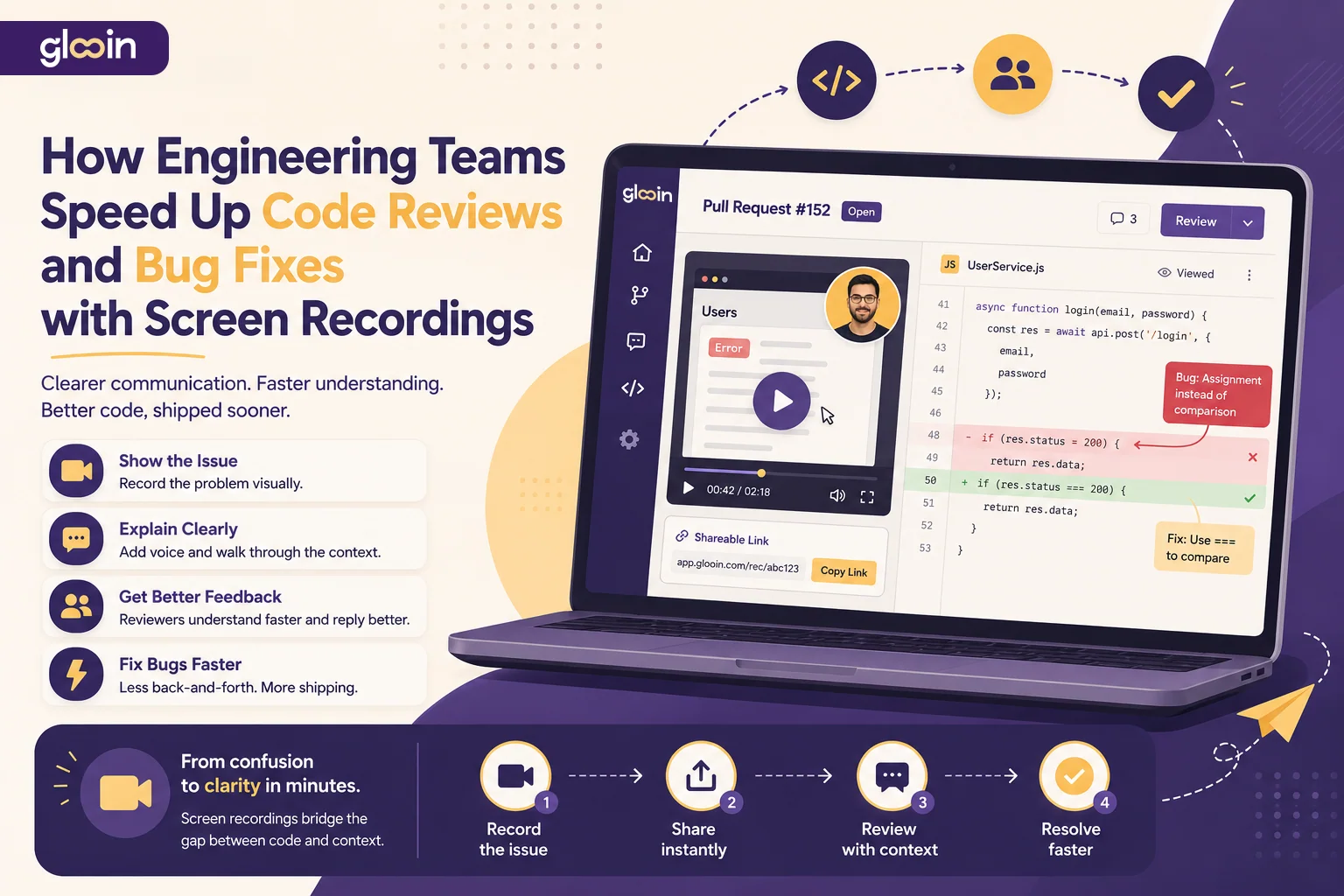
Table of contents
How Engineering Teams Speed Up Code Reviews and Bug Fixes with Screen Recordings
Software development has become faster than ever. Teams deploy multiple times a day, work across different time zones, and collaborate through pull requests instead of sitting in the same office. While development practices have evolved, one process continues to create bottlenecks: code reviews and bug reporting.
A pull request may contain only a few hundred lines of code, but explaining why a change is needed can take dozens of comments. QA engineers often spend more time writing bug reports than developers spend fixing them. According to research on modern code review workflows, effective reviews depend on clear, specific communication, and visual explanations are becoming an increasingly common way to reduce misunderstandings. (Atlassian)
This is why engineering teams are increasingly using asynchronous screen recordings alongside GitHub, GitLab, Bitbucket, and Jira. Instead of scheduling another meeting or writing another lengthy comment, developers record a quick walkthrough and share it instantly.
With Glooin, teams can record their screen, microphone, and webcam in minutes and share a single link that explains everything visually.
Learn more: https://glooin.com
Clean, professional illustration with no watermark, no logo overlays, and no text artifacts.
Why Visual Feedback Works Better Than Text
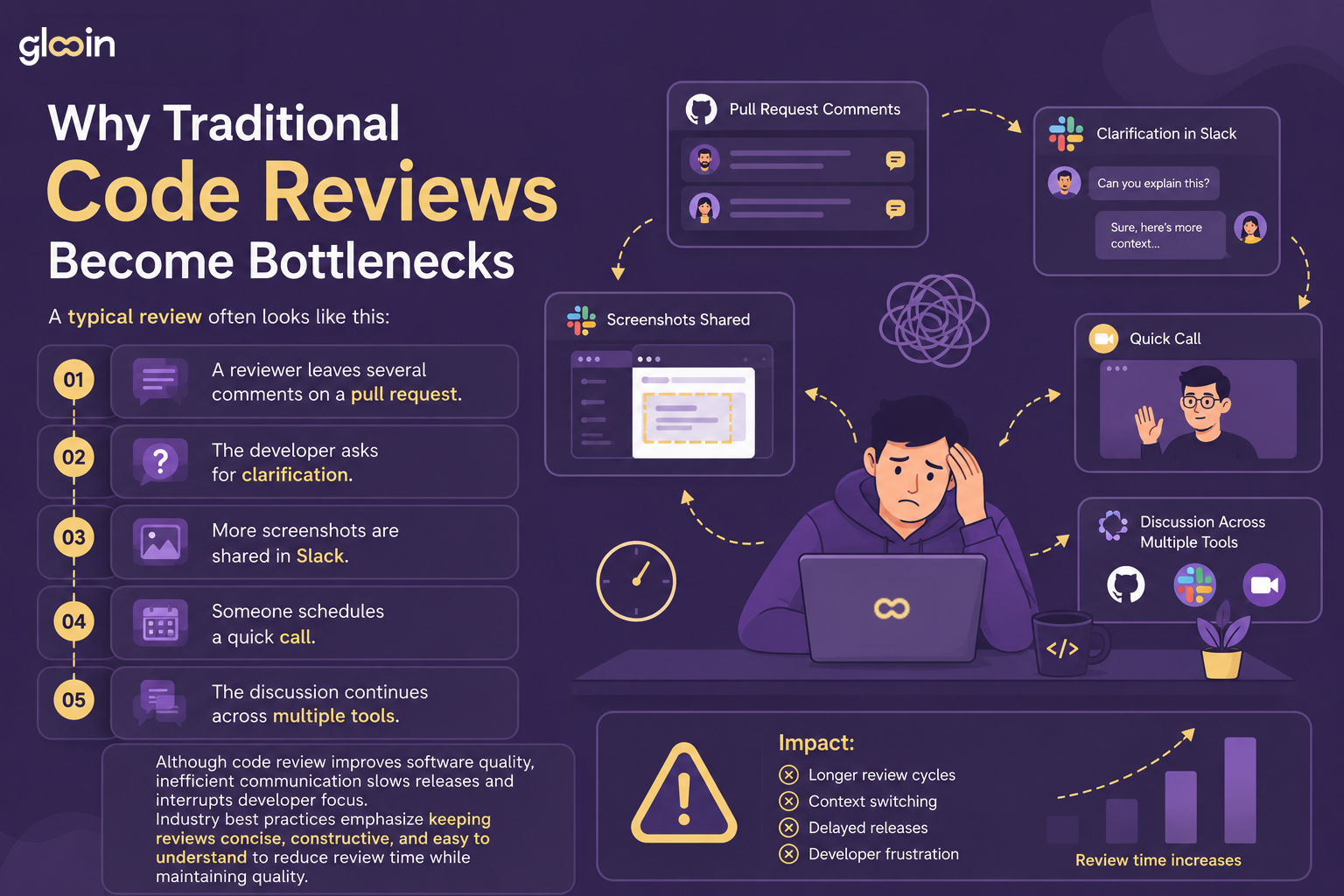
Not every review comment is easy to explain with text.
Imagine trying to describe:
Why a React component re-renders twice
Why an API request fails
How a race condition occurs
Why a CSS animation behaves differently in production
Which breakpoint causes the layout to break
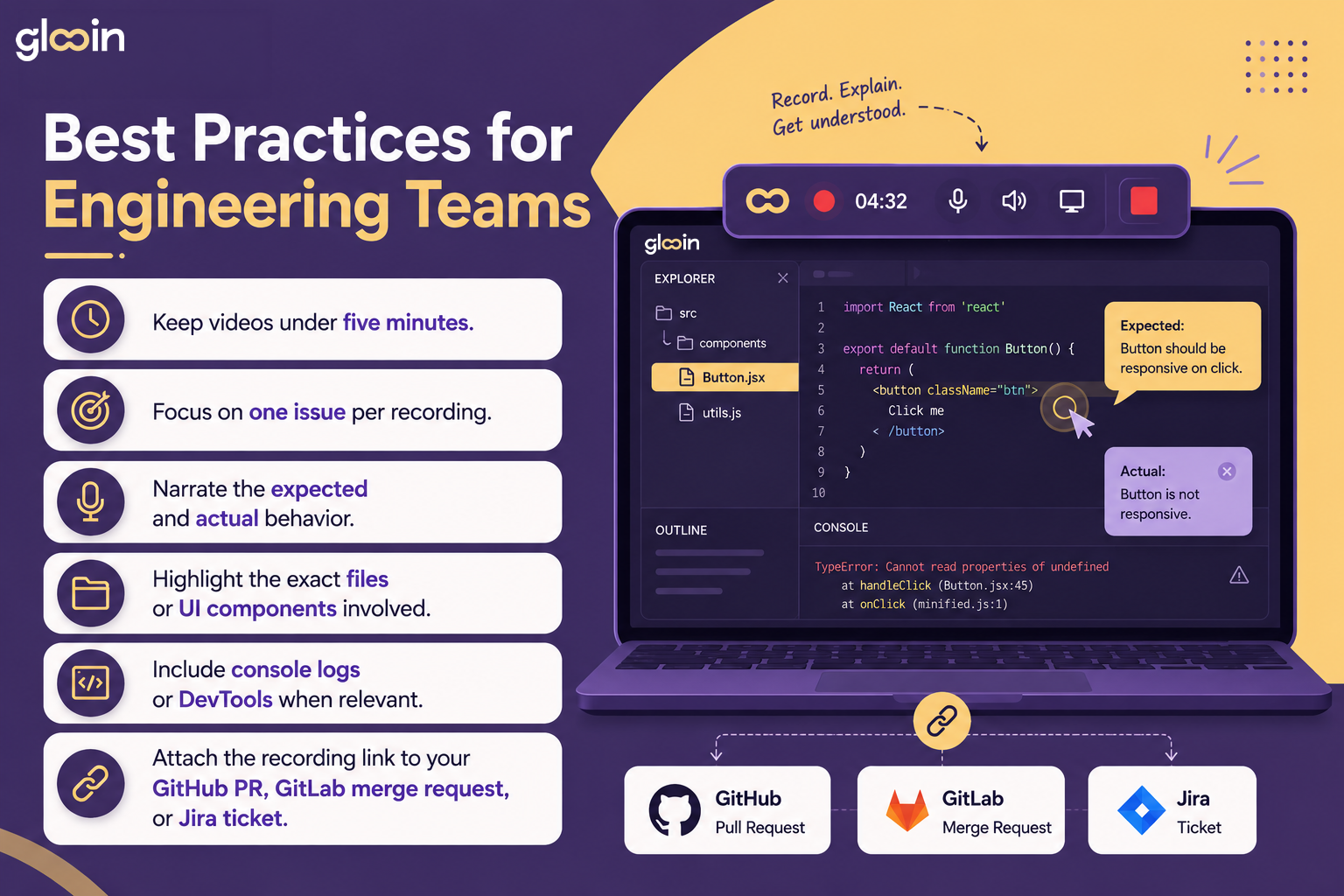
Instead of writing several paragraphs, a developer can simply:
Open the project
Record the screen
Explain the issue while navigating the code
Demonstrate the bug
Share one link
The reviewer immediately understands both the problem and the reasoning behind the solution.
Common Engineering Workflows That Benefit from Screen Recordings
Screen recordings are useful throughout the software development lifecycle.
Pull Request Reviews
Walk reviewers through architecture decisions, business logic, or implementation details before they even open the diff.
Bug Reporting
Show exactly how to reproduce an issue instead of relying on screenshots and long written steps.
Pair Programming
Record explanations for teammates working in different time zones without scheduling a meeting.
Refactoring Discussions
Explain why a particular design pattern or code structure improves maintainability.
Performance Debugging
Demonstrate slow rendering, API latency, memory usage, or browser profiling tools in real time.
Knowledge Sharing
Create reusable walkthroughs for onboarding, documentation, and technical training.
How Glooin Simplifies Engineering Communication
Glooin is designed for teams that want to communicate visually without adding more meetings.
With Glooin, engineering teams can:
Record the entire screen or browser tab
Capture microphone and webcam
Share recordings instantly with a link
Create walkthroughs for pull requests
Explain bugs visually
Reduce repetitive meetings
Build reusable technical documentation
Explore Glooin:
Website: https://glooin.com
Features & FAQs: https://glooin.com/pages/faqs
Code Reviews Become Faster
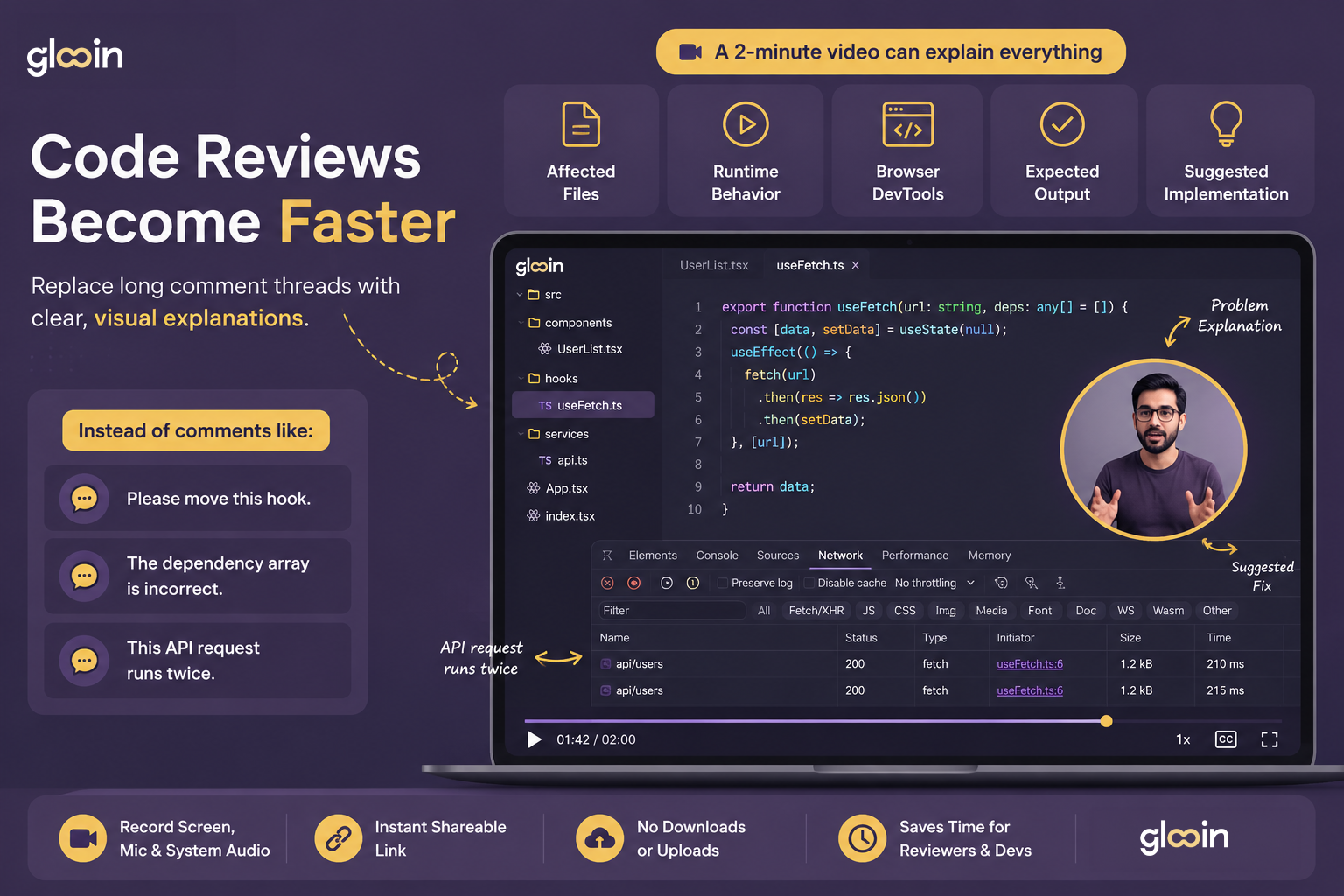
Visual explanations reduce back-and-forth conversations and help developers act on feedback more quickly. Atlassian also highlights video-based reviews as a way to provide clearer context, reduce ambiguity, and integrate naturally into engineering workflows. (Loom)
Better Bug Reports Mean Faster Fixes
Many bug reports still include:
Multiple screenshots
Browser information
Long descriptions
Console logs
Steps to reproduce
Even then, developers often struggle to reproduce the issue.
A screen recording captures:
Every click
Every interaction
Error messages
Network requests
Unexpected UI behavior
This gives developers complete context before they even start debugging.
Related Glooin Resources
If you're looking to improve engineering communication, explore these guides:
Best Screen Recorder Chrome Extension in 2025
https://glooin.com/blogs/glooin-blog/best-screen-recorder-chrome-extension-in-2025-no-install-picksBest Screen Recorder for Bug Reporting
https://glooin.com/blogs/glooin-blog/best-screen-recorder-for-bug-reportingHow to Send Investor and Stakeholder Updates Without Scheduling Another Call
https://glooin.com/blogs/glooin-blog/how-to-send-investor-and-stakeholder-updates-without-scheduling-another-callGlooin Blog
https://glooin.com/blogs/glooin-blog
Final Thoughts
Great engineering teams don't just write great code—they communicate it effectively.
As software projects grow in complexity and teams become more distributed, asynchronous communication is becoming an essential part of modern development workflows. A short screen recording often provides more clarity than dozens of written comments, helping reviewers explain feedback, QA engineers demonstrate bugs, and developers resolve issues without unnecessary meetings.
Whether you're reviewing a pull request, reproducing a bug, onboarding a new engineer, or documenting technical decisions, Glooin helps your team communicate visually, collaborate asynchronously, and ship software faster.
Connect with Glooin
🌐 Website: https://glooin.com
💼 LinkedIn: https://www.linkedin.com/company/glooin
📸 Instagram: https://www.instagram.com/glooinapp