
Marketing & Content Creation Using Screen Recordings: Why Glooin Is Becoming Every Marketer's Secret Weapon in 2026
Discover how screen recordings are transforming marketing and content creation in 2026. Learn how Glooin helps marketers, creators, and businesses quickly create product demos, social media clips, tutorials, customer onboarding videos, and video ads all from a browser. See why screen-recorded content drives higher engagement, improves conversions, and enables teams to produce more content in less time with instant sharing and a streamlined workflow.
Table of contents
Marketing has changed dramatically over the last few years. Audiences no longer want polished sales presentations filled with buzzwords they want to see products in action. Whether it's a SaaS platform, Chrome extension, mobile app, AI tool, or website, customers trust real demonstrations more than static screenshots.
That's exactly why screen recordings have become one of the fastest-growing content formats for marketers, creators, startups, and sales teams.
According to recent video marketing research:
91% of businesses now use video as part of their marketing strategy.
83% of marketers say video directly helps increase sales.
85% report generating more leads through video content.
More than 75% of businesses see ROI from video within six months. (G2)
The challenge isn't creating videos.
The challenge is creating them quickly, consistently, and without spending hours editing.
That's where Glooin changes everything.
Why Screen Recordings Convert Better Than Traditional Marketing
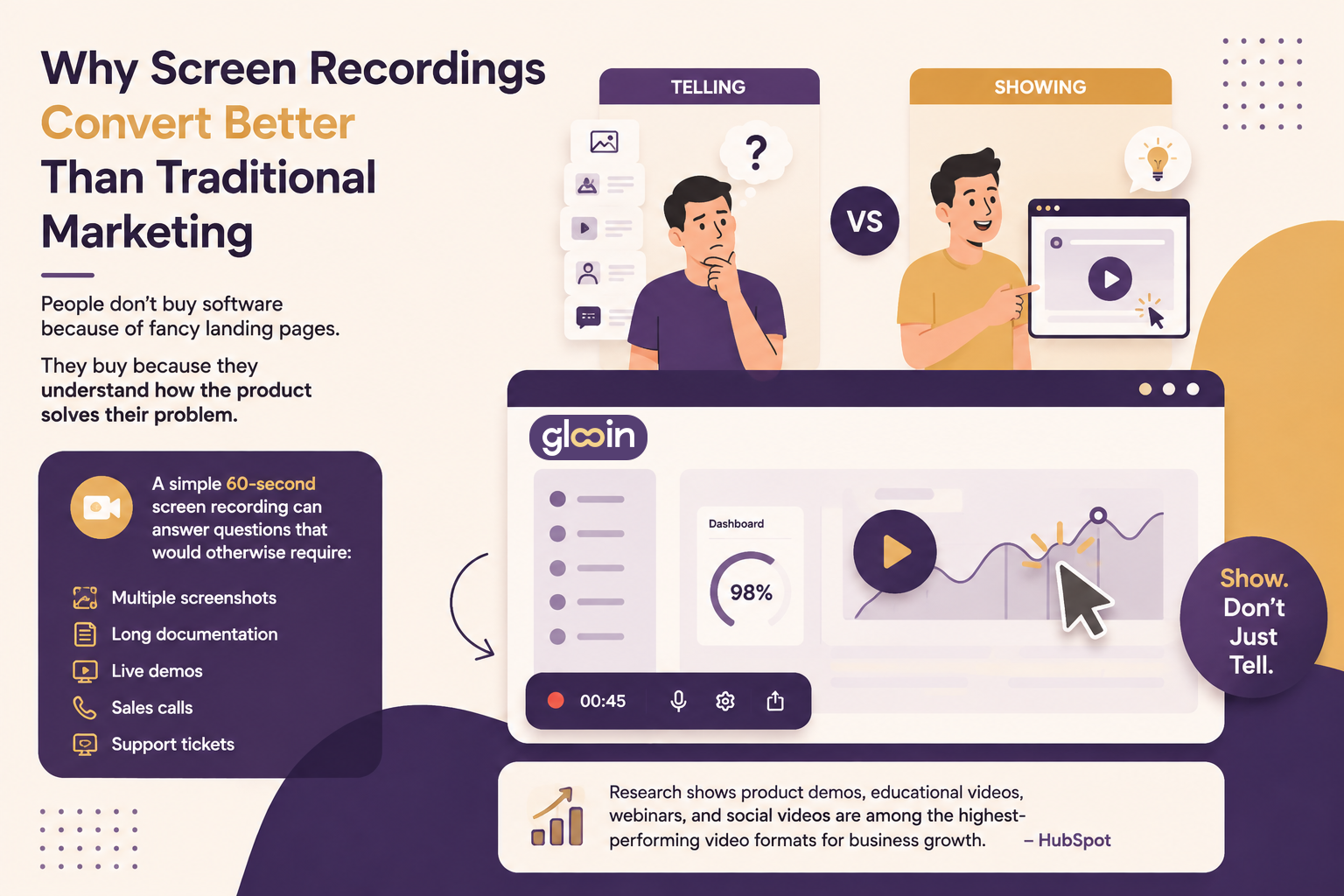
Show them.
Research shows product demos, educational videos, webinars, and social videos are among the highest-performing video formats for business growth. (HubSpot Blog)
Create Marketing Content Faster With Glooin
Unlike traditional screen recording software that focuses only on capturing your screen, Glooin is built for sharing, collaboration, and marketing.
With Glooin you can:
Record your browser instantly
Capture microphone + system audio together
Record tutorials, walkthroughs, and product demos
Create client presentations
Share videos instantly using links
Blur sensitive information
Keep recordings organized
Collaborate with teammates
Avoid downloading huge video files
Instead of spending hours exporting videos, uploading files, and sending attachments...
You simply record → share → publish.
Product Demo Videos That Actually Sell
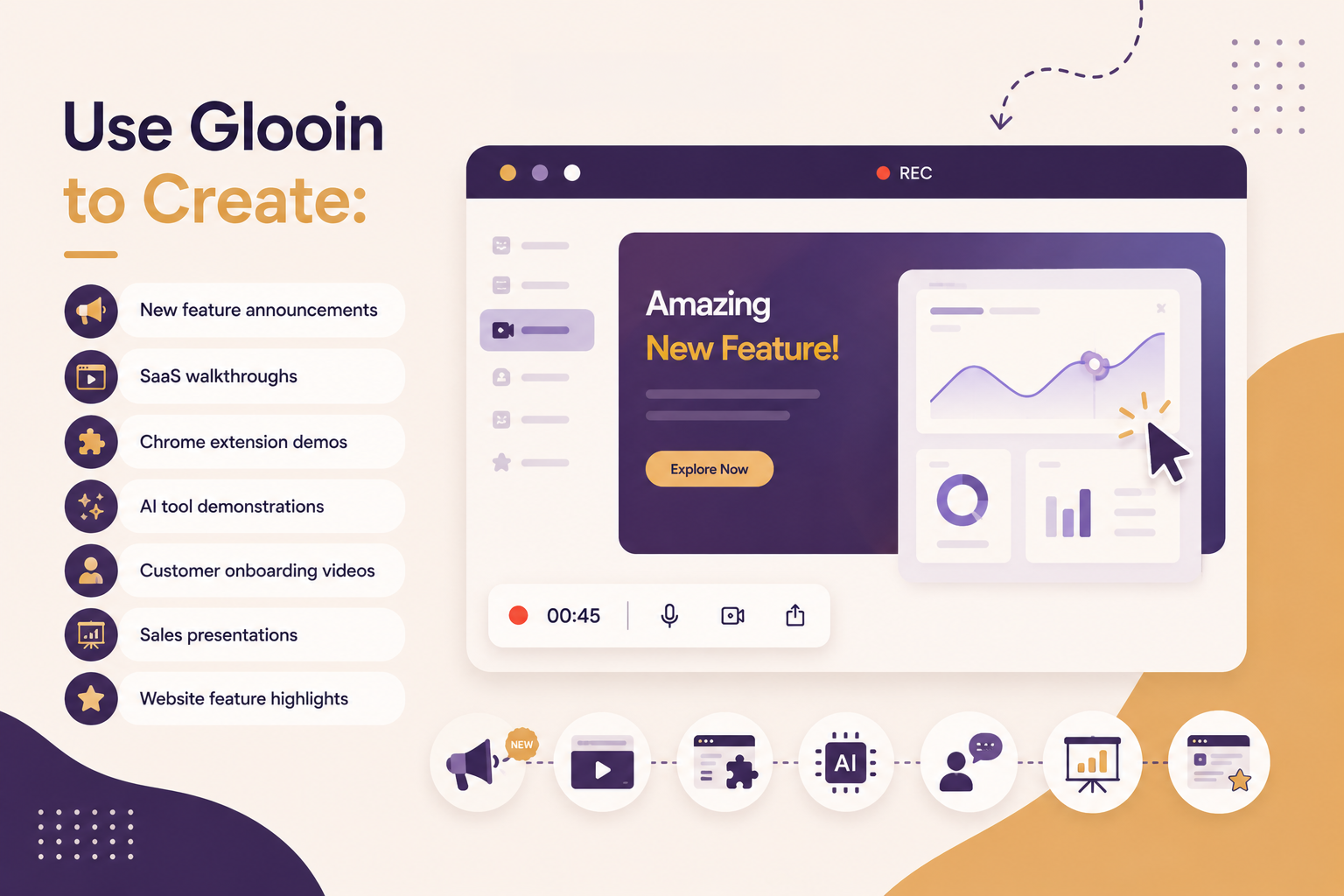
Product demo videos remain one of the most effective ways to explain software.
Want to learn how to create better demos?
👉 Read our guide:
How To Create A Software Demo in Glooin: The Complete Step-by-Step Guide for 2026
Turn One Recording Into 10+ Pieces of Content
One of the biggest mistakes marketers make is creating one video for one platform.
Instead...
Record once in Glooin and repurpose it into:
LinkedIn posts
X (Twitter) videos
Instagram Reels
Facebook posts
YouTube Shorts
TikTok clips
Product pages
Email campaigns
Knowledge base articles
Blog tutorials
More than half of companies now repurpose videos into social clips, with LinkedIn leading for B2B sharing. (HubSpot Blog)
One recording.
Multiple marketing assets.
Maximum ROI.
Perfect for Social Media Marketing
Short-form content continues to dominate social platforms.
Instead of creating expensive promotional videos, marketers increasingly rely on authentic product recordings.
With Glooin you can quickly record:
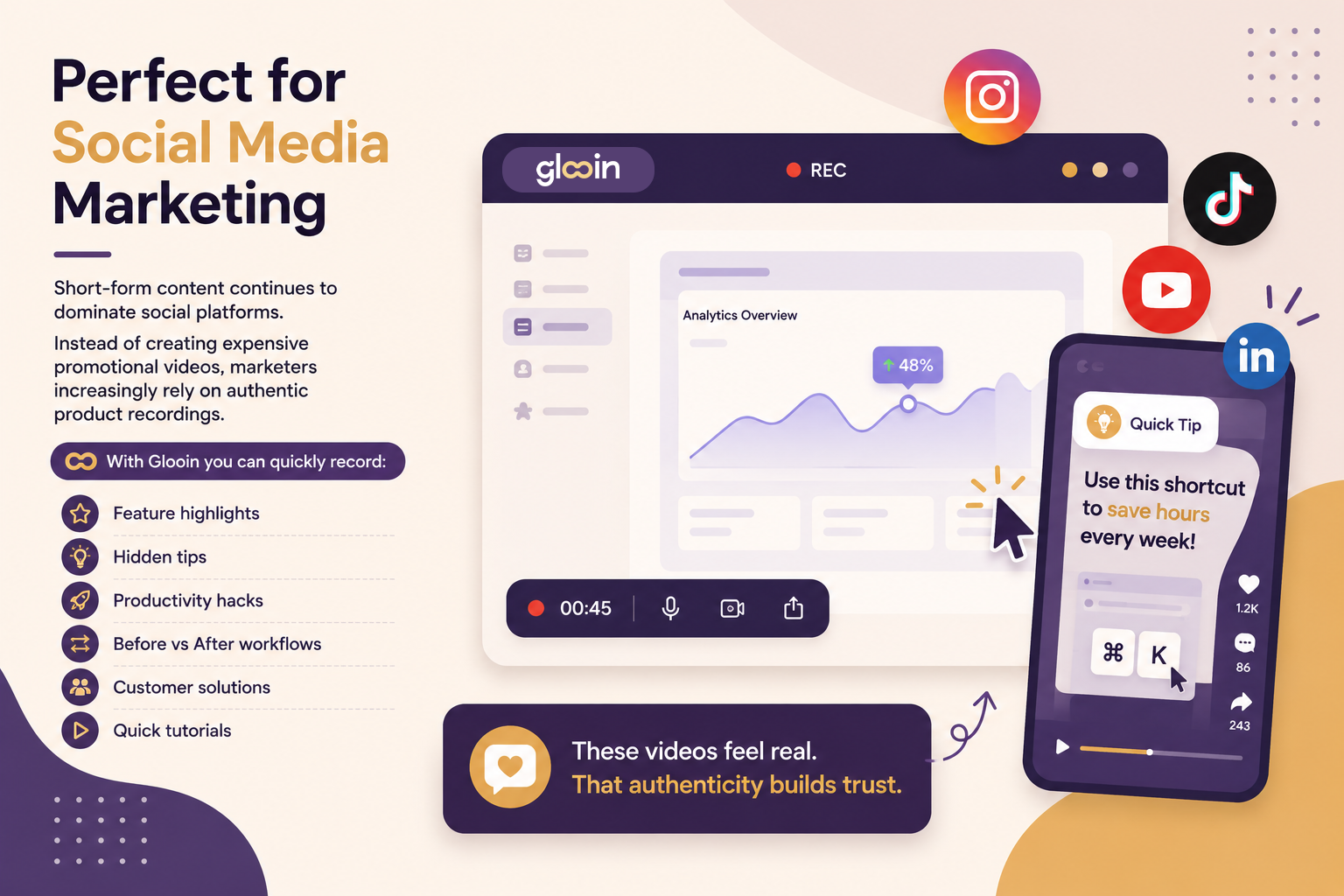
These videos feel real.
That authenticity builds trust.
Make Better Product Launches
Launching a new feature?
Instead of writing a 2,000-word announcement...
Record your screen.
Walk users through:
What's new
Why it matters
How to use it
Real examples
Best practices
Customers understand products much faster when they watch them instead of reading documentation.
Improve Content Marketing
Every blog becomes stronger with video.
Instead of only adding screenshots, embed a Glooin recording that demonstrates exactly what's happening.
For example:
If you're writing about screen recording, include a 45-second tutorial.
If you're writing about onboarding, include a real onboarding recording.
Readers stay engaged longer when they can watch and learn simultaneously.
You might also enjoy:
👉 How I Create Software Demo Videos in Minutes Using Glooin
👉 Screen Recordings for Bug Reporting: The 2026 Guide for Engineering & QA Teams
👉 How To Make A Video Presentation in Glooin
Create Better Video Ads
Modern video ads don't always require expensive cameras.
Many successful SaaS advertisements today begin with simple screen recordings showing the problem and solution in seconds.
A powerful structure looks like this:
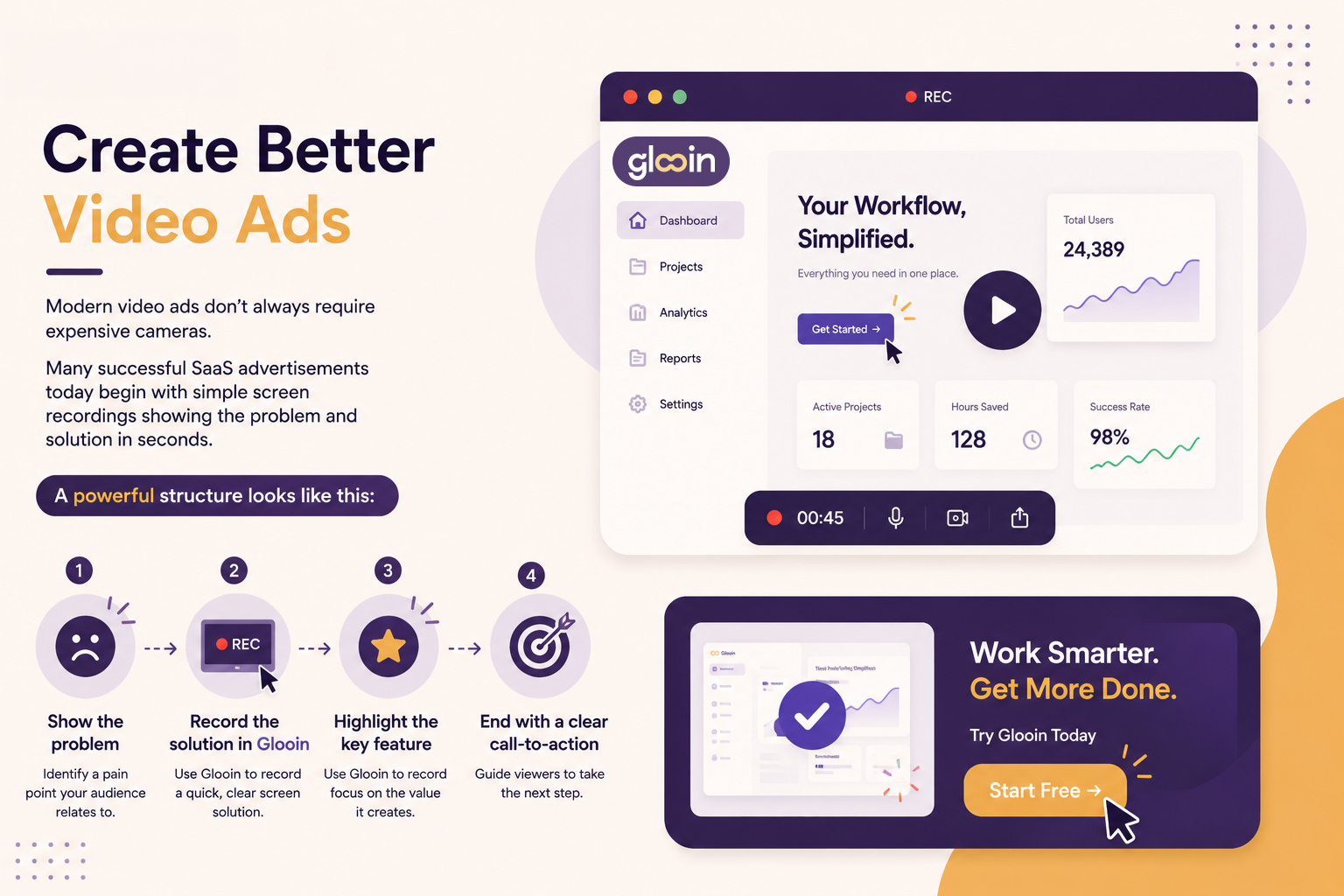
It's simple.
It's authentic.
And it converts.
Marketing Teams Save Hours Every Week
Traditional video creation often includes:
Recording
Exporting
Uploading
Compressing
Sharing
Collecting feedback
Re-recording
With Glooin, much of that workflow becomes dramatically simpler thanks to instant sharing and browser-based recording.
That means marketing teams can spend more time creating campaigns and less time managing video files.
Why Businesses Choose Glooin
✅ Browser-based recording
✅ Crystal-clear screen capture
✅ Microphone + system audio support
✅ Shareable links in seconds
✅ Organized workspace
✅ Perfect for tutorials, demos, webinars, and marketing
✅ Great for remote teams
✅ Fast enough for daily content creation
Whether you're launching a startup, managing a marketing team, creating educational content, or promoting SaaS products, Glooin helps you turn everyday screen recordings into high-impact marketing assets.
Final Thoughts
Video has become the language of modern marketing and screen recordings are one of the easiest, fastest, and most cost-effective ways to create it. From product launches and customer education to social media clips and sales demos, a single recording can power an entire content strategy.
With Glooin, you don't need a complicated production workflow. You can record, share, collaborate, and publish in minutes, making it easier to create consistent, engaging content that drives awareness, leads, and conversions.
If your marketing still relies mostly on screenshots and long text explanations, it's time to start showing your product instead of just talking about it.