
The Future of Workplace Communication: Text, Meetings or Video?
Workplace communication is evolving beyond traditional emails and meetings. Discover how text, meetings, and video each fit into modern workflows, and how tools like Glooin help teams communicate more clearly through simple screen recordings, async updates, demos, feedback, and tutorials.
Table of contents
The way we communicate at work is changing.
For years, workplace communication depended heavily on emails, phone calls, face-to-face conversations, and meetings. Then tools like Slack, Microsoft Teams, Zoom, and other collaboration platforms made digital communication part of everyday work.
Today, teams are looking for something more flexible.
Remote and hybrid teams need to communicate across different locations and time zones. Employees don't always need another meeting, and a long message isn't always the best way to explain something.
This brings us to an important question:
What will the future of workplace communication look like text, meetings, or video?
The answer isn't about choosing only one. Each format has a purpose. The future is about knowing when to write, when to meet, and when to show.
Text: Fast, Simple, and Easy to Search
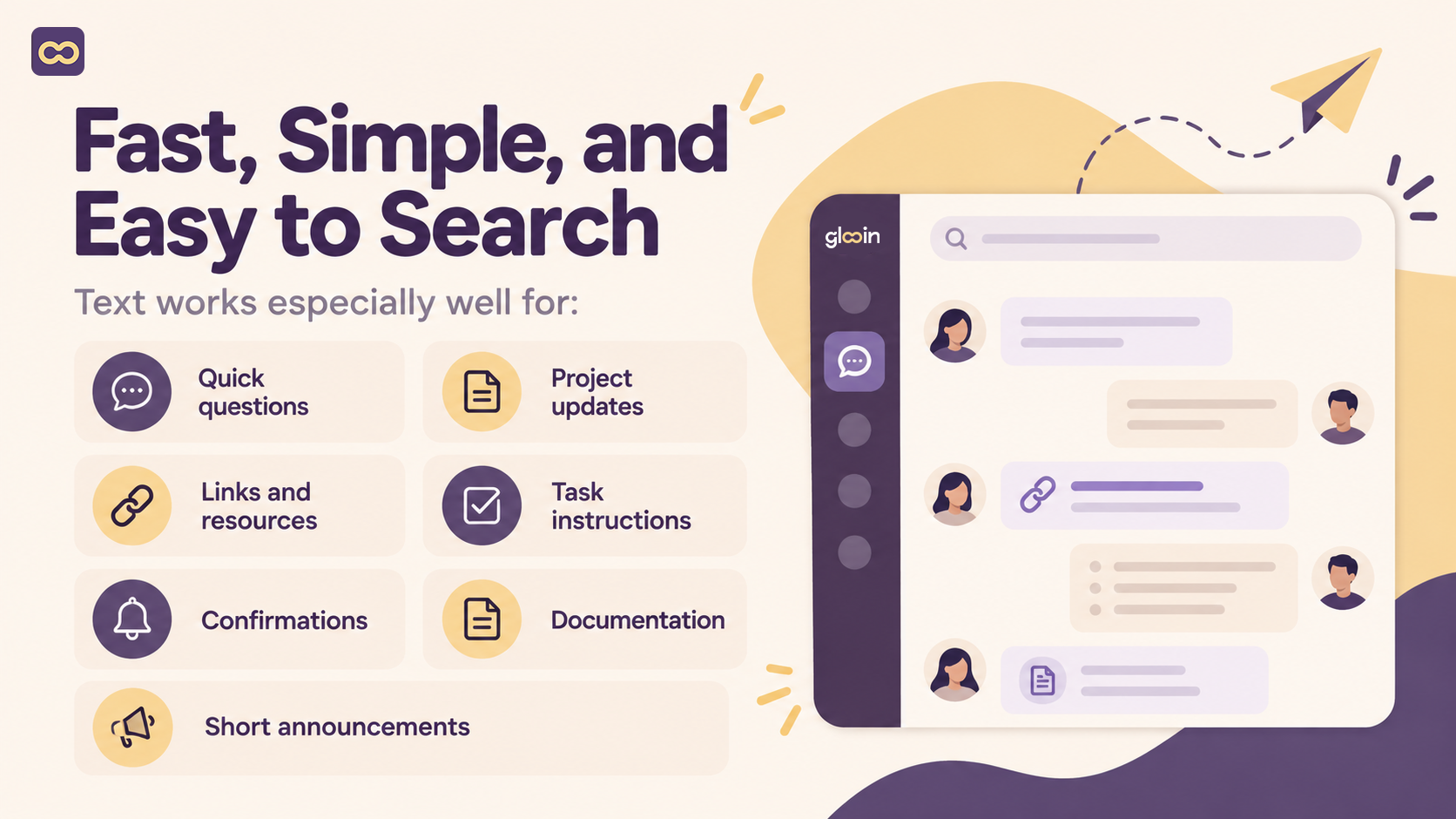
Text remains one of the most important forms of workplace communication.
Emails, Slack messages, project comments, and chat messages are useful for sharing information quickly. If you need to confirm a deadline, send a document, ask a simple question, or provide a short update, text is usually the easiest option.
However, text isn't perfect for everything.
Imagine you need to explain a software problem. You could write several paragraphs explaining where the problem happened, what you clicked, what appeared on the screen, and what you expected to happen.
Or you could record your screen and show the entire problem in less time.
That's where video becomes useful.
Meetings: Important, But Not for Everything
Meetings aren't going away.
When a team needs to brainstorm, make an important decision, solve a complex problem, or have a real-time discussion, meetings can be extremely useful.
The problem starts when meetings become the default solution for every type of communication.
A 30-minute meeting isn't always necessary for:
A quick project update
A simple software demonstration
A small design change
A bug report
A product walkthrough
A short team announcement
These situations can often be handled asynchronously.
Instead of finding a time that works for everyone, one person can record an explanation and allow others to watch it when they're available.
This is one of the reasons screen recording is becoming an important part of modern workplace communication.
Video: When Showing Is Better Than Explaining
Video combines visual communication with voice.
Instead of describing what someone should do, you can show them.
Instead of explaining a bug through text, you can demonstrate it.
Instead of sending a long product description, you can record a short walkthrough.
This makes video particularly useful for teams working with software, websites, designs, products, and processes.
With Glooin, users can record their screen and microphone, explain what they're doing, and share the recording with others.
A short screen recording can be used for:
Bug reports - Show exactly what went wrong.
Product demos - Demonstrate features instead of only describing them.
Tutorials - Walk users through a process step by step.
Customer support - Show customers how to solve a problem.
Design feedback - Explain changes while looking at the design.
Employee onboarding - Create reusable walkthroughs for new employees.
Software training - Demonstrate how a tool or workflow works.
Team updates - Share progress without another meeting.
The Growth of Asynchronous Communication
One of the biggest changes in modern workplaces is the growth of asynchronous communication.
Asynchronous communication means people don't have to respond or participate at exactly the same time.
This is particularly useful for remote teams.
For example, instead of scheduling a meeting for a simple daily update, a team member could record a 90-second video explaining:
What they completed
What they're working on
Any problems they're facing
What they plan to do next
Everyone can watch the update when they have time.
Glooin explores this approach in its article on Async Standups and 90-second screen recordings.
The goal isn't to eliminate every meeting.
It's to avoid meetings when a recording can communicate the same information more efficiently.
Why Screen Recording Can Make Communication Clearer
One major advantage of screen recording is context.
When someone receives a text message saying:
"There is a problem with the checkout page."
They may need to ask several follow-up questions.
Where is the problem?
What happens?
Which browser was used?
What should happen instead?
A screen recording can answer many of these questions immediately.
The person reporting the problem can open the website, reproduce the issue, record their screen, and explain what's happening.
The development or support team can then see the problem instead of trying to recreate it from a written description.
Glooin's guide to using screen recording for bug reports, product demos, and other workplace tasks covers several practical examples.
Video Can Also Reduce Repetitive Explanations
Another benefit of video is reusability.
Suppose a manager explains the same process to five different employees.
Instead of repeating the explanation five times, they can create one screen recording that demonstrates the process.
That recording can then be used for:
New employee onboarding
Training
Internal documentation
Customer education
Support
Team knowledge sharing
This turns a simple screen recording into a reusable knowledge resource.
For growing companies, this can be particularly useful because employees don't always have to depend on someone being available to explain the same process again.
One Message Doesn't Need One Format
The future of workplace communication isn't about replacing text with video or meetings with recordings.
It's about using different formats together.
For example, a team might use:
Slack:
"Here's the latest update."
Glooin:
"Here's a two-minute recording showing the new feature."
Notion:
"Here's the permanent documentation."
Meeting:
"Let's discuss the decisions that require everyone's input."
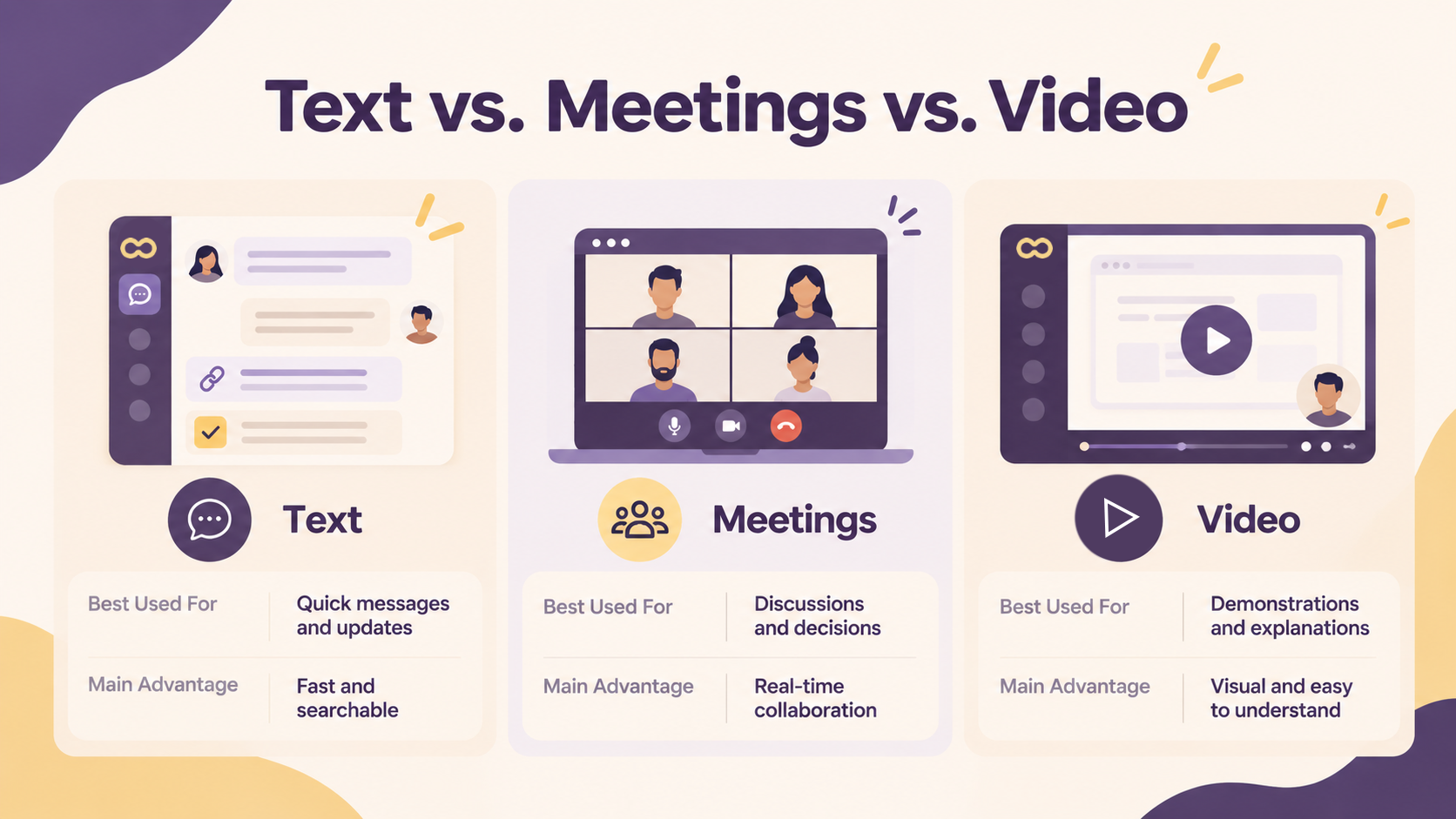
Each format has a different purpose.
This combination can create a more flexible communication workflow.
The important thing is not to ask, "Which communication method is the best?"
Instead, ask:
"Which method explains this information most clearly?"
When Should You Use Text?
Choose text when the information is straightforward.
For example:
"The meeting has been moved to 3 PM."
There is no need for a video or meeting.
Text is also useful when you need information that people can quickly search and reference later.
When Should You Use a Meeting?
Use a meeting when real-time interaction is important.
For example:
Brainstorming a new strategy
Making an important decision
Discussing a sensitive issue
Solving a complicated problem together
Planning a major project
These situations benefit from immediate conversation and feedback.
When Should You Use Video?
Video becomes useful when showing something is easier than describing it.
For example:
"Here's the bug I'm experiencing."
"Here's how the new feature works."
"Here's the design change I'm suggesting."
"Here's how to complete this task."
"Here's what I completed this week."
Instead of writing a long explanation, you can record your screen and provide the necessary context.
Where Glooin Fits Into Modern Work
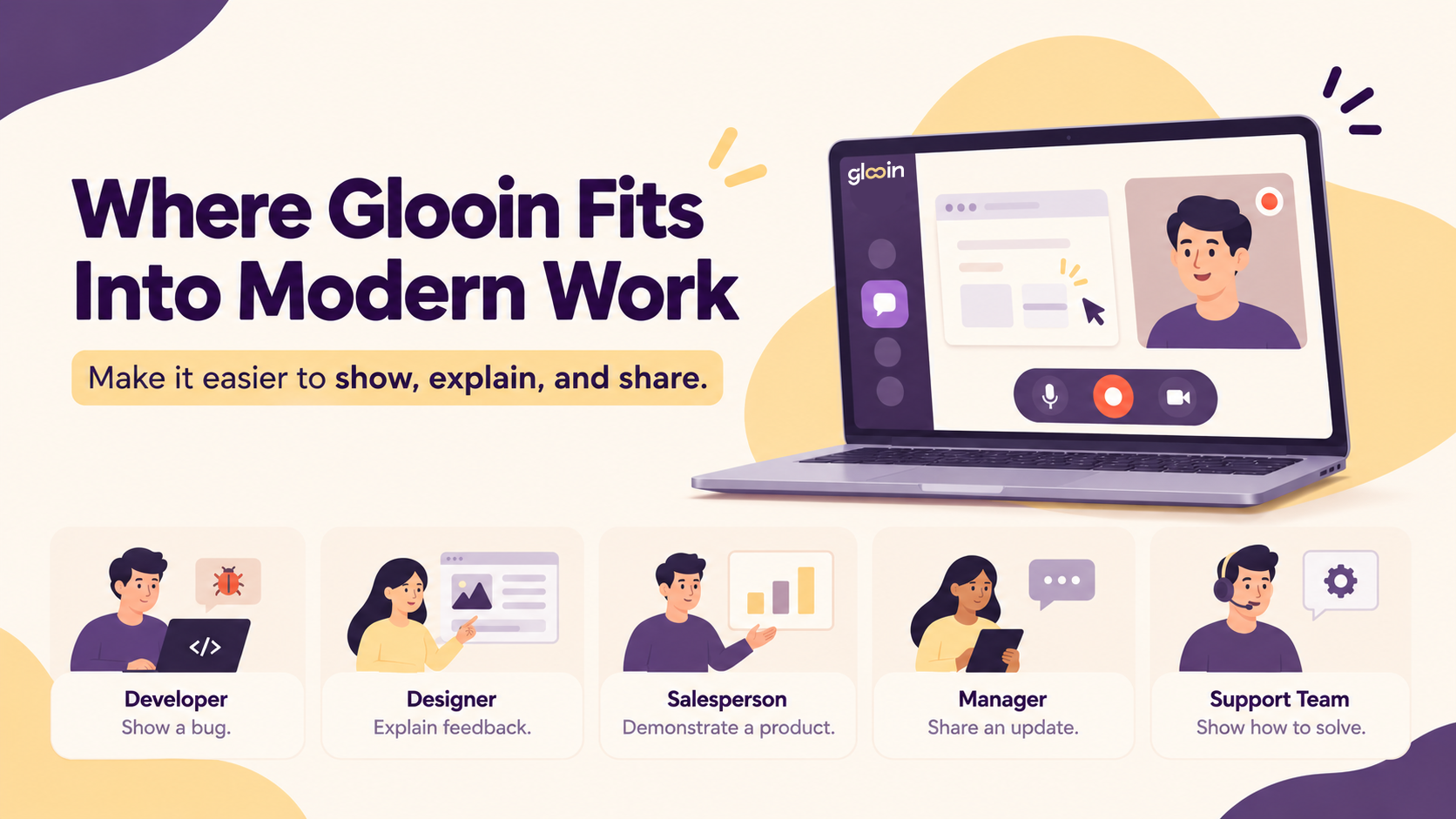
Glooin is built around a simple idea:
Make it easier to show, explain, and share.
You don't always need to create a complicated presentation or schedule a meeting just to explain something on your screen.
With Glooin, you can record your screen and voice, create a clear explanation, and share the recording.
This makes it useful for individuals as well as teams.
The Future of Workplace Communication Is Flexible
The workplace of the future won't rely on just one communication format.
Text will remain important because it's fast and convenient.
Meetings will remain important because people need real-time collaboration.
Video will continue to become more useful because it provides context and makes complex information easier to demonstrate.
The biggest change is likely to be how teams decide which format to use.
Instead of automatically scheduling a meeting, teams can ask:
Can this be written?
If not:
Can this be shown in a short video?
And if discussion or collaboration is required:
Let's have a meeting.
This simple approach can make communication more intentional.
Final Thoughts
The future of workplace communication isn't text vs. meetings vs. video.
It's about using all three intelligently.
Use text for simple information.
Use meetings for collaboration and decisions.
Use video when showing something is easier than explaining it.
For teams that frequently need to demonstrate software, report bugs, provide feedback, create tutorials, or share updates, screen recording can become an important part of the everyday workflow.
With Glooin, teams can turn complicated explanations into simple visual messages - record it, explain it, and share it.
Explore More Glooin Content
Async Standups: Replacing Daily Meetings With 90-Second Screen Recordings
From Bug Reports to Product Demos: 10 Ways Teams Can Use Screen Recording
Screen Recording ROI: How Much Time Are Teams Actually Saving?
Follow Glooin
Stay connected with Glooin for screen-recording tips, productivity ideas, and modern workplace communication content.
Instagram: https://www.instagram.com/glooin_app/
LinkedIn: https://www.linkedin.com/company/glooin