
Async insights.
No meeting required.
Guides, tips, and stories on async communication, screen recording, and getting your time back.
Other
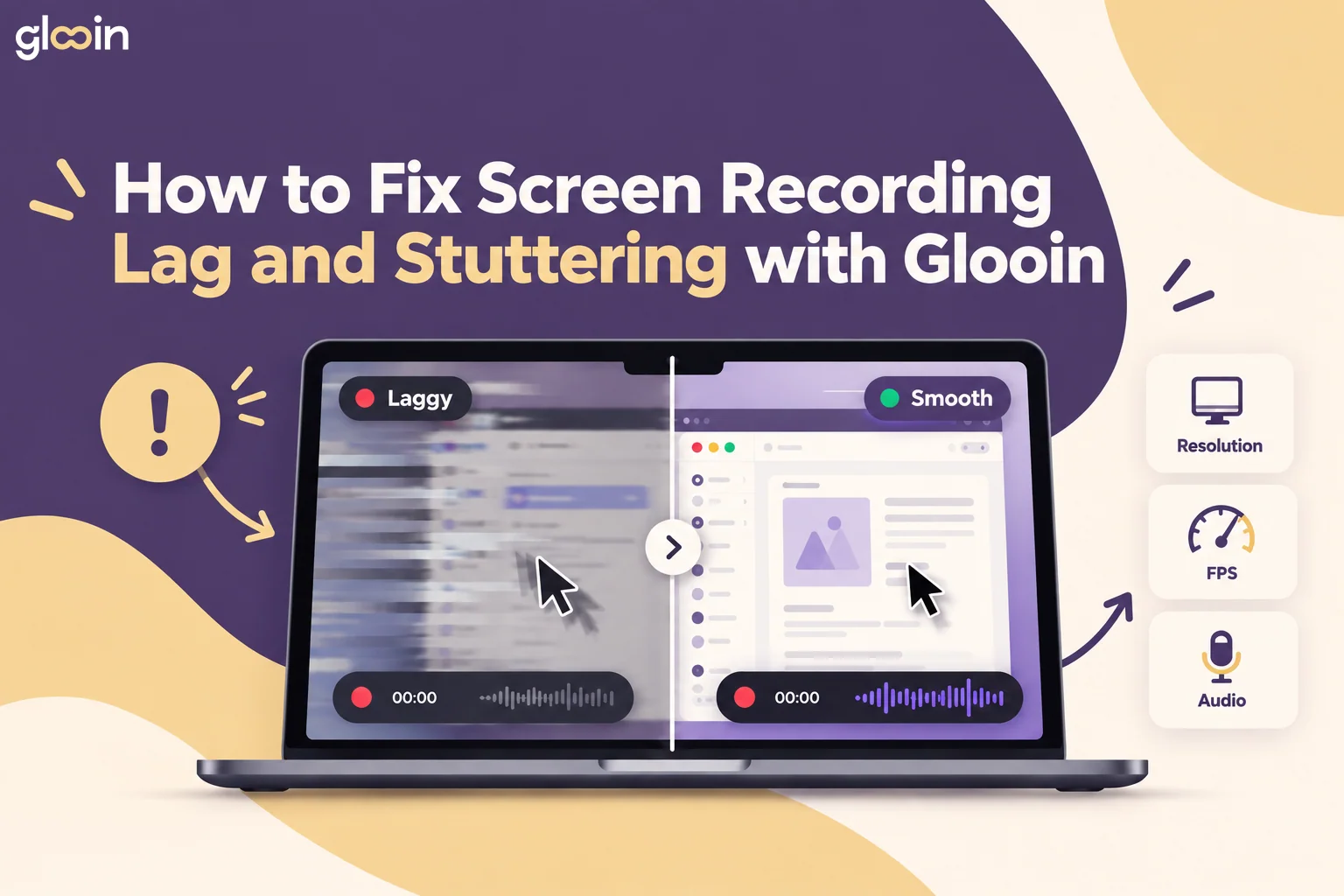
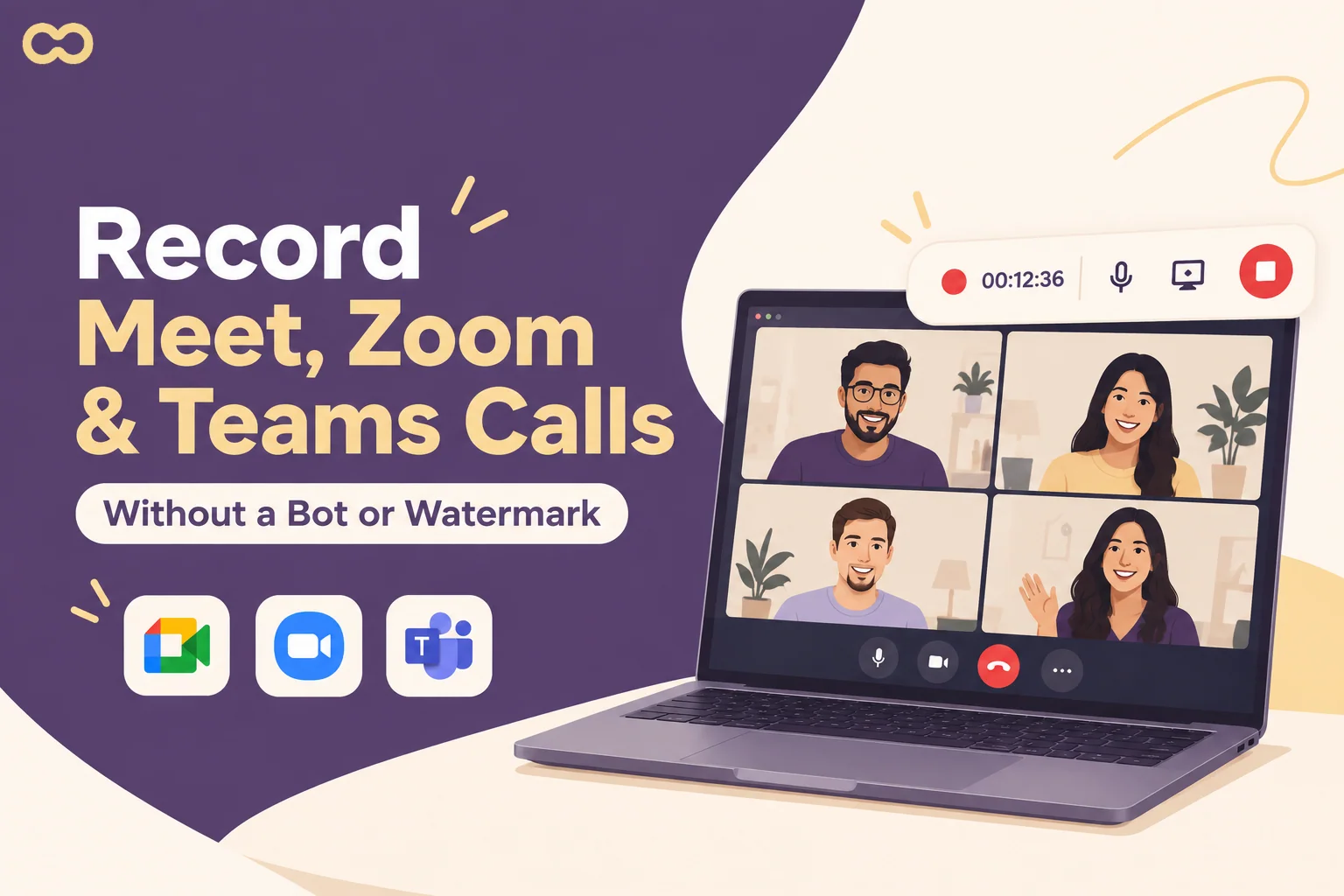
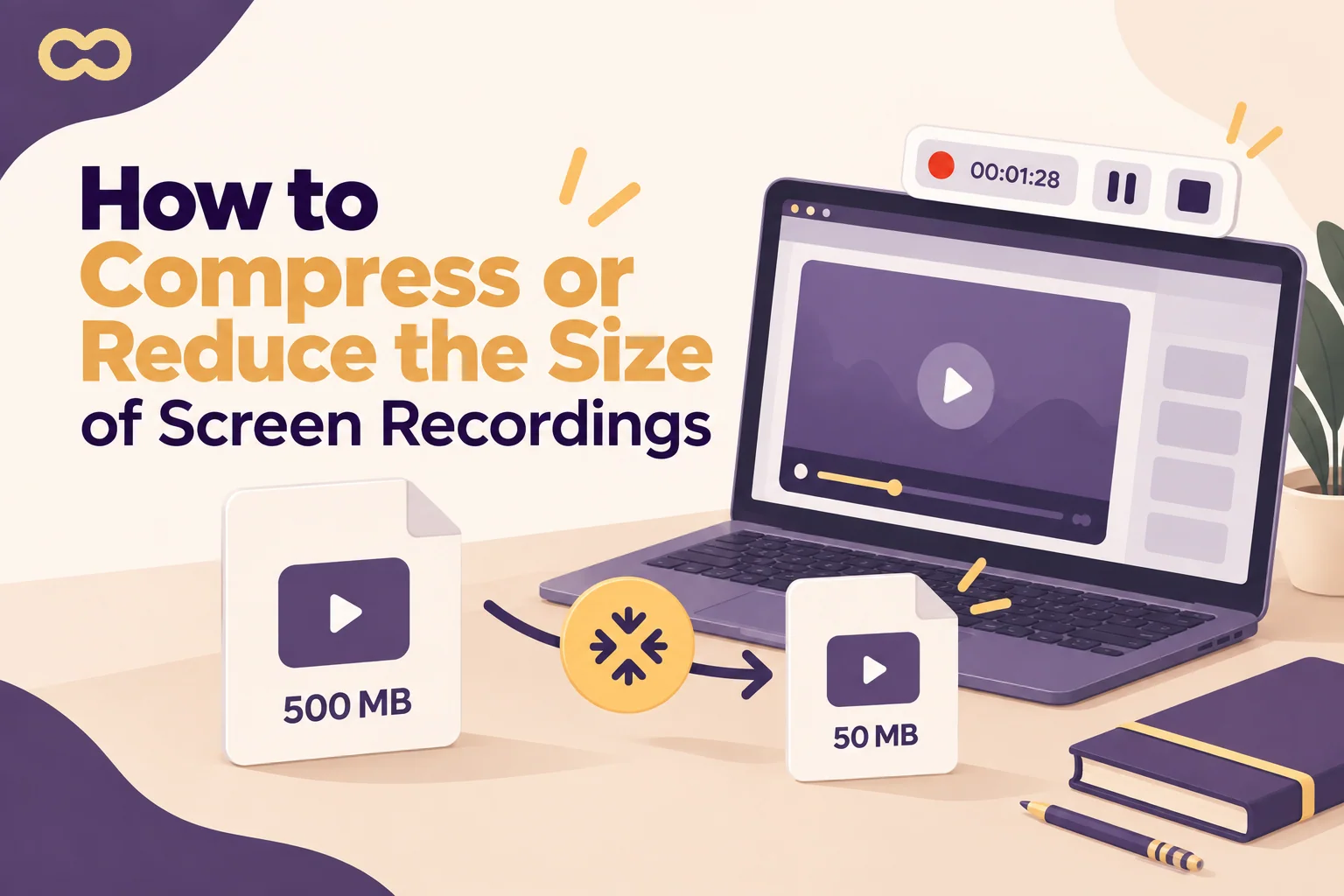
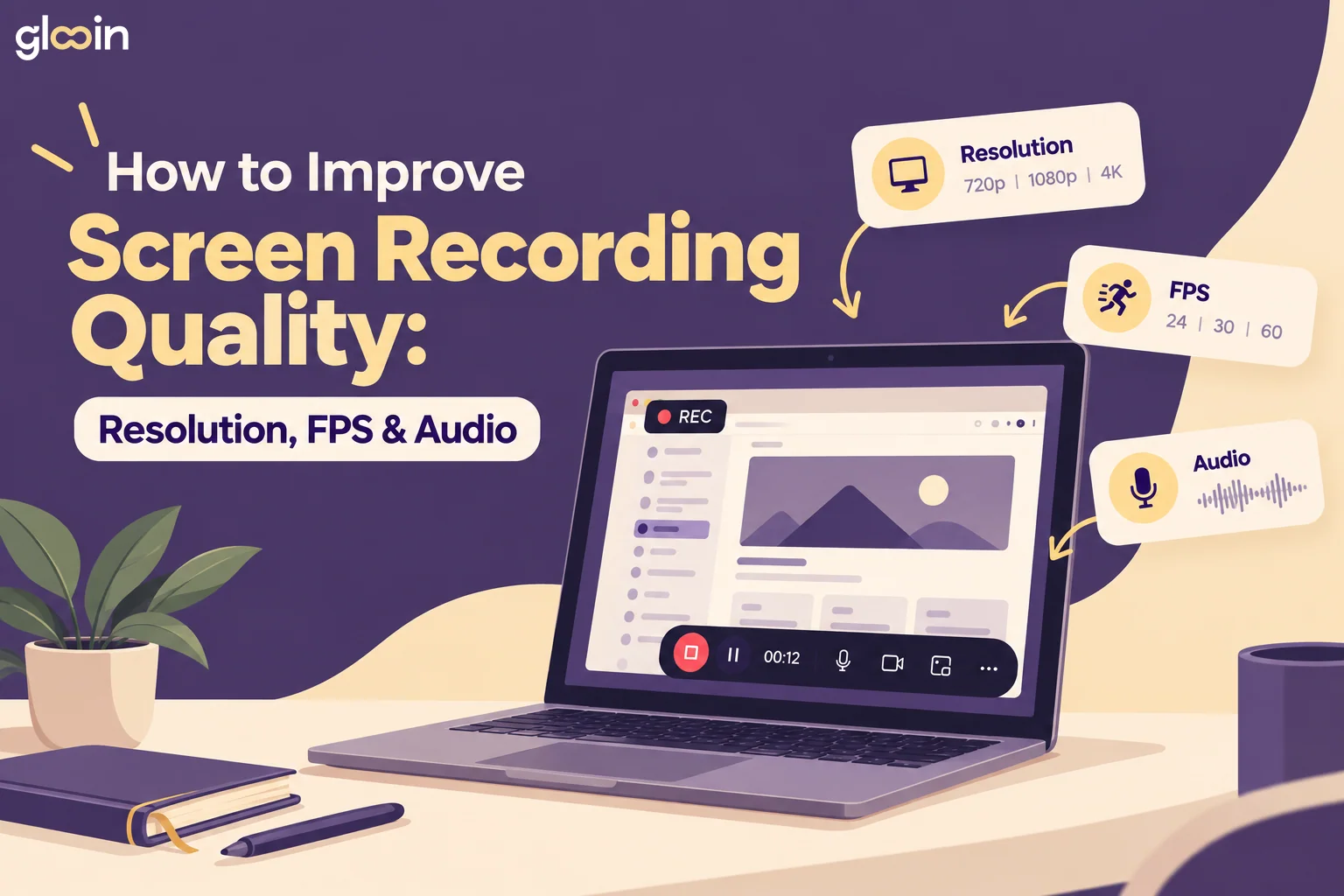
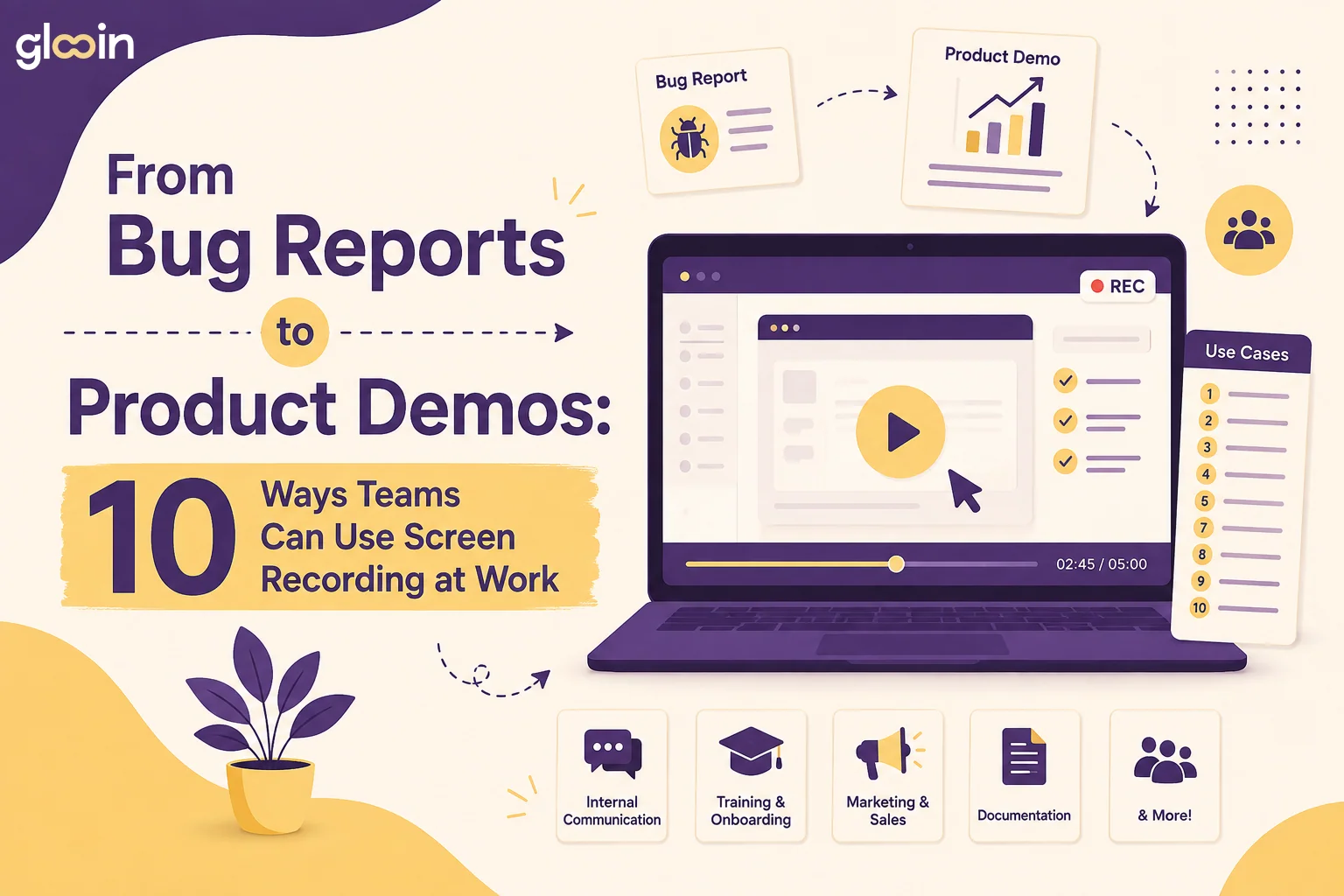
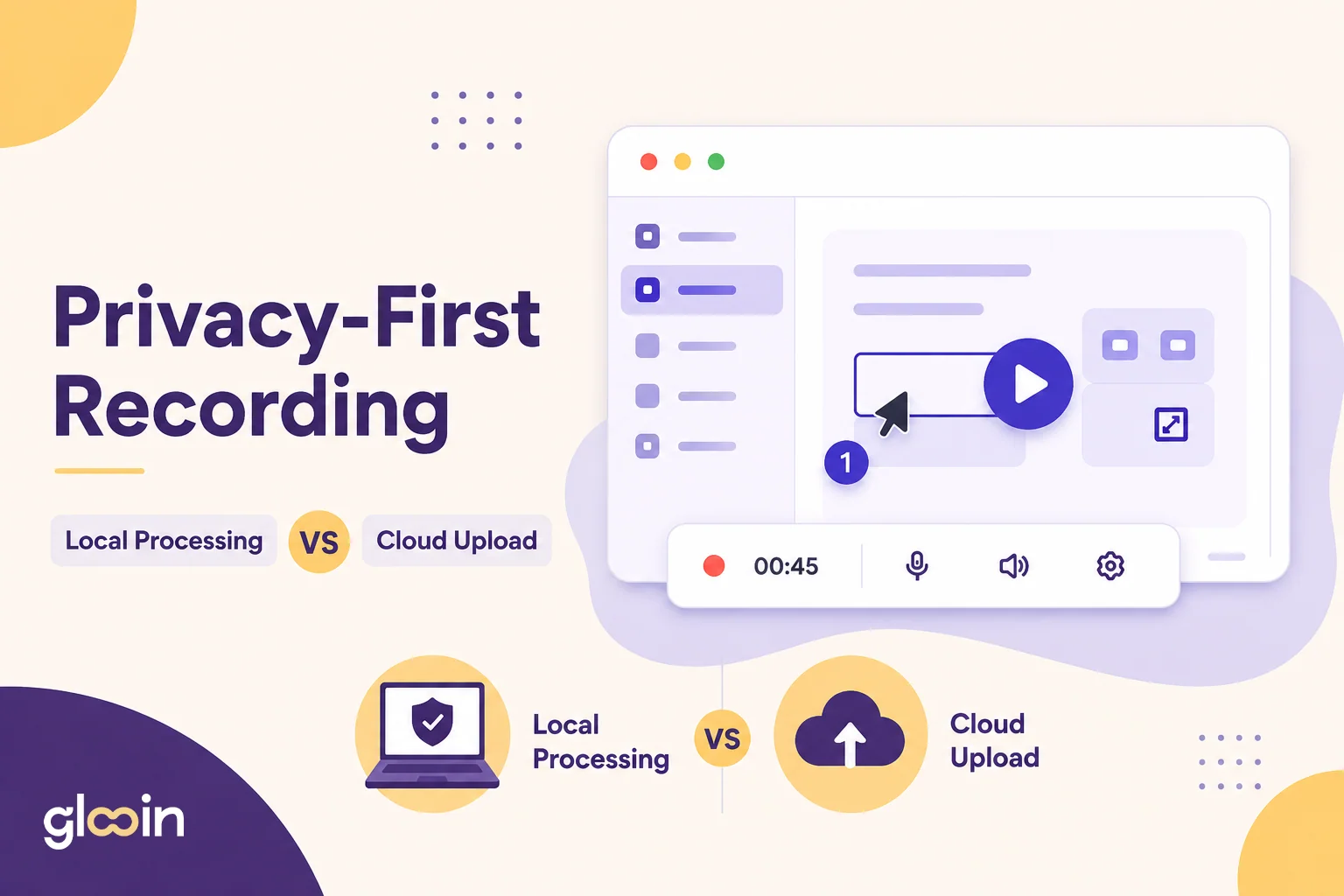
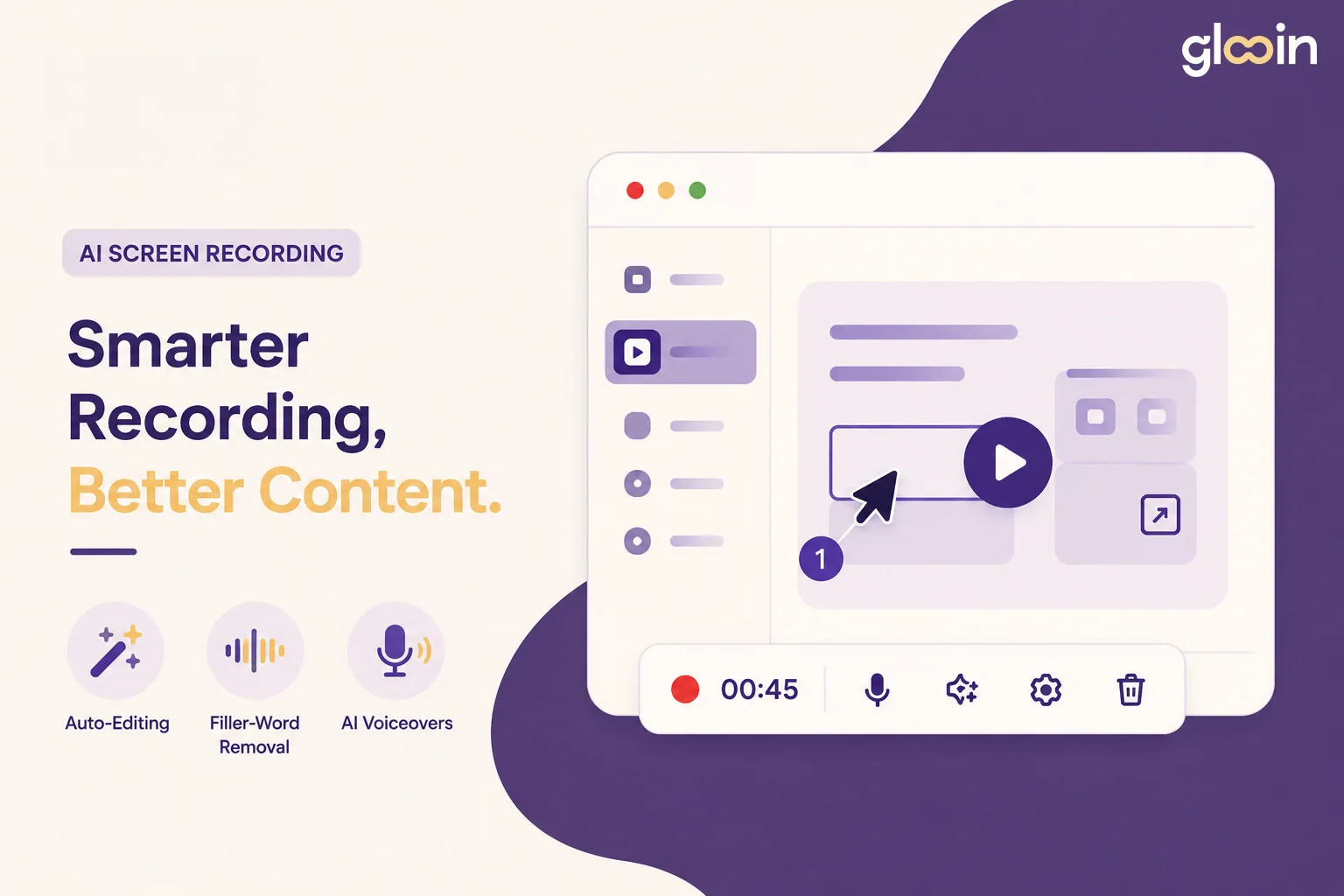
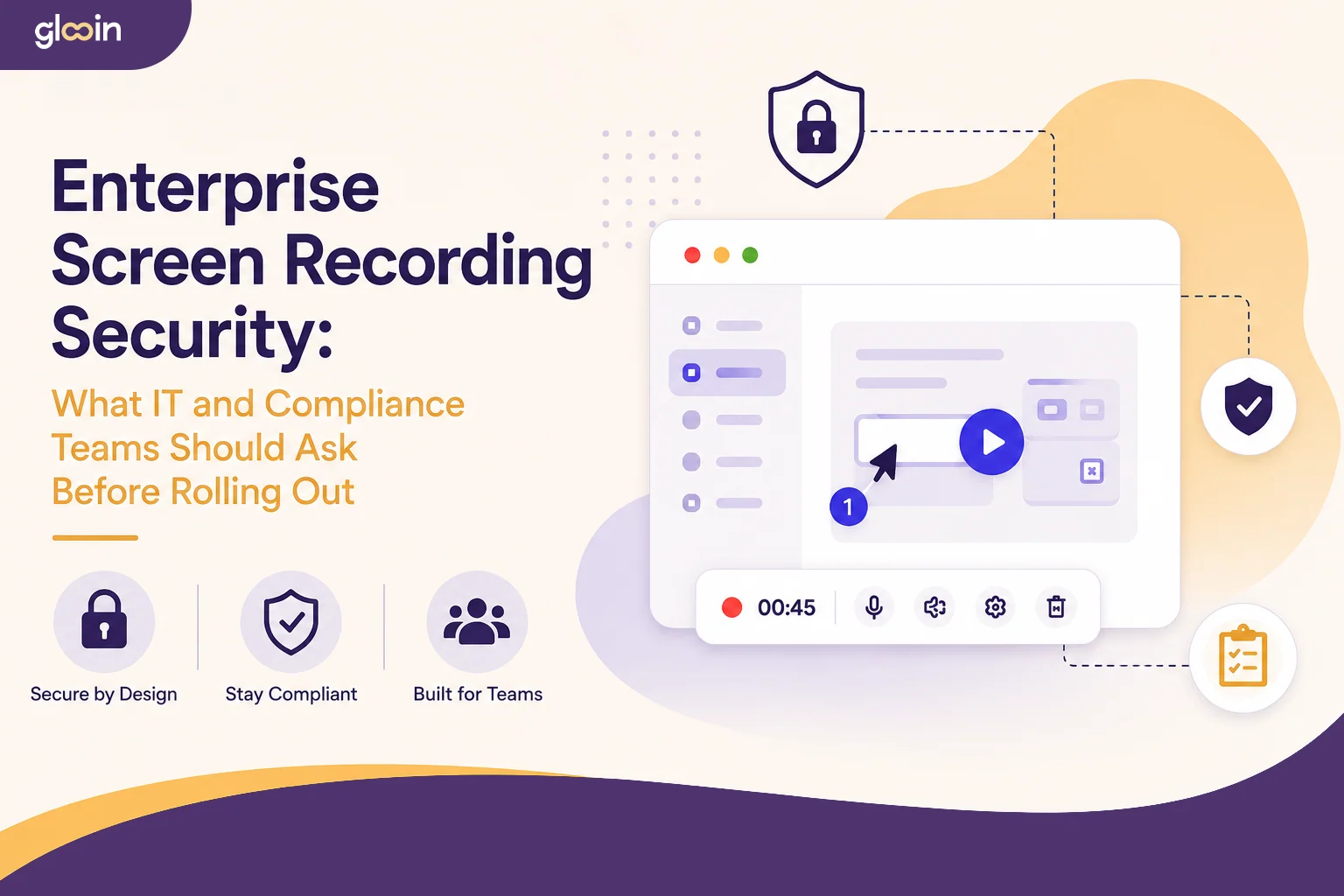
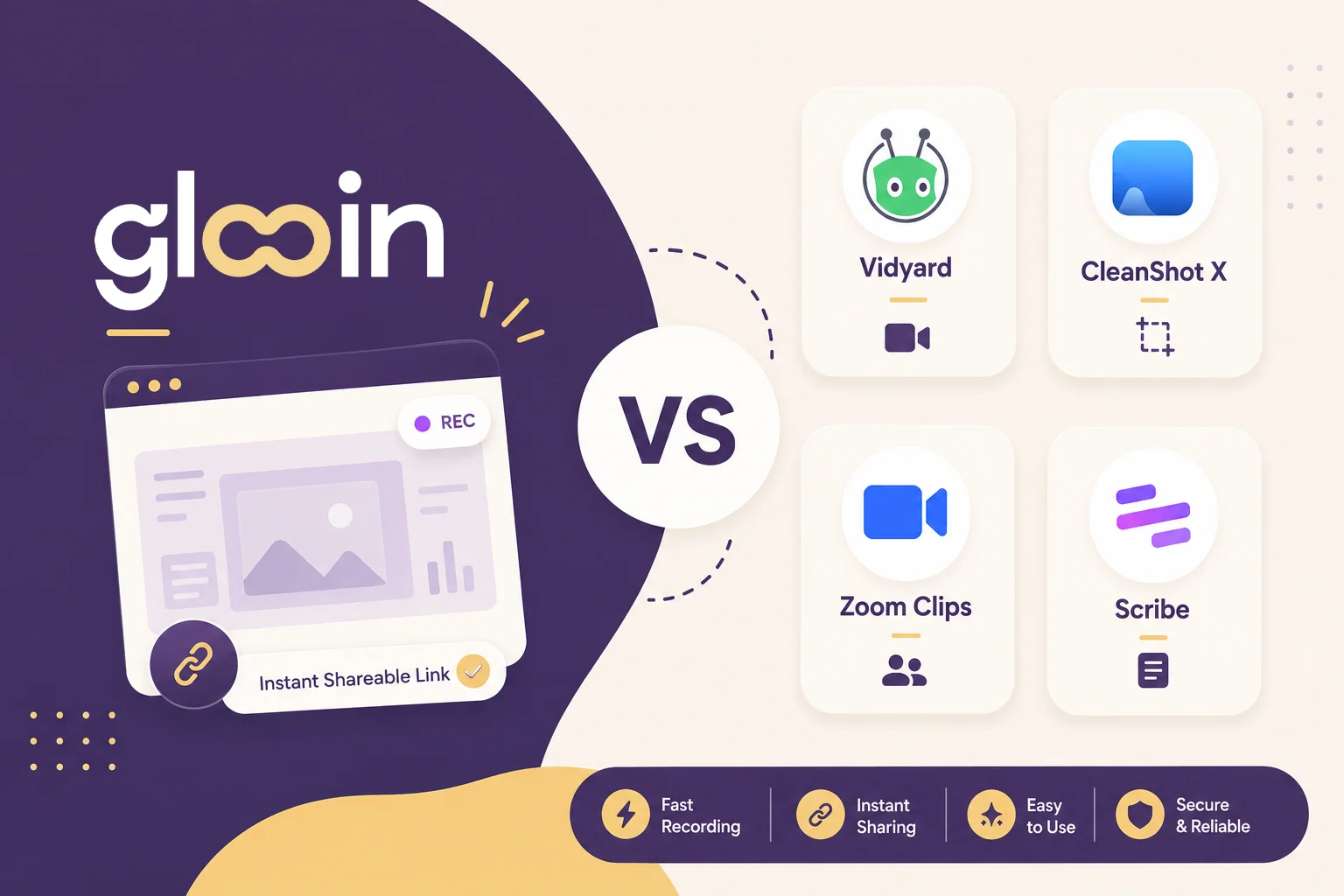
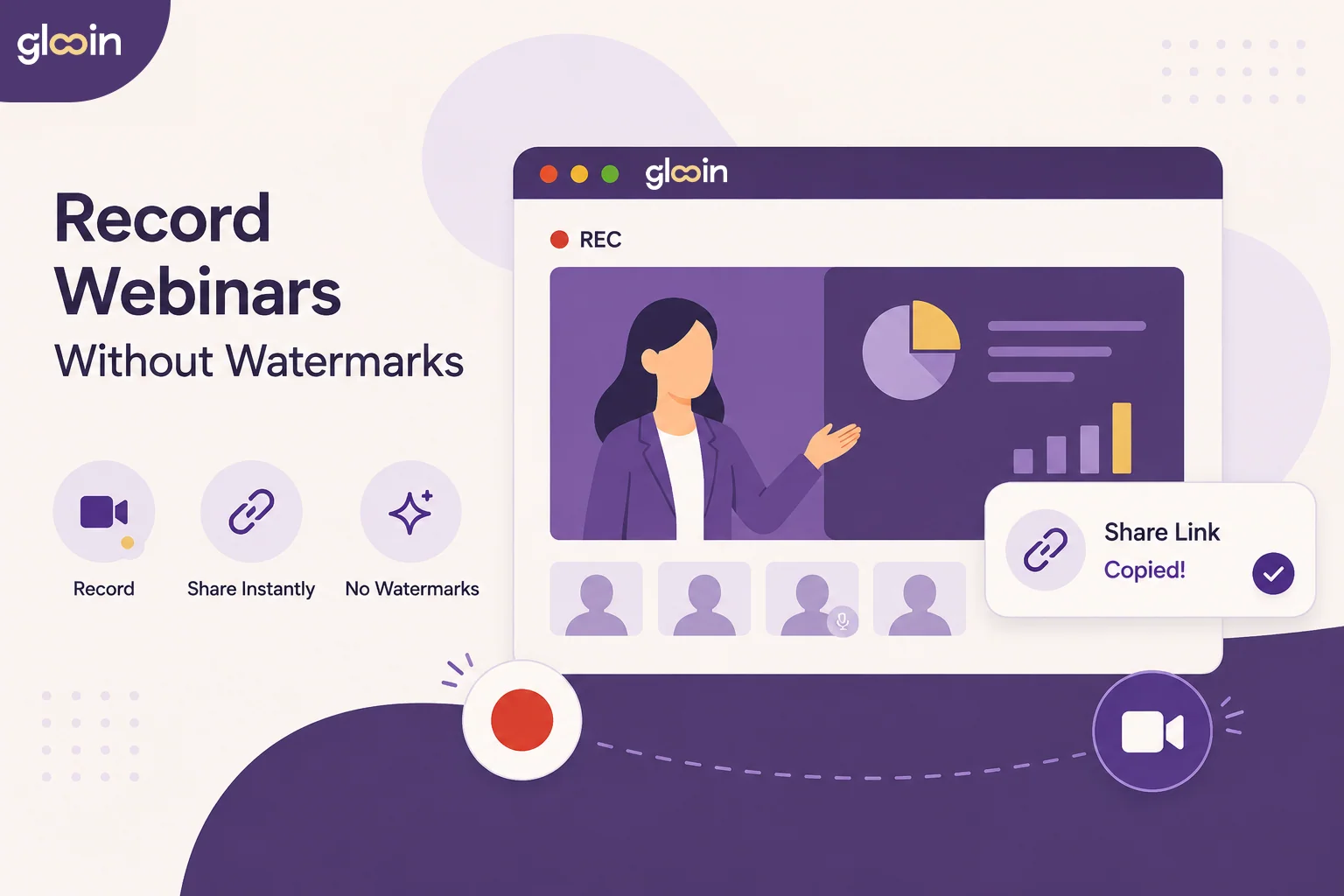
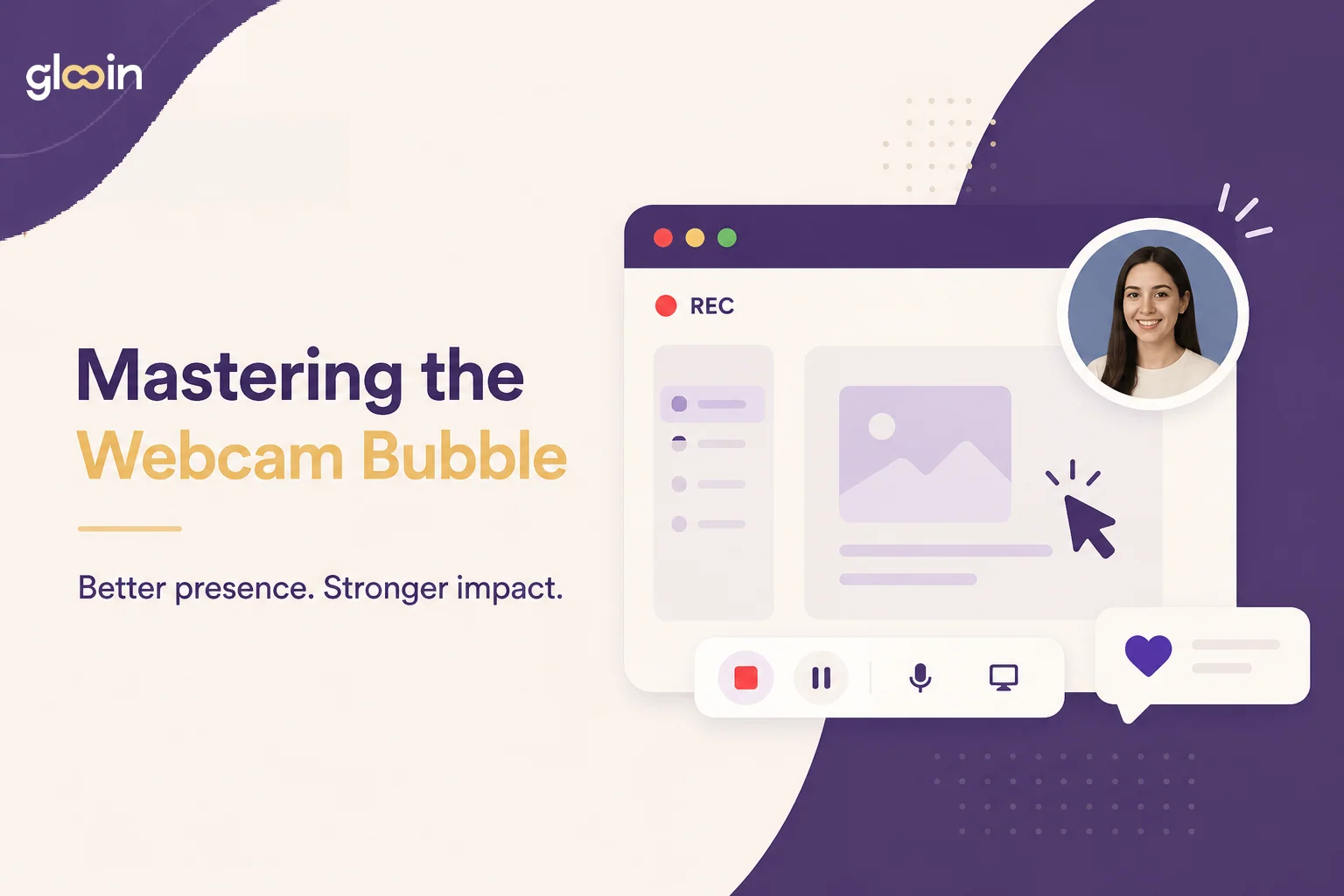
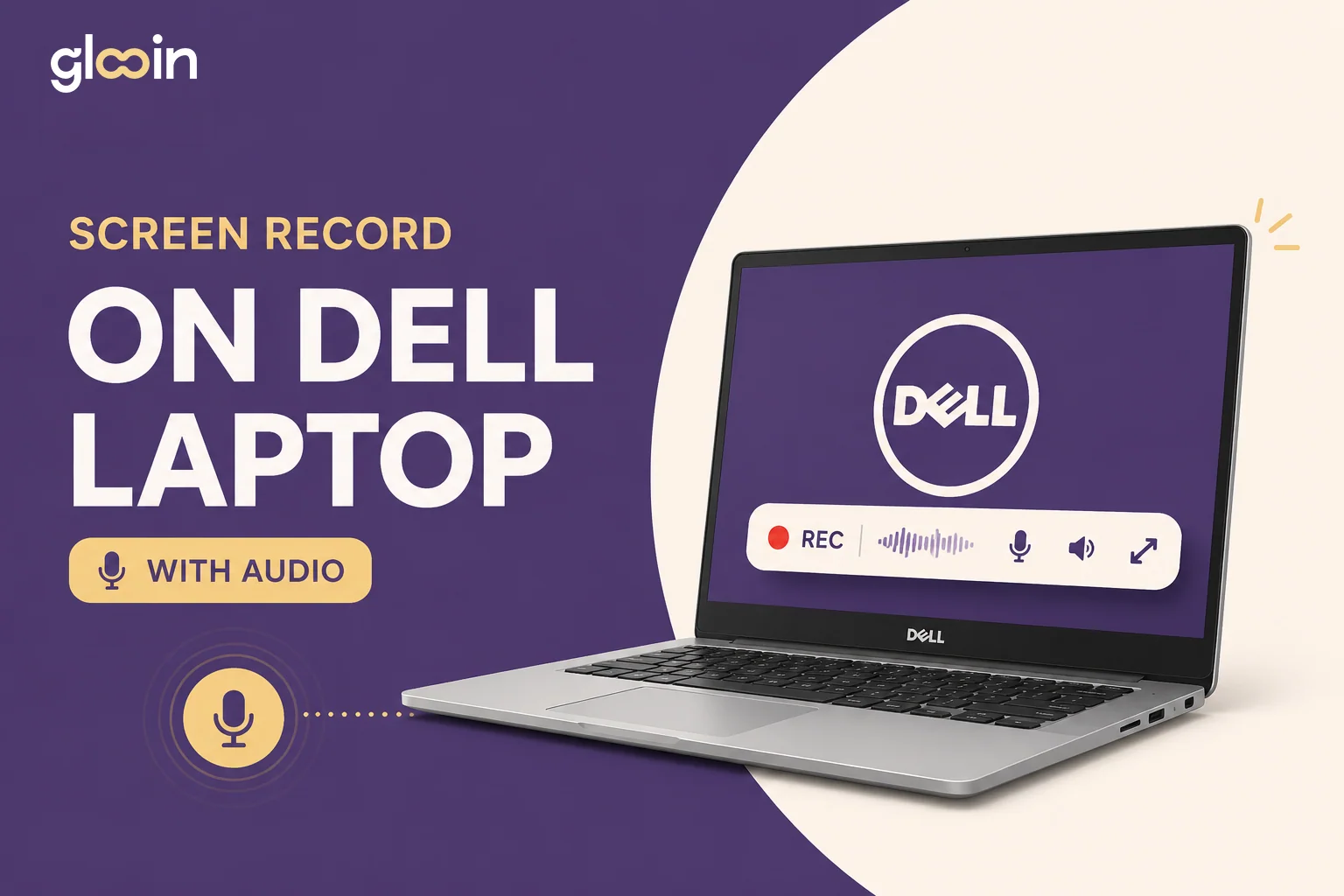
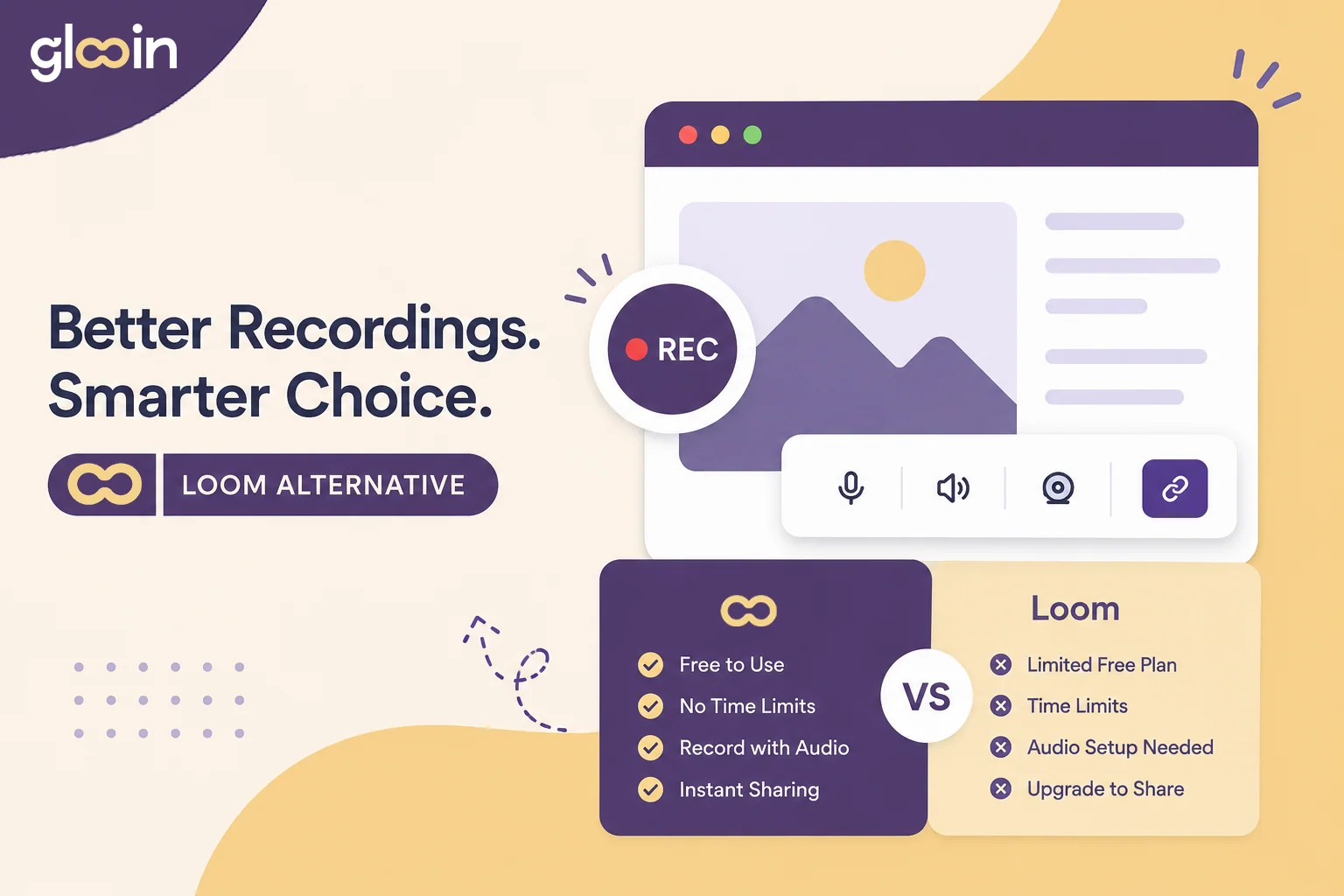
23 articlesHow to Fix Screen Recording Lag and Stuttering with GlooinScreen recording lag and stuttering can make videos difficult to watch. Learn how to fix common recording issues by optimizing Chrome, reducing system load, adjusting recording settings, and using Glooin for smoother screen recording, quick sharing, bug reports, tutorials, product demos, and async team communication.How to Record Google Meet, Zoom & Teams Calls Without a Bot or Watermark (Free, with Glooin)Learn how to record Google Meet, Zoom, and Microsoft Teams calls without a recording bot or distracting watermark. Discover how Glooin makes screen and audio recording simple, fast, and easy to share for meetings, demos, training, and team communication.How to Compress or Reduce the Size of Screen Recordings (Without Losing Quality)Learn how to compress and reduce the size of screen recordings without sacrificing too much quality. This guide covers practical ways to lower resolution, adjust frame rates and bitrate, trim unnecessary footage, choose the right format, and make screen recordings easier to upload and share. It also explains how Glooin simplifies screen recording and sharing through quick, link-based workflows.How to Improve Screen Recording Quality: Resolution, FPS & AudioLearn how to improve screen recording quality with the right resolution, FPS, and audio settings. This guide explains practical ways to create clearer, smoother, and more professional recordings with Glooin for tutorials, product demos, bug reports, design feedback, and async team updates.Best Loom Alternatives in 2026: Which One Fits Your Workflow?Looking for a Loom alternative in 2026? Explore the best screen-recording tools for different workflows, including Glooin, Tella, Vidyard, Zight, Descript, and OBS Studio. Compare their key features and discover why Glooin is a simple choice for everyday screen recording, async communication, bug reports, tutorials, product demos, and team updates.From Bug Reports to Product Demos: 10 Ways Teams Can Use Screen Recording at WorkDiscover 10 practical ways teams can use screen recording at work from reporting bugs and creating product demos to onboarding employees, supporting customers, sharing updates, and reducing unnecessary meetings. See how Glooin makes workplace communication faster, clearer, and more visual.Privacy-First Recording: Local Processing vs Cloud Upload What Teams Should KnowScreen recording makes team communication faster, but privacy matters when recordings contain sensitive information. Learn the difference between local and cloud recording, what security factors teams should consider, and how privacy-first recording practices can help protect important data.AI Screen Recording in 2026: Auto-Editing, Filler-Word Removal & AI Voiceovers ExplainedDiscover how AI screen recording is transforming video creation in 2026 with automatic editing, filler-word removal, captions, and AI voiceovers. Learn how Glooin makes it faster and easier to turn screen recordings into polished, professional videos.Is Screen Recording Safe for Business? A Guide for IT and Security TeamsDiscover what IT and compliance teams should consider before rolling out screen recording across an organization from data privacy and storage to access controls, sensitive information, sharing, and compliance. Learn how Glooin can support secure, efficient workplace communication.Glooin vs the Competition: Finding the Right Screen Recorder for 2026Compare Glooin with Vidyard, CleanShot X, Zoom Clips, and Scribe to find the right screen recording tool for 2026. Explore key features, use cases, and differences, and see how Glooin makes screen recording and sharing simple for teams, freelancers, developers, and creators.Privacy & Security in Screen Recordings: How to Protect Sensitive Information Without Slowing Down Your WorkflowProtect sensitive information while creating professional screen recordings. This guide explores why privacy and secure data handling matter, how blurred recordings help meet compliance standards like GDPR, HIPAA, SOC 2, ISO 27001, and PCI DSS, and the best practices for sharing videos safely. Learn how Glooin helps teams create secure, no watermark free recordings, protect confidential data, and collaborate more efficiently with browser-based screen recording.Record Webinars Like a Pro: No Watermarks, High Quality (2026)Learn how to record webinars and live sessions without watermarks in this complete 2026 guide. Discover why webinar recordings are essential for businesses, educators, and remote teams, the common challenges of free recording tools, and the features to look for in a reliable webinar recorder. Explore practical use cases, expert recording tips, and how Glooin helps you create no watermark free recordings with browser-based recording, instant sharing, cloud storage, and privacy-focused features for professional-quality videos.Instant Shareable Links: How They Work and Why They Beat File AttachmentsInstant shareable links make video communication faster and easier by eliminating large attachments, manual uploads, downloads, and version confusion. Discover how Glooin lets you record your screen, generate a secure link instantly, and share videos directly with clients and teams for smoother, faster collaboration.How a Webcam Bubble Makes Screen Recordings More EngagingA webcam bubble can significantly improve the quality and engagement of your screen recordings by adding a personal touch and helping viewers connect with your message. This guide covers best practices for positioning your webcam, improving video quality, maintaining eye contact, and creating more effective tutorials, demos, and onboarding videos. Learn how Glooin makes it easy to record your screen with a webcam bubble, share videos instantly, and create no watermark free recordings for professional communication.Loom's Free Plan Just Got Smaller - Why Teams Are Switching to GlooinLoom's free plan now limits users to 25 videos and 5-minute screen recordings, making it harder for growing teams to rely on asynchronous video communication. This article explores why businesses are looking for alternatives and how Glooin helps teams create professional, watermark-free screen recordings, share updates faster, reduce unnecessary meetings, and streamline collaboration. It also highlights practical use cases, productivity tips, and resources from the Glooin Blog to help modern teams communicate more effectively.How to Screen Record on a Dell Laptop in 2026 (With Audio)Discover how Glooin makes screen recording on Dell laptops effortless in 2026. Learn how to record your screen with audio, webcam, and instant sharing directly from Chrome without downloads, complicated setup, or expensive subscriptions.Best Screen Recorder Chrome Extension in 2025 (No-Install Picks)Discover why Glooin is becoming one of the best screen recorder Chrome extensions in 2025. Learn how it compares to traditional screen recording tools with faster browser-based recording, instant sharing, lightweight workflows, and no heavy software installs. Perfect for remote teams, freelancers, startups, educators, and async communication.Make Your Videos Shorter and More Effective Using GlooinLearn how to make videos shorter in Glooin with simple editing techniques that improve engagement and viewer retention. This guide covers trimming unwanted sections, removing mistakes, cutting long pauses, and creating concise, professional videos that deliver your message more effectively.How to Record a Microsoft Teams Meeting (Free, No IT Permission Needed)Learn how to record Microsoft Teams meetings for free without Microsoft 365 licenses or IT permission. This guide explains how Glooin makes meeting recording simple with a lightweight browser-based workflow, instant sharing, webcam support, and zero complicated setup.Glooin: The Smarter Awesome Screenshot Alternative for Modern Remote TeamsLooking for the best Awesome Screenshot alternative in 2025? Discover how Glooin helps remote teams communicate faster through async screen recording, instant sharing, visual feedback, and collaboration without downloads, uploads, or complicated editing workflows.How to Record a Zoom Meeting (Even If You're Not the Host)Learn how to record Zoom meetings even if you're not the host using Glooin. Capture screen, mic, and system audio directly from your browser without downloads or host permission, then instantly share recordings with a link.Loom Alternative: 5 Free Screen Recorders That Cost Less and Do MoreDiscover why Glooin is becoming one of the best Loom alternatives for teams and creators. Compare top screen recording tools, explore pricing differences, and see how Glooin offers browser-based recording, instant sharing, no watermark exports, and affordable lifetime pricing without expensive subscriptions.How to Screen Record on Chromebook (With Audio) Complete 2026 GuideChromebook’s built-in recorder is good for quick recordings, but Glooin makes the entire process feel faster, cleaner, and more professional. Instead of wasting time downloading, uploading, and managing files, users can simply record and share instantly.
If you already know how to screen record on a Chromebook, installing Glooin feels like the natural next step for a smoother and smarter recording experience.







Newsletter
Async insights. In your inbox.
One email when we publish something new. Nothing else.